
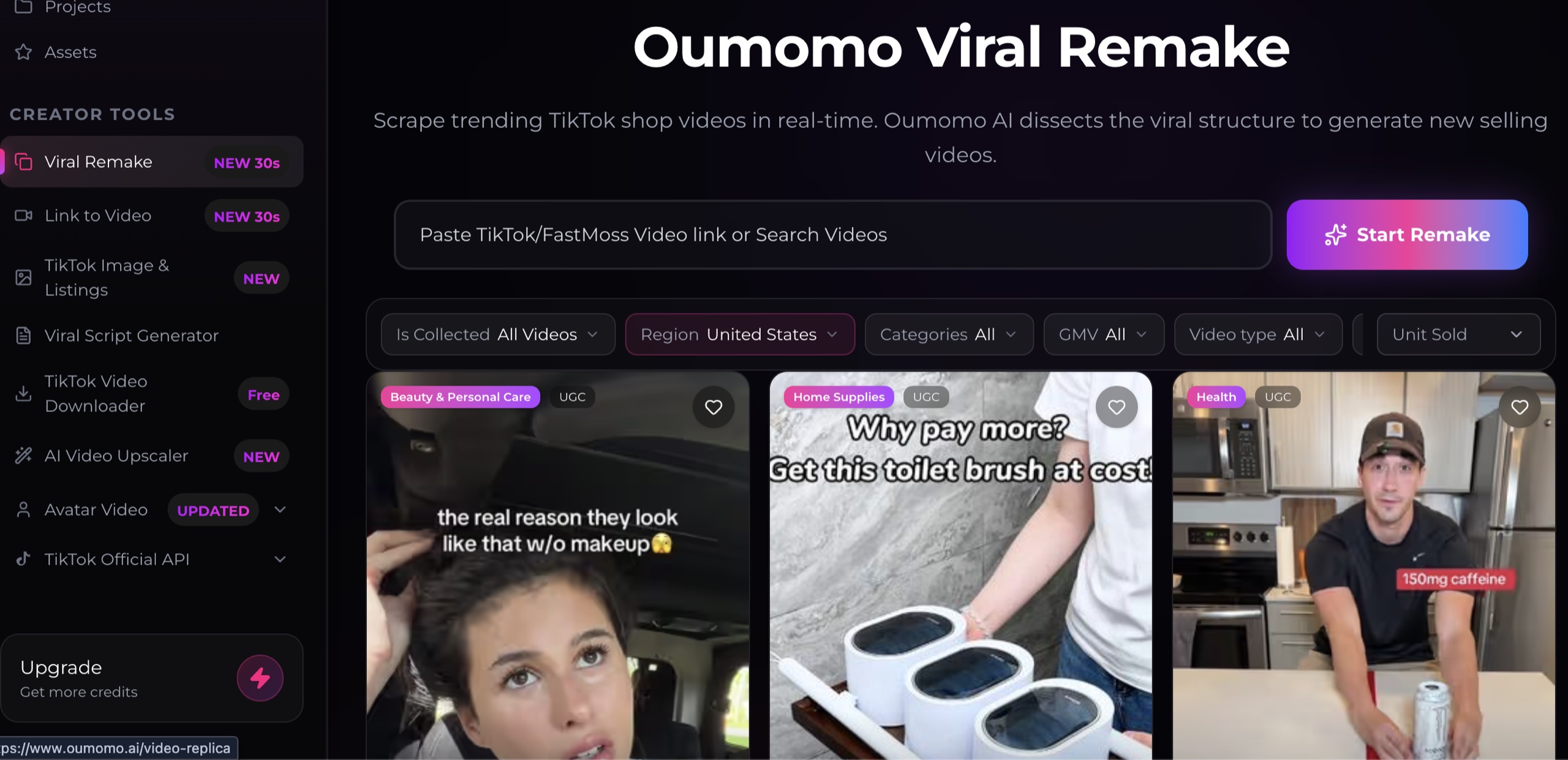
The best free AI video upscaler for TikTok Shop is the one that improves a usable source without changing the product, label, person, or claim. “Free” usually means trial credits or a limited allowance, not unlimited commercial processing. “Upscaled” also does not automatically mean accurate.
This guide uses Oumomo's AI Video Upscaler as a current example because Oumomo publicly offers an upscaling workflow alongside its product-video tools. Oumomo says the feature accepts MP4 and MOV files and can upscale to higher resolutions. Treat maximum-resolution and free-credit details as vendor claims and verify the live interface before processing important footage.
Key Takeaways: Start with the cleanest source available. Upscaling cannot restore information that was never captured. Compare the result at the same display size. Inspect product text, faces, hands, edges, and motion frame by frame. Confirm the provider's current credit rules, privacy terms, and commercial-use terms.
What can an AI video upscaler improve?
An AI video upscaler increases output resolution and may use learned patterns to reduce noise, sharpen edges, or reconstruct detail. It can help when a valid source is slightly soft, compressed, or smaller than the required export.
It cannot reliably recover every missing detail. A blurred ingredient label, clipped highlight, hidden logo, or heavily compressed face may be guessed rather than restored. For product content, a plausible guess can still be inaccurate.
Use an upscaler for controlled improvement, not rescue by default. If you have the original camera file, original render, or higher-resolution product asset, start there instead of upscaling a downloaded or repeatedly compressed copy.
How do you choose a free AI video upscaler?
Evaluate the exact workflow you need rather than the largest resolution number on the page. Check:
- Accepted file formats and maximum input size
- Supported input and output resolutions
- Watermark and export restrictions
- Trial credits and whether they expire
- Processing time and queue limits
- Privacy, retention, deletion, and model-training terms
- Commercial-use terms for the output
- Whether the tool changes frame rate, audio, or aspect ratio
Oumomo's pricing page and product pages can change, so check them on the day you use the service. A trial is useful only if it includes the resolution and export conditions you need for a representative test.
How should you prepare a TikTok Shop source video?
Use the least compressed source. Keep a backup and do not overwrite it. Trim unused footage before upload if pricing depends on duration, but avoid re-encoding the source repeatedly.
Prepare a short test segment that contains difficult details:
- Small packaging text
- Fine product edges or texture
- Hands touching the product
- Skin, hair, or reflective surfaces
- Fast motion
- A gradient or low-light area
- Captions or graphic overlays
This segment will reveal whether the free AI video upscaler improves the real weaknesses in your footage or introduces new artifacts.
How do you compare the original and upscaled result?
Compare both files at the same displayed size. If one player shows the higher-resolution file larger, it may look more impressive without actually being cleaner. Pause on the same frames and zoom in only after the equal-size comparison.
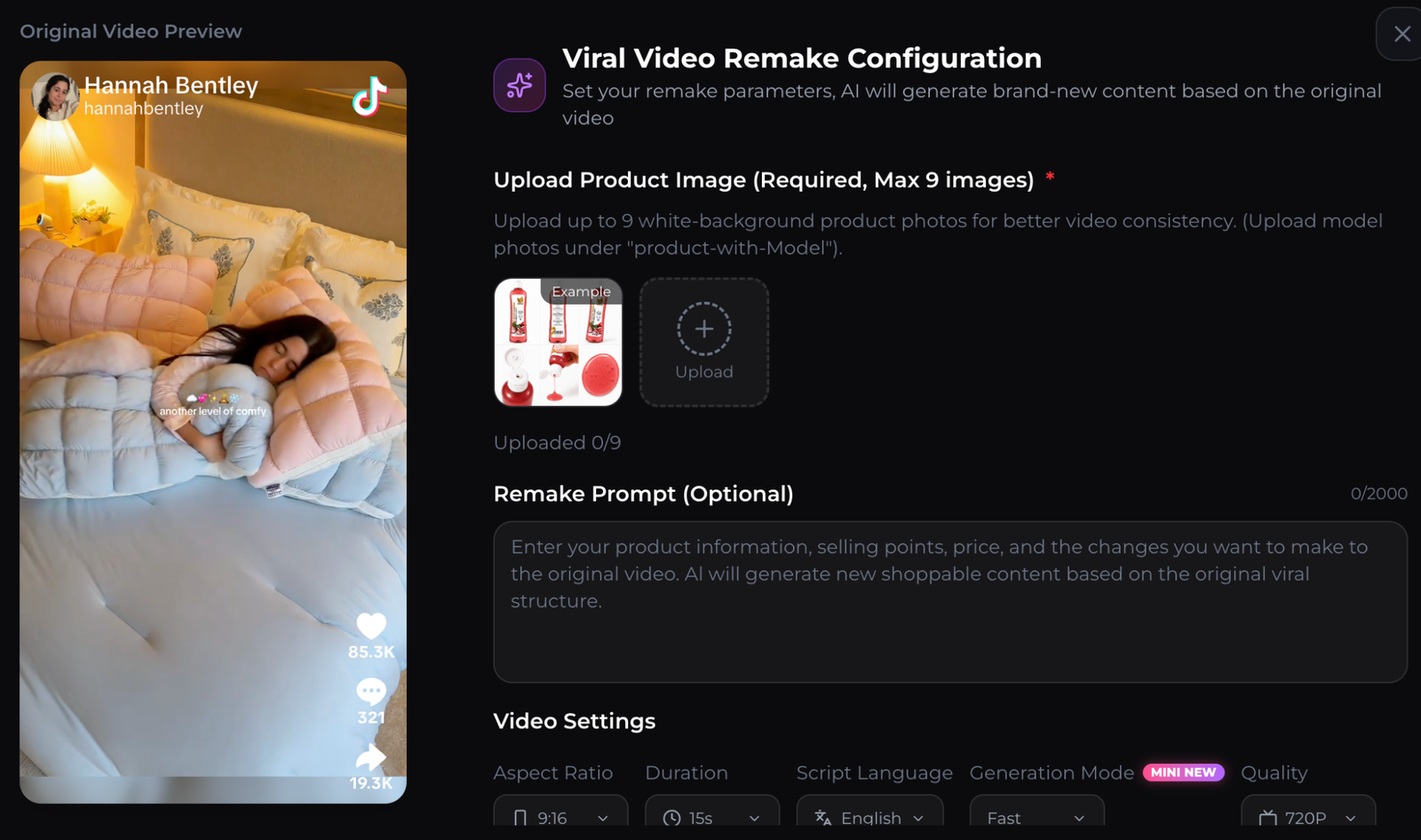
Use this inspection order:
1. Product label and logo 2. Shape, color, and proportions 3. Hands and product contact 4. Face, hair, teeth, and jewelry 5. Edges during motion 6. Captions and small graphics 7. Audio synchronization
Reject an output that invents text, changes packaging, creates halos, smears motion, flickers between frames, or makes skin and surfaces look synthetic. A sharper still frame does not compensate for unstable motion.
What export does TikTok require?
The required export depends on the TikTok placement. TikTok's official guidance recommends vertical 9:16 and at least 720 by 1280 pixels for the applicable in-feed format. Check the current TikTok video ad specifications before export because placement rules can change.
Do not upscale a horizontal clip and assume it has become TikTok ready. Resolution, aspect ratio, composition, caption-safe area, duration, file size, and rights all matter separately.
If the source already meets the placement requirement and looks clean at phone size, upscaling may add processing time without a visible benefit. Run a blind comparison with a teammate before adding the step to every video.
When should you regenerate instead of upscale?
Regenerate or re-edit when the source has a structural problem rather than a resolution problem. Examples include a wrong product label, missing demonstration, weak hook, incorrect claim, warped hand, or unusable composition.
Oumomo also offers URL to Video and reference-based video workflows. Those are generation tools, not substitutes for an upscaler. Use generation when you need a new scene or concept. Use upscaling when the existing approved scene is correct but needs a careful quality improvement.
After the asset passes review, connect it to a focused product landing page, web card, or link in bio. Keep the product, offer, and claim consistent from video to destination.
How do you calculate whether free is worthwhile?
Count more than credits. Include upload time, queue time, review, rejected outputs, and any additional editing. A free AI video upscaler that alters packaging or requires several retries is not free operationally.
Use a small acceptance test:
- Process one representative 10 to 15 second segment.
- Compare it with the original at equal size.
- Ask a reviewer to choose without knowing which is which.
- Inspect accuracy frame by frame.
- Verify the final file in the intended TikTok preview.
Only add the tool to production if the improvement is visible, accurate, repeatable, and allowed by the provider's terms.
FAQ about free AI video upscalers
Is there a completely free AI video upscaler?
Some tools offer free trials or credits, but limits, watermarks, output resolution, and commercial terms vary. Confirm the current plan before uploading a full project.
Can upscaling turn any video into 4K?
A service may export a 4K-sized file, but that does not mean the source contains true 4K detail. Inspect whether the process reconstructed details accurately or merely enlarged and sharpened the image.
Will TikTok reward an upscaled video?
Upscaling alone does not guarantee distribution or sales. Creative relevance, watch behavior, offer quality, policy compliance, and the post-click experience still matter.
Is Oumomo the best free option?
It is one candidate with a published upscaler workflow and trial-based access. Compare its current output, terms, limits, and usable cost with other providers using the same source clip.
About this content
- Written by
- CueCue, Editorial Team
- Last updated
- August 6, 2026
- Editorial standard
- CueCue articles are written for practical use, checked for clear sourcing, and updated when product or policy details change.