
A live profile after the handshake
Share who you are, what you do, and how to follow up from one professional page.
CueCue turns a simple contact card into a living web card for networking, sales, services, and follow-up.
Alex Chen
Studio PartnerScan card
Live profileShare who you are, what you do, and how to follow up from one professional page.
Keep the same link or QR code while updating your offers, availability, links, and contact details anytime.
Add call, email, booking, social, portfolio, and save-contact actions so the card works beyond a static profile.
Paper business cards are familiar, but they stop at the moment of exchange. Recipients still need to save contact details, find the right profile, remember the conversation, or decide how to follow up. A digital business card solves the post-introduction problem.
CueCue makes the card a live professional profile. It can sit behind a QR code, NFC card, email signature, event badge, or printed card and give recipients updated contact details, credentials, social profiles, services, and one clear follow-up action.
Use the card to represent the professional: name, role, company, profile image, short positioning, and trusted contact options.
Add context a paper card cannot hold, such as credentials, services, portfolio links, booking, testimonials, or a current offer.
Share the profile through QR, NFC, email signatures, event badges, printed cards, social profiles, and direct messages.
Keep the same card URL active while updating contact details, availability, services, or follow-up links after networking events.
Create a digital business card profile for QR sharing, NFC cards, email signatures, networking events, and professional follow-up.
Consultant digital business card with role, services, credentials, calendar link, and direct contact options.
Real estate digital card with agent profile, listings link, testimonials, phone, and QR sharing at open houses.
Coach profile card with certifications, social proof, booking CTA, newsletter, and professional bio.
Local service professional card with service area, hours, map link, call button, and current promotion.
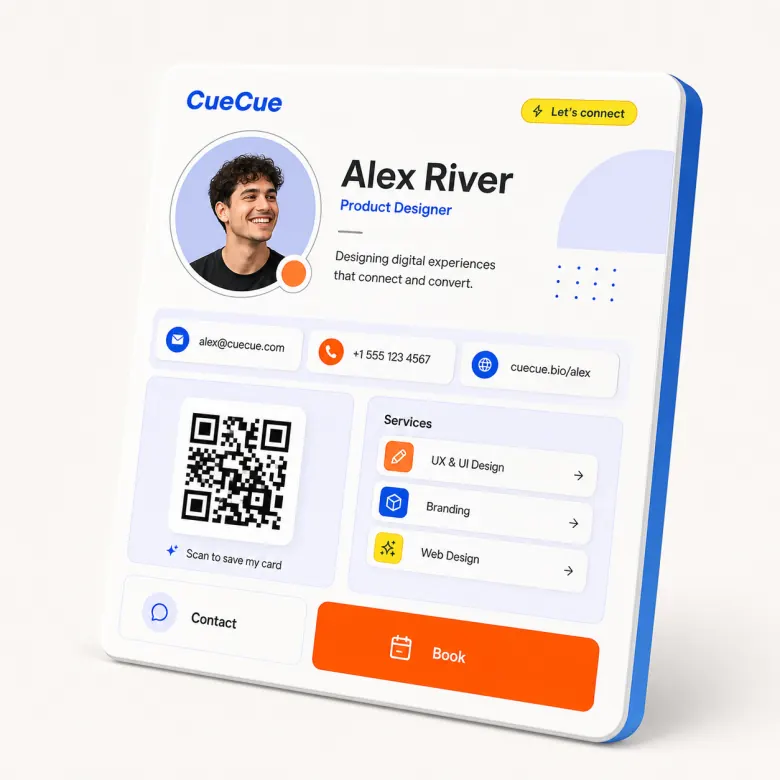
Show services, credentials, portfolio links, booking paths, or social proof when a plain vCard is not enough.
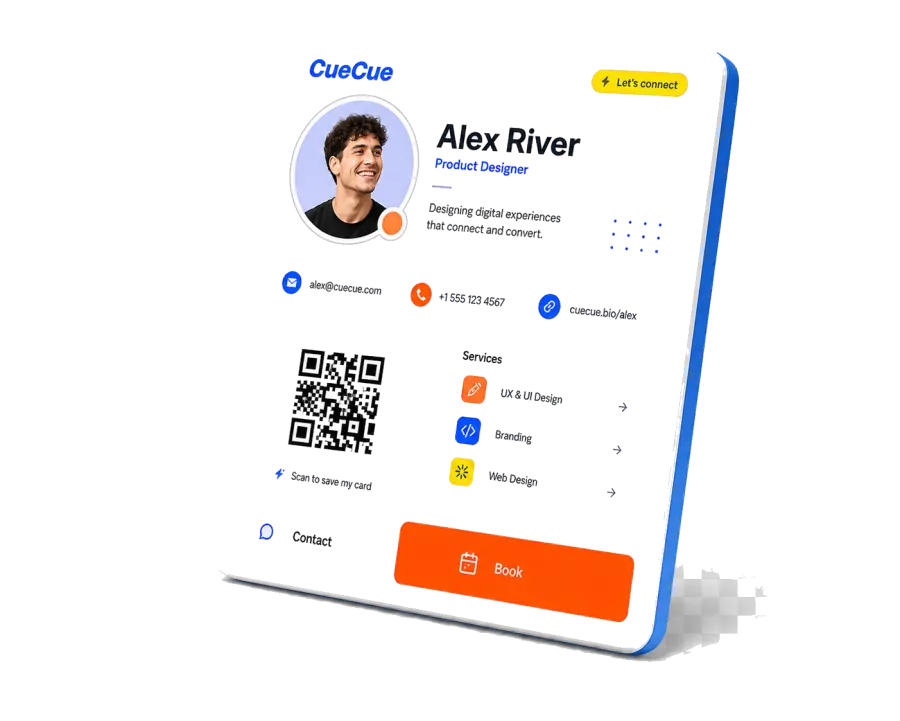
Compared with a paper business card, a digital card can stay current after the first exchange.
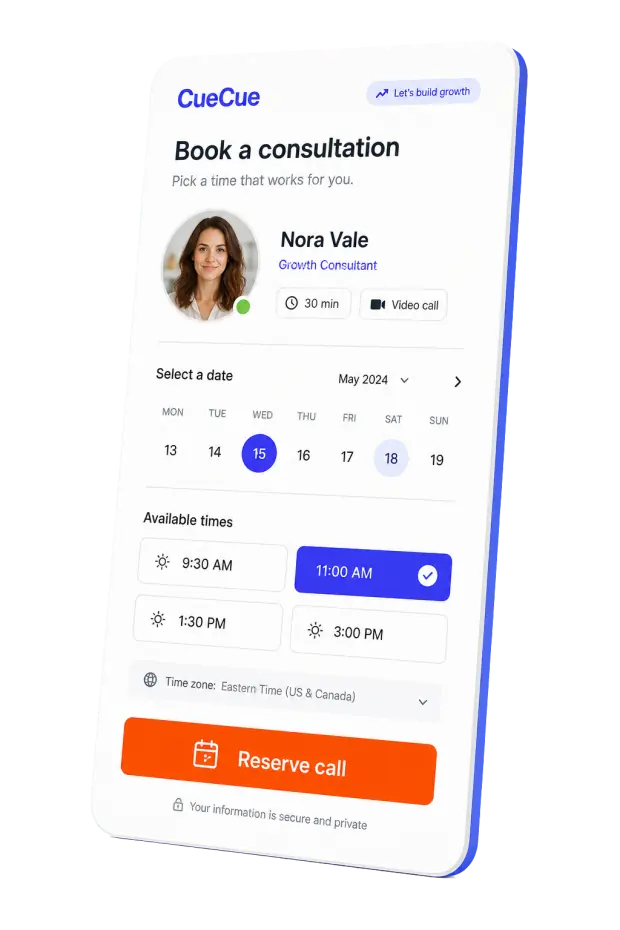
Compared with a QR vCard, a digital business card can show professional context, not only save contact fields.
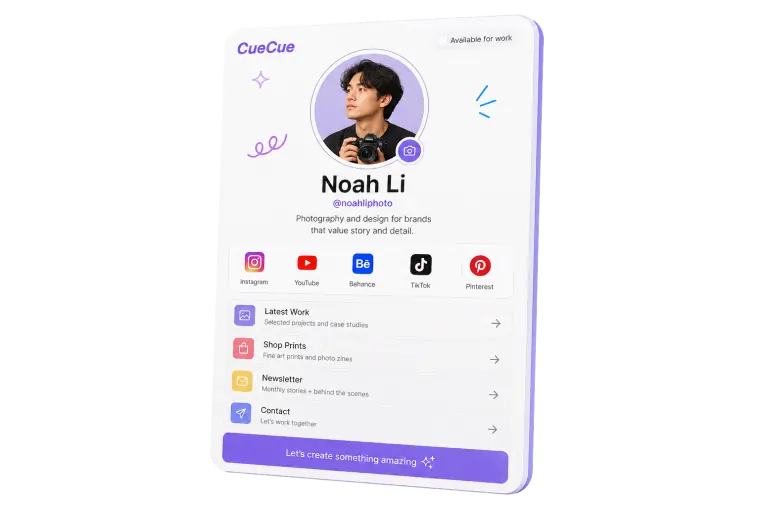
Compared with sending a full website, the card keeps follow-up focused on the person and the next conversation.
Digital business cards are better when you need live links, updates, QR sharing, booking, and richer follow-up. Paper cards can still help for in-person networking.
Yes. The same CueCue link can show the latest version after you make edits.
A digital business card is a shareable online profile with contact details, links, social profiles, services, and calls to action.
You can share it with a link, QR code, NFC card, printed material, event badge, social profile, or email signature.
It is better when you need updates, live links, booking, social profiles, QR or NFC sharing, and a stronger follow-up path after meeting someone.
Some do and some still prefer paper. A good setup gives people options: QR code, link, NFC, and visible contact details.
A QR vCard is good for saving contact details. A digital business card is better when you also want services, social links, booking, proof, offers, or updates.
Yes. Many professionals keep a printed card and add a QR code that opens the live digital card.
Include your name, role, company, photo or logo, contact options, social links, services, booking path, and one clear follow-up action.
Keep the card focused on public professional information and use a clear branded destination. Do not ask visitors to download anything unnecessary.