



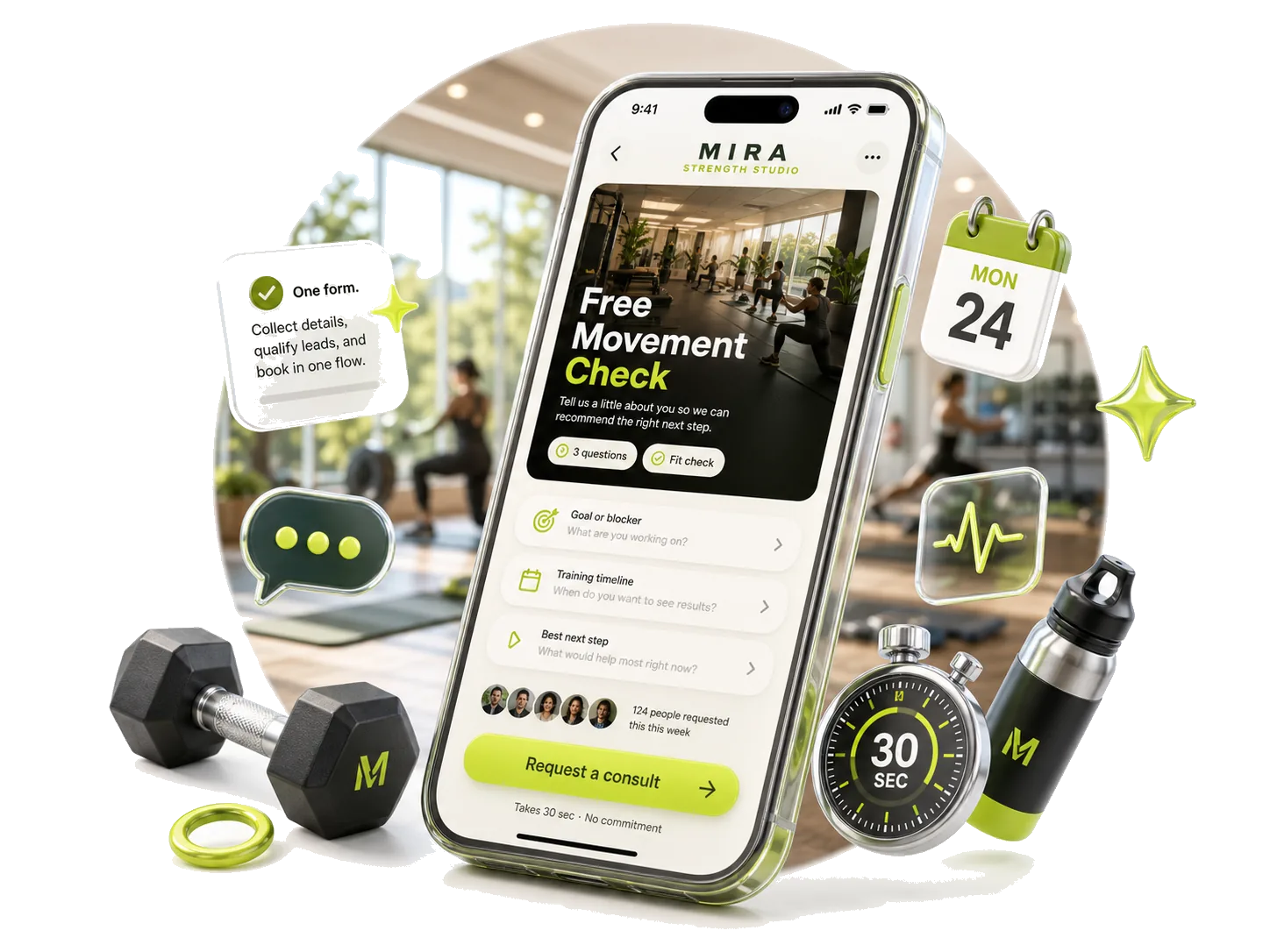
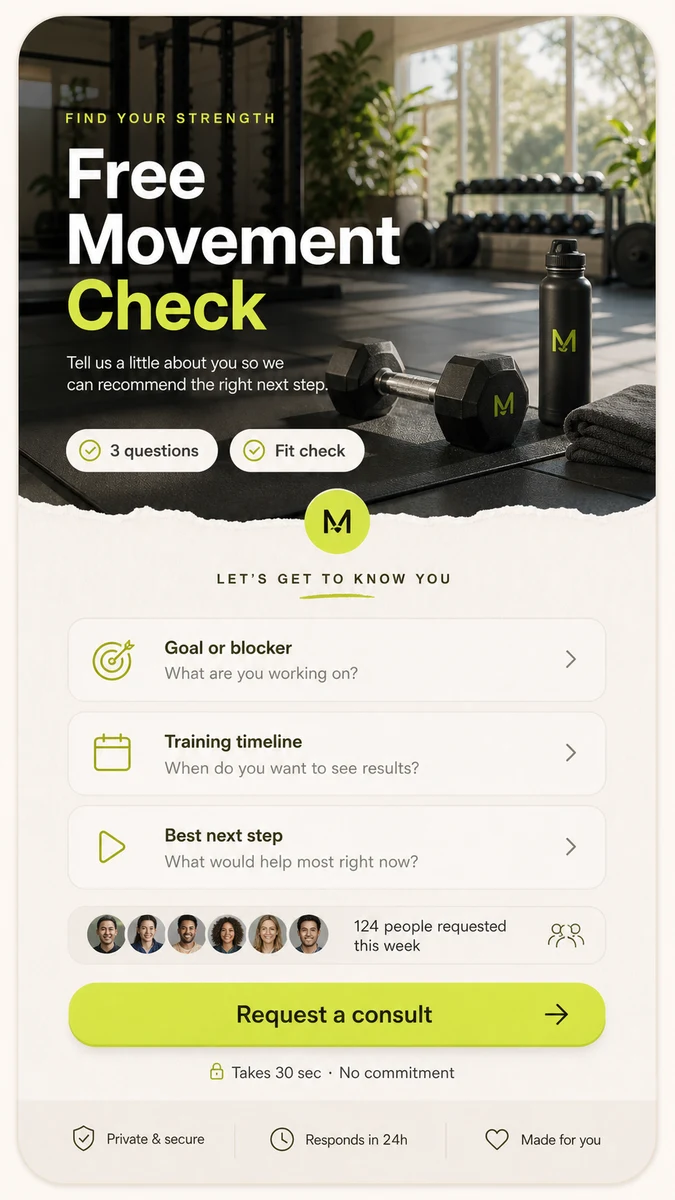
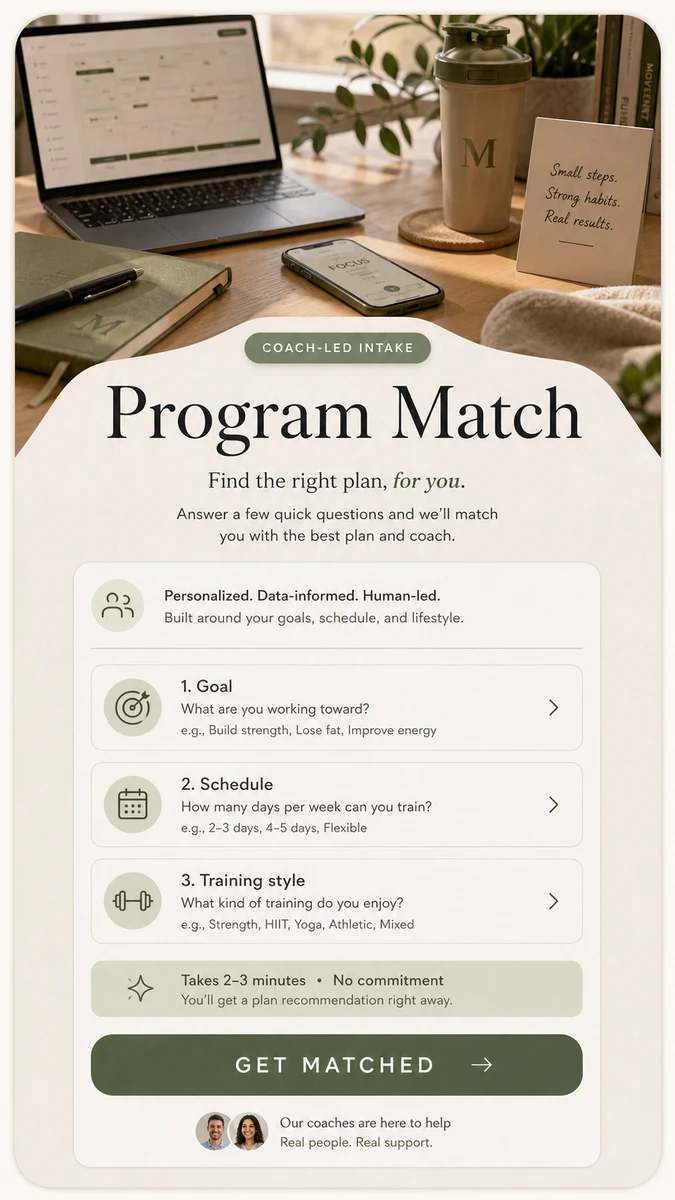
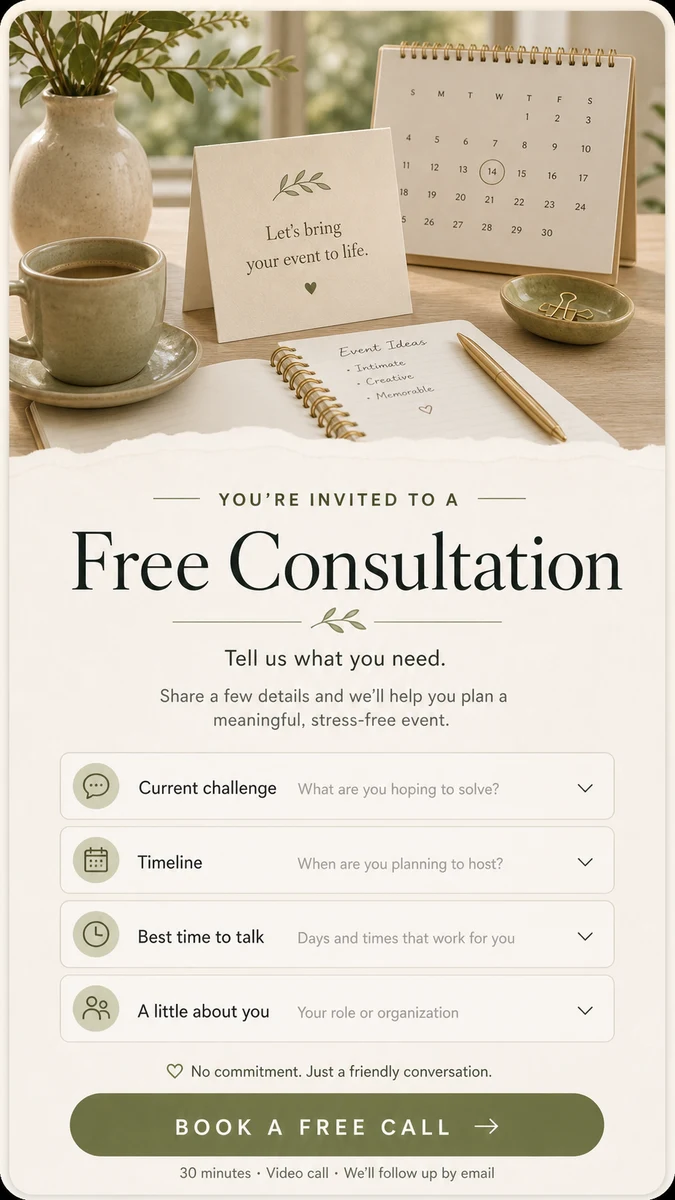
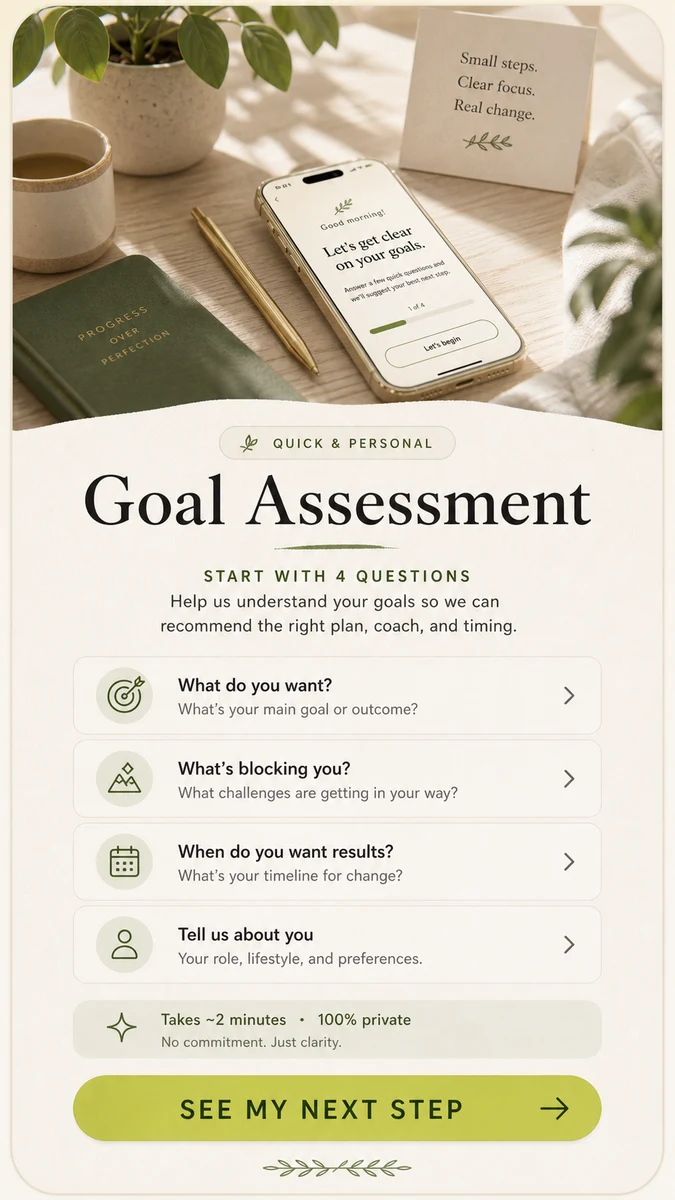
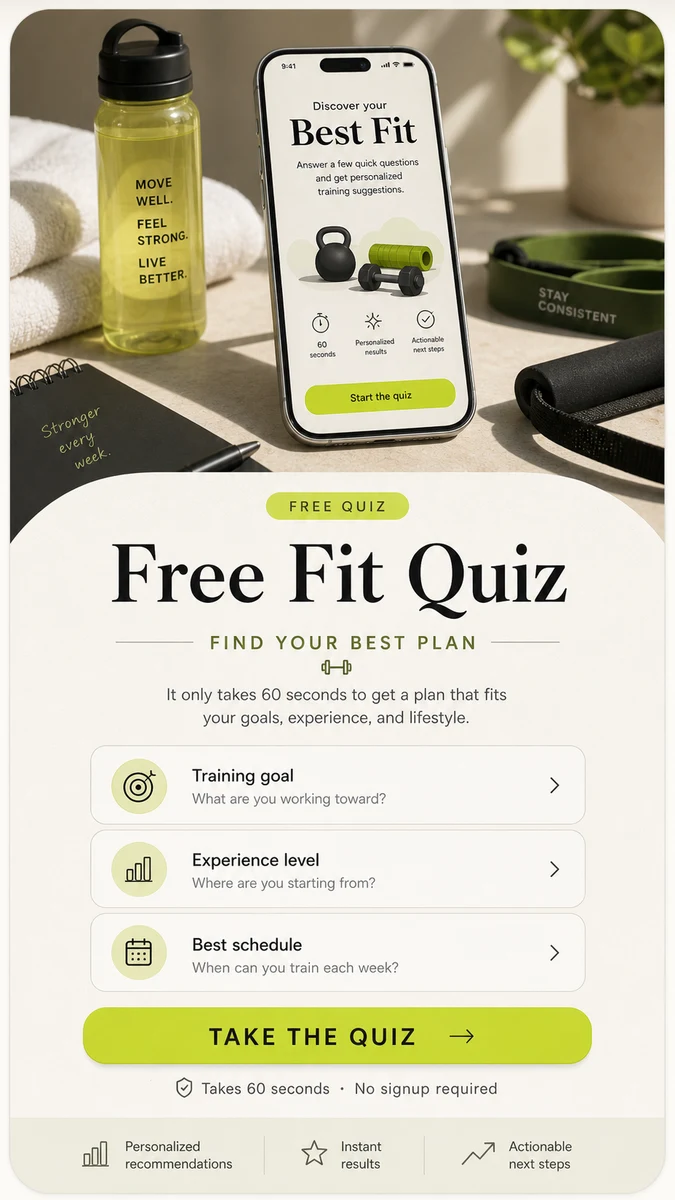

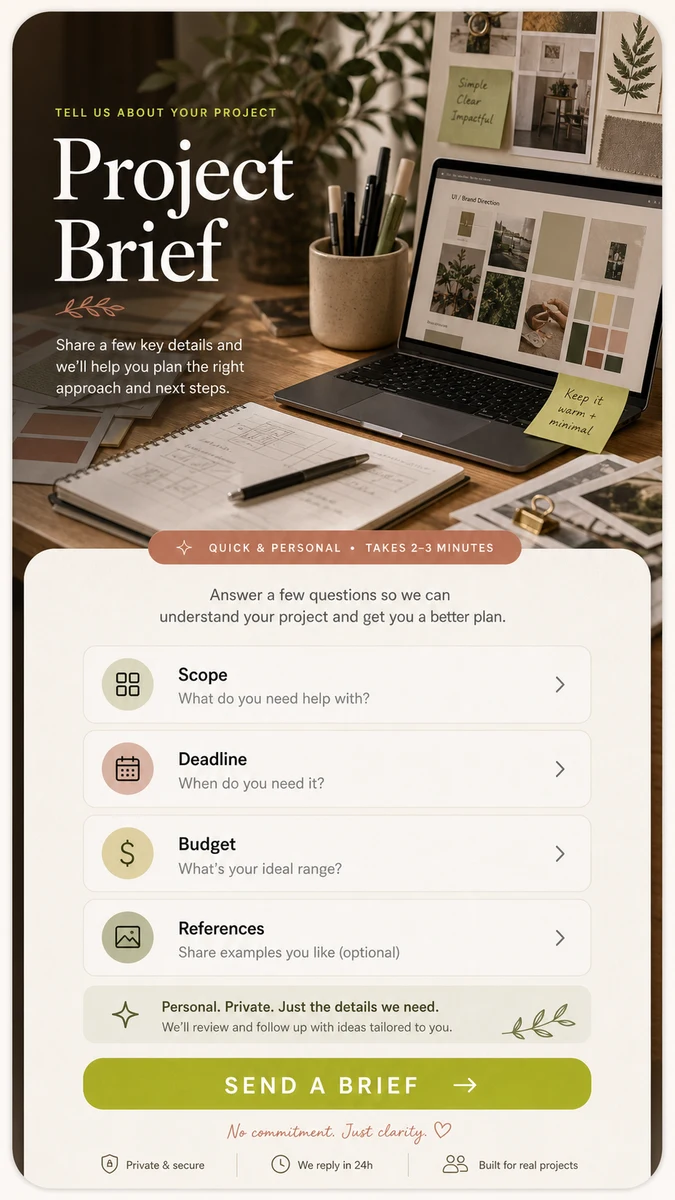
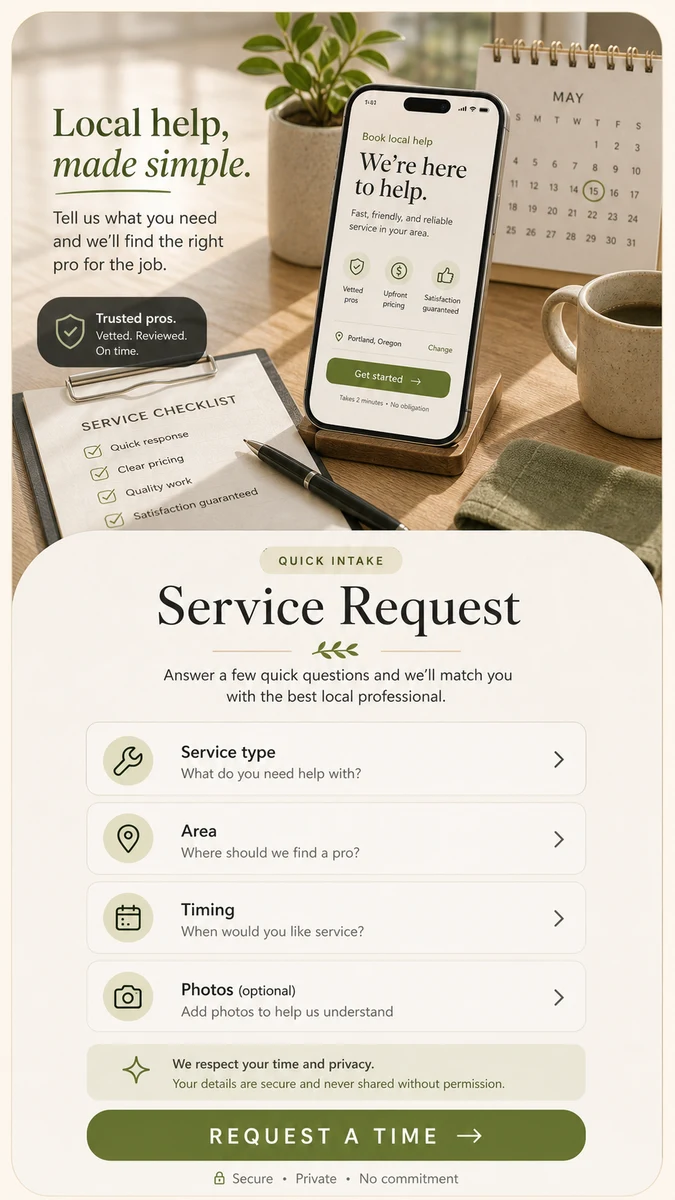
Collect better client requests from one mobile page. CueCue helps service providers, creators, consultants, studios, and local businesses create an intake page that explains what they do and asks the right questions before the next conversation.
A client intake page is more useful than a plain form when visitors need context before they submit.
What Is a Client Intake Form?
A client intake form collects the information you need before deciding how to respond to a potential client. It can include contact details, project goals, service needs, budget range, timeline, and next-step preferences.
For many small businesses and solo professionals, intake is the first step between “I’m interested” and “Let’s work together.”
What to Ask on a Client Intake Page
Contact and business details
Ask for the visitor’s name, email, business name, website or social profile, and preferred contact method. Do not ask for more than you need at the first step.
Service needs and project goals
Ask what they need help with and what outcome they want. A photographer might ask about event type and date. A consultant might ask about the business goal. A salon might ask about service type and preferred appointment window.
Budget, timeline, and next step
Budget and timeline questions help qualify the request. Keep them optional if you want to reduce friction. Add a clear next step so visitors know what happens after they submit.
Why Use an Intake Page Instead of Only a Form?
A form collects answers. An intake page gives context first.
With a CueCue page, you can introduce your service, explain who it is for, show what to prepare, and then ask the intake questions. This makes the form feel less abrupt and helps visitors submit better information.
If the intake page is part of your social profile flow, connect it from your link in bio page.
How to Build a Client Intake Page in CueCue
Start with the service or request type. Then add a short intro, a list of what you can help with, a simple form, and one CTA for the next step.
Keep the page short enough for mobile. If the visitor has to answer too many questions before trust is built, they may leave.
Client Intake Examples by Business Type
A coach can ask about goals and session interest. A photographer can ask about date, location, and shoot type. A consultant can ask about business stage and project needs. A local service provider can ask for service area, urgency, and contact details.
For offer-specific campaigns, pair intake with a product landing page or service card.
FAQ
What is a client intake form used for?
It is used to collect the information needed to understand a potential client’s request. This helps you respond faster, qualify the lead, and avoid starting every conversation from zero.
What questions should I ask on a client intake form?
Ask for contact details, the service needed, the goal or problem, timeline, budget range if relevant, and any context that helps you decide the next step. Avoid asking for sensitive or unnecessary details unless you truly need them.
Is an intake page better than a contact form?
For simple messages, a contact form is enough. For service requests, an intake page is usually better because it explains the service and collects structured information.
Can I use this from Instagram or TikTok?
Yes. You can link to an intake page from your social bio, story, post caption, or profile. This is useful when your audience discovers you through social content and wants to ask about services.
Can I connect this with a booking page?
You can add a CTA or link to a booking flow if you already use one. Avoid forcing every visitor to book immediately. For higher-quality inquiries, collect intake details first, then invite qualified leads to schedule.
Do I need a full website for client intake?
Not always. If your goal is to collect service requests from a single mobile page, CueCue can be enough. If you need detailed service pages, case studies, blog content, or a larger SEO site, a full website may still be useful.