
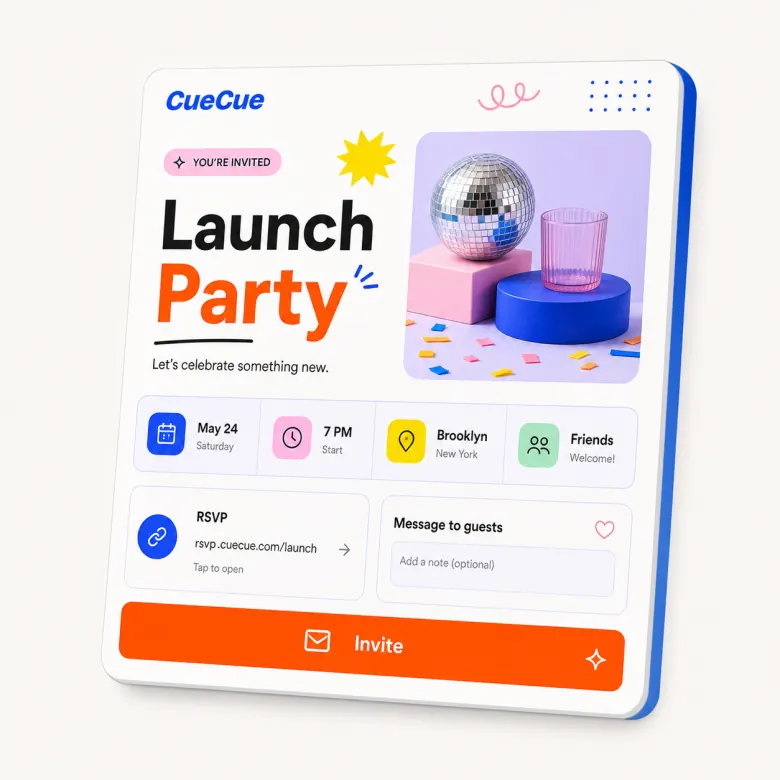
Create a simple wedding RSVP page guests can open from a phone. CueCue helps you share wedding details, collect responses, ask guest questions, and make the RSVP process easier without building a full wedding website.
Create a Wedding RSVP Page Without a Full Wedding Website
Not every couple needs a large wedding website. Sometimes you only need one clear page with the date, location, schedule, RSVP form, and a few important notes.
CueCue is a good fit for lightweight wedding RSVP pages, especially when your guests will respond from mobile.
What to Include on a Wedding RSVP Website
Ceremony and reception details
Include the date, time, venue, map link, dress code, and any schedule notes. Keep the most important details near the top.
Guest names, plus-ones, and meal preferences
Ask who is attending, whether they are bringing a guest, and whether they have meal preferences or dietary needs. If the guest list is limited, keep the instructions clear.
Travel notes and day-of updates
Add hotel notes, parking information, shuttle details, contact information, or last-minute instructions if needed.
How to Build a Wedding RSVP Page in CueCue
Start with the wedding details, then add the RSVP form. Keep the form short enough to complete quickly from a phone. After the form, add a confirmation note so guests know their response was received or what the next step is.
If your event needs a broader event structure, use the general event page builder.
Wedding RSVP Website Examples
Use a CueCue wedding RSVP page for a small wedding, destination wedding, reception-only event, rehearsal dinner, engagement party, bridal shower, or post-wedding gathering.
For a more form-focused setup, use the RSVP form builder.
Wedding RSVP Website vs Google Form
A Google Form can collect responses, but it does not provide much event context. A wedding RSVP page can show the event details, explain what guests need to know, and then collect the response in one flow.
FAQ
Do I need a full wedding website?
Not always. If you only need RSVP collection and a few event details, a lightweight page may be enough. If you need travel guides, photo galleries, registry sections, and multiple events, a full wedding website may be better.
What questions should a wedding RSVP form ask?
Ask whether the guest is attending, how many people are included, meal preference, dietary needs, and any notes you need for planning. Keep questions clear and limited.
Can guests RSVP from mobile?
Yes. A mobile RSVP page is useful because many guests will open the link from a text message, email, invitation, or QR code.
Can I collect meal preferences?
Yes, you can include meal preference questions in the RSVP form. Make the options specific and easy to answer.
Can I use a QR code on wedding invitations?
Yes. You can place the RSVP page link behind a QR code on printed invitations, save-the-date cards, or table cards.
Is CueCue a wedding planning tool?
CueCue is not a full wedding planning platform. It is best for creating a simple mobile RSVP page with event details and response collection.