Learning how to use Seedance 2.0 starts with a simple shift: plan the video as a sequence of shots, not one decorative prompt. ByteDance describes Seedance 2.0 as a multimodal audio-video generation model that can use text, images, audio, and video as inputs. The model can do more when each input has a clear job.
This guide focuses on the general production workflow documented by ByteDance Seed. It does not assume that every third-party interface exposes the same controls, limits, or pricing.
Key Takeaways: Define the audience and outcome before prompting. Assign each reference a specific purpose. Write shot order, motion, continuity, audio, and exclusions explicitly. Generate a short first pass, then review every frame before extending or publishing it.
What can Seedance 2.0 take as input?
ByteDance's official launch material says the model supports text, image, audio, and video inputs. It also documents reference limits of up to nine images, three videos, and three audio files in supported experiences. Access and interface limits can differ by product, so treat those numbers as model documentation rather than a guarantee for every provider.
Each input type is useful for a different purpose:
- Text defines the story, shot sequence, actions, camera, and constraints.
- Images establish a character, product, wardrobe, location, or visual style.
- Video can demonstrate motion, camera language, pacing, or an editable source clip.
- Audio can guide speech, music, ambience, rhythm, or timing.
The official Seedance 2.0 model page also highlights native audiovisual generation and multi-shot storytelling. That makes a structured brief more useful than a list of aesthetic adjectives.
How should you prepare the idea before prompting?
Write a one-sentence brief with an audience, a subject, and an outcome. For example: “Create a 12-second vertical demonstration that shows a commuter how this leakproof bottle fits into a morning routine.” This is easier to direct than “make a viral bottle ad.”
Then define the sequence:
1. Opening image or action 2. Subject reveal 3. Main interaction 4. Proof or payoff 5. Final frame
Keep the first version narrow. If you need three locations, two characters, multiple spoken claims, several product benefits, and a dramatic transformation, split the idea into separate generations. Complexity makes continuity harder to inspect.
How do you write a Seedance 2.0 prompt?
When learning how to use Seedance 2.0, use labeled prompt sections. A repeatable structure reduces ambiguity and makes revisions easier.
Format: 9:16 vertical, 12 seconds, four shots.
Subject: [person, object, or product].
Location: [specific setting and time].
Shot 1: [opening action and camera].
Shot 2: [subject movement and continuity].
Shot 3: [close detail or interaction].
Shot 4: [payoff and final composition].
Audio: [dialogue, ambience, effects, or silence].
Keep consistent: [identity, product, clothing, color, labels].
Avoid: [extra objects, text errors, unsafe action, style drift].
Describe motion with a subject, action, direction, and speed. “The camera slowly tracks left while the runner moves toward the station entrance” is easier to interpret than “dynamic cinematic movement.” If a reference image should control only the product appearance, say so. If a reference video should control only camera motion, say that too.
How do references improve continuity?
References work best when they are consistent with one another. Conflicting product colors, different character clothing, and incompatible lighting force the model to guess which signal matters most.
Before uploading, remove weak or redundant references. Label the role of each remaining asset in the prompt:
- Image 1 controls the exact product and label.
- Image 2 controls the side angle and proportions.
- Video 1 supplies camera motion only.
- Audio 1 supplies timing and ambience only.
Do not use assets you lack permission to reuse. A public image, song, voice, or video is not automatically cleared for commercial generation. Keep your source list and usage rights with the project files.
How should you generate and revise the first pass?
Generate the shortest useful version first. A compact draft helps you evaluate subject consistency, action order, and timing before you spend more time or credits on an extended output.
Review in four passes:
- Story pass: Can a new viewer understand what happened?
- Continuity pass: Do identity, product, clothing, and location remain stable?
- Motion pass: Do hands, contact, camera movement, and object physics look plausible?
- Audio pass: Do dialogue, effects, ambience, and lip movement align?
Revise one class of problem at a time. If the product changes shape, strengthen the product references and consistency instruction. If the pacing is slow, shorten the scene descriptions or reduce the number of shots. If speech is wrong, simplify the line and make the speaker and timing explicit.
How do you prepare a Seedance video for publishing?
Export is not the end of the workflow. Check the destination platform's current specifications, caption-safe area, rights rules, and disclosure requirements. For TikTok advertising, consult TikTok's official video specifications for the placement you intend to use.
If the video promotes an offer, give it one next step. A CueCue product landing page can hold the product context, a web card can organize a compact campaign, and a link in bio can route social viewers without changing the profile URL for every test.
Keep the landing message consistent with the video. If the clip promises a demonstration, the destination should not open with an unrelated promotion. Consistency makes both review and measurement easier.
What common mistakes should you avoid?
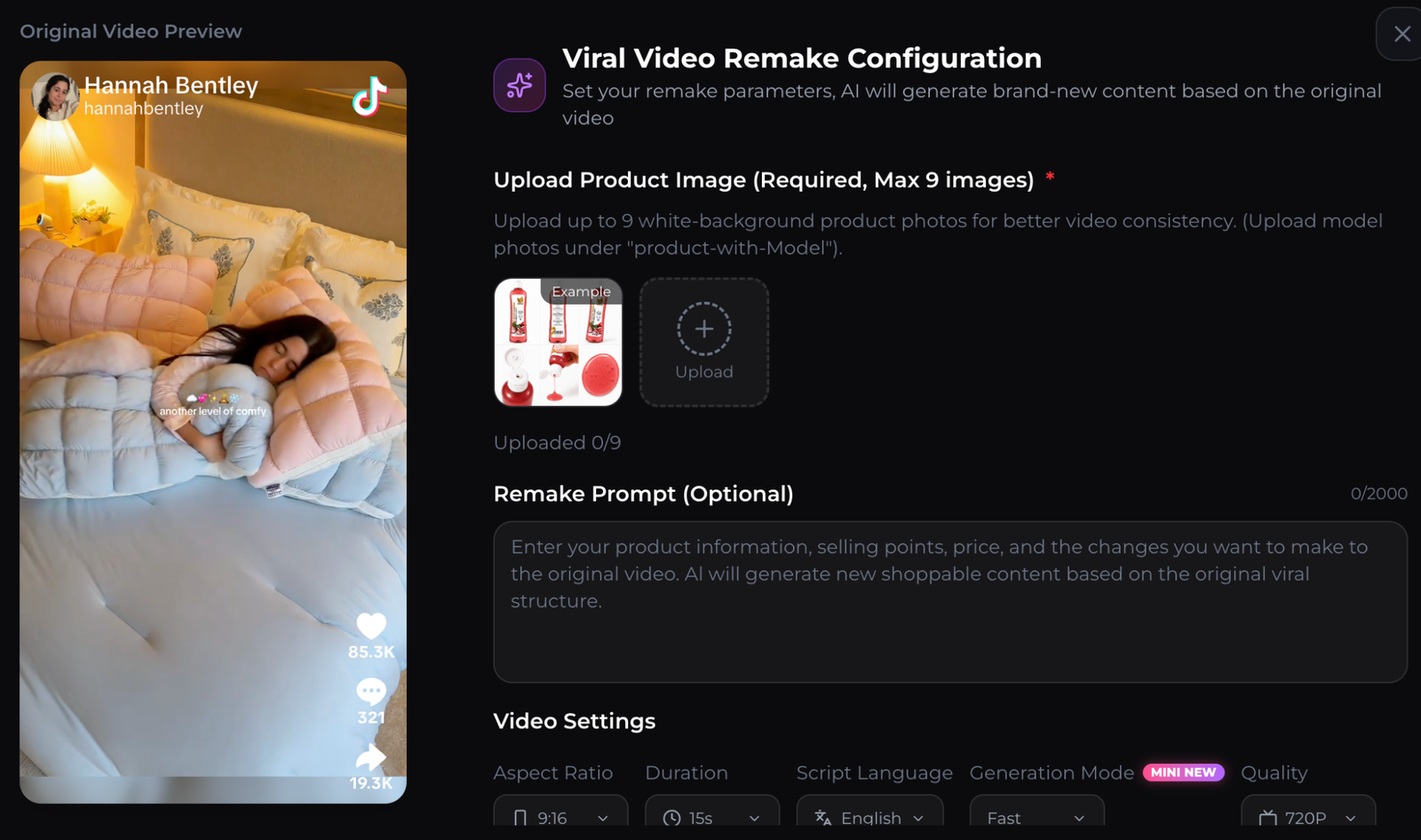
Avoid prompts that depend on vague quality words, references with contradictory details, and unverified claims about model variants. ByteDance's official pages currently document Seedance 2.0. A third-party label such as “Mini” may describe that provider's own tier or routing, so verify the provider's explanation instead of assuming it is a separately documented ByteDance video model.
Other common mistakes include:
- Asking one clip to communicate too many ideas
- Failing to state which details must remain unchanged
- Using references without a defined role
- Publishing text, packaging, or speech without review
- Assuming generated footage comes with rights to its reference materials
- Comparing providers without checking current limits and pricing
FAQ about using Seedance 2.0
Is Seedance 2.0 a text to video model?
It supports text-directed generation, but ByteDance documents it as multimodal because it can also use image, audio, and video references in supported interfaces.
Can Seedance 2.0 generate audio?
ByteDance describes native audiovisual generation, including dialogue, sound effects, and ambience. Always review synchronization and rights before publishing.
How long should the first test be?
Use the shortest duration that can prove the concept. A short first pass is easier to inspect for continuity and motion before you extend the idea.
Is every Seedance 2.0 interface the same?
No. Providers can expose different settings, limits, pricing, queues, and model labels. Check the current documentation for the interface you are actually using.
About this content
- Written by
- CueCue, Editorial Team
- Last updated
- August 6, 2026
- Editorial standard
- CueCue articles are written for practical use, checked for clear sourcing, and updated when product or policy details change.