A Seedance 2.0 TikTok product video works best when it is designed as a small creative test. The goal is not to ask AI for a complete campaign in one prompt. It is to test one opening, one product benefit, and one next action in a format viewers can understand on a phone.
ByteDance documents Seedance 2.0 as a multimodal audio-video model with multi-shot capabilities. This workflow translates those capabilities into a TikTok-oriented production checklist. It does not promise reach or sales, and every generated result still needs a rights, claims, and quality review.
Key Takeaways: Choose one creative hypothesis per video. Build the first seconds around action or curiosity. Use approved product references to protect accuracy. Export vertically at the specification required by the placement. Measure the action after the view, not views alone.
What should a TikTok product video prove?
Before generating, complete this sentence: “We believe this audience will keep watching when they see ___ because ___.” The first blank is the hook; the second is the audience insight. If the sentence is vague, the video will probably be vague too.
A product video can test several types of proof, but each version should prioritize one:
- Problem proof shows a recognizable frustration.
- Demonstration proof shows the product doing a specific job.
- Detail proof shows texture, fit, construction, or packaging.
- Routine proof places the product in a believable use sequence.
- Comparison proof shows a fair difference you can substantiate.
Do not use generated before-and-after results, testimonials, prices, or performance claims unless they accurately represent the product and comply with the applicable rules.
How do you plan the first five seconds?
TikTok viewing starts with a fast decision. Open with a visible action, unresolved question, unusual detail, or recognizable problem. Avoid spending the opening on a logo animation or a wide establishing shot unless brand recognition is the hypothesis you are testing.
Use a compact shot map:
1. Hook: immediate action or problem 2. Reveal: exact product enters clearly 3. Proof: one benefit is demonstrated 4. Close: one specific next action
For many concepts, 10 to 15 seconds is enough to test this sequence. TikTok's official streaming ad guidance lists 6 to 15 seconds for the specific placement it covers, while other placements have different limits. Confirm the current TikTok streaming ad specifications for your exact campaign rather than treating one duration as a universal rule.
How do you prepare Seedance references for a product?
Use source images that make the product easy to identify. Include the front, side, packaging, texture, and any feature that must remain stable. Remove outdated packaging and low-resolution images that conflict with the current item.
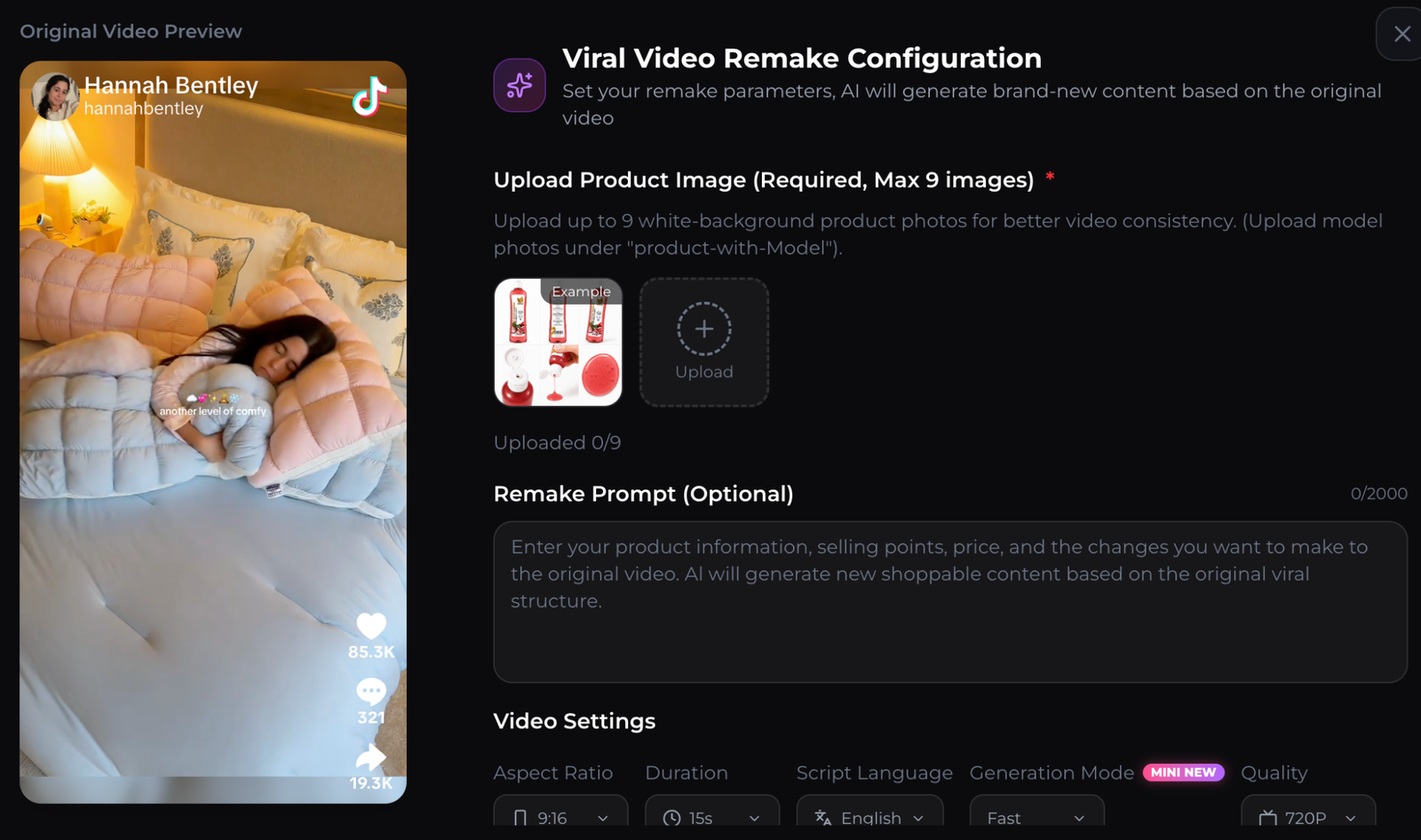
The official Seedance 2.0 launch post says supported experiences can use multiple images, videos, and audio files. More references are not automatically better. Give each one a named role and remove duplicates.
For example:
- Product image 1 controls the front label.
- Product image 2 controls shape and side view.
- Product image 3 controls the in-hand scale.
- Reference video controls pacing only, not identity or script.
- Audio reference controls rhythm only.
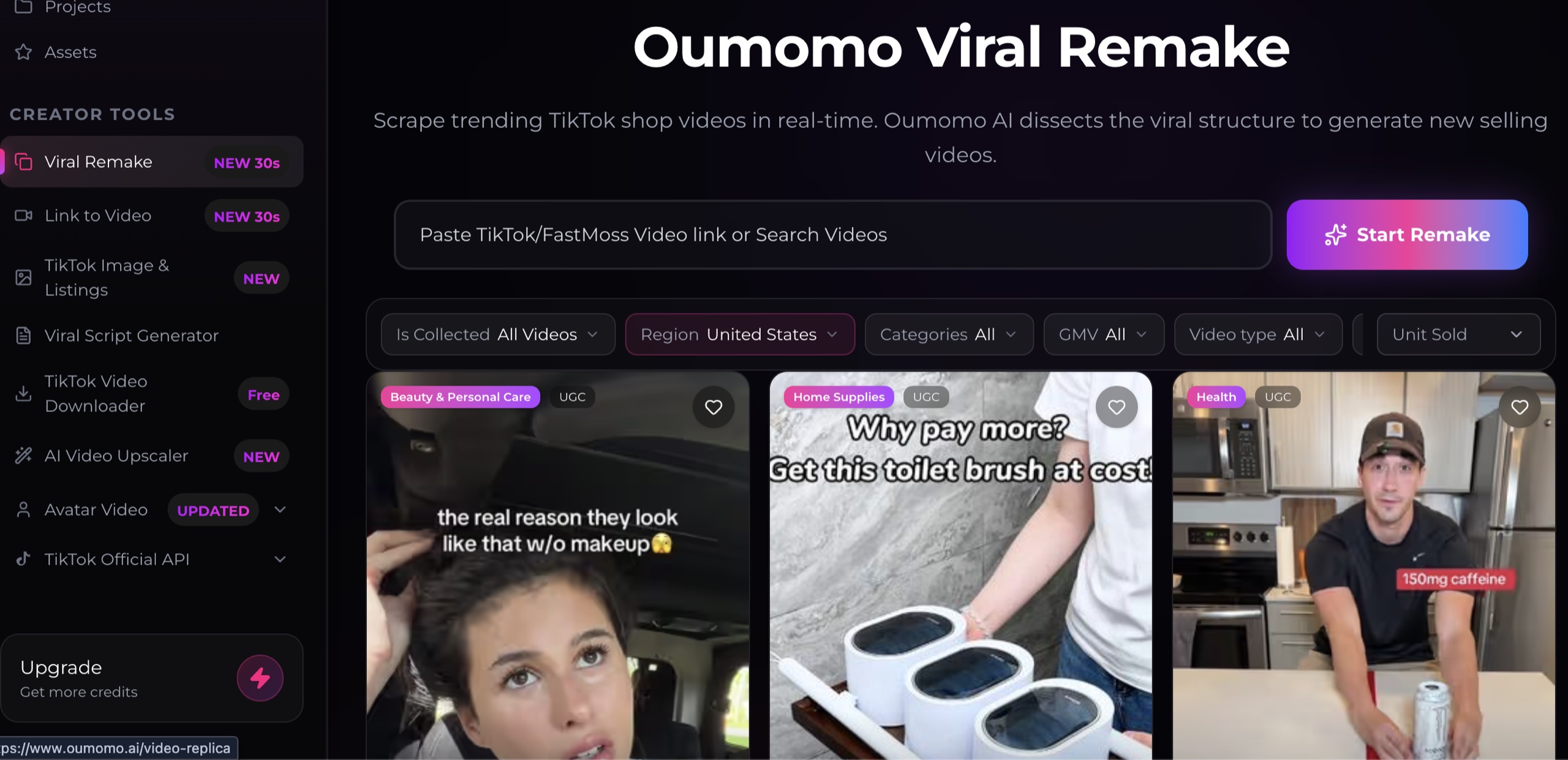
Only upload material you own or are authorized to use. Studying the timing of a public TikTok does not grant permission to reuse its footage, music, voice, or creator likeness.
What prompt works for a Seedance 2.0 TikTok product video?
Write the prompt in production order. State format, duration, subject, shot sequence, audio, continuity requirements, and exclusions.
Create a 9:16 vertical product video, 12 seconds, four shots.
Audience: [specific buyer].
Hook: [visible problem or curiosity action] in the first second.
Reveal: show the exact product from image 1 with readable packaging.
Proof: demonstrate [one approved benefit] in a realistic setting.
Close: end on the product and the words [short CTA].
Audio: natural room sound and one concise spoken line.
Keep consistent: logo, package text, colors, shape, and scale.
Avoid: extra products, distorted hands, unsupported claims, and copied creator identity.
If the first output fails, revise the relevant instruction instead of adding more adjectives. For a changing package, strengthen the reference and “keep consistent” line. For slow pacing, reduce the number of shots. For an unclear hook, describe the exact first-frame action.
How do you make the output TikTok ready?
TikTok's current in-feed guidance recommends a vertical 9:16 format and at least 720 by 1280 pixels for the applicable ad format. Check the official TikTok ad specifications because requirements can change and can differ by placement.
Before upload, review the Seedance 2.0 TikTok product video at normal speed, muted, and frame by frame:
- Is the product recognizable in every shot?
- Are packaging text, prices, and claims accurate?
- Do hands and product interactions look plausible?
- Are captions readable and clear of interface overlays?
- Are music, voices, images, and likenesses cleared?
- Does the final file meet the selected placement requirements?
- Does the destination continue the same message?
Use a CueCue product landing page when one offer needs explanation, a link in bio page when several approved destinations must share one profile link, or a web card for a focused mobile campaign.
How should you test TikTok product video variants?
Create three versions that change one variable. Start with three hooks against the same proof scene, then keep the winning hook and test the proof order. This staged approach makes the result easier to interpret.
Track early retention, completion, clicks, qualified landing visits, add-to-cart events, and purchases where available. Keep the audience and offer constant during the first comparison. A high-view clip with poor qualified action may be entertaining but commercially misaligned.
Record the prompt, references, model/provider setting, export date, and result for every test. That production log helps a team reproduce winners and diagnose failures without guessing.
FAQ about Seedance 2.0 for TikTok
Can Seedance 2.0 make vertical videos?
Supported interfaces may provide aspect-ratio controls, including vertical output. Confirm the settings in your provider and verify the exported dimensions before posting.
Does Seedance 2.0 guarantee product consistency?
No model guarantees perfect consistency. Clear references and constraints can help, but labels, shape, hands, and interactions still need frame-by-frame review.
Should I remake a viral TikTok exactly?
No. Study functional elements such as hook timing and scene order, then create an original execution using material and claims you are authorized to use.
What is the best first test?
Use one product, one audience, one approved benefit, and three different openings. That creates a small experiment whose result can guide the next iteration.
About this content
- Written by
- CueCue, Editorial Team
- Last updated
- August 6, 2026
- Editorial standard
- CueCue articles are written for practical use, checked for clear sourcing, and updated when product or policy details change.