
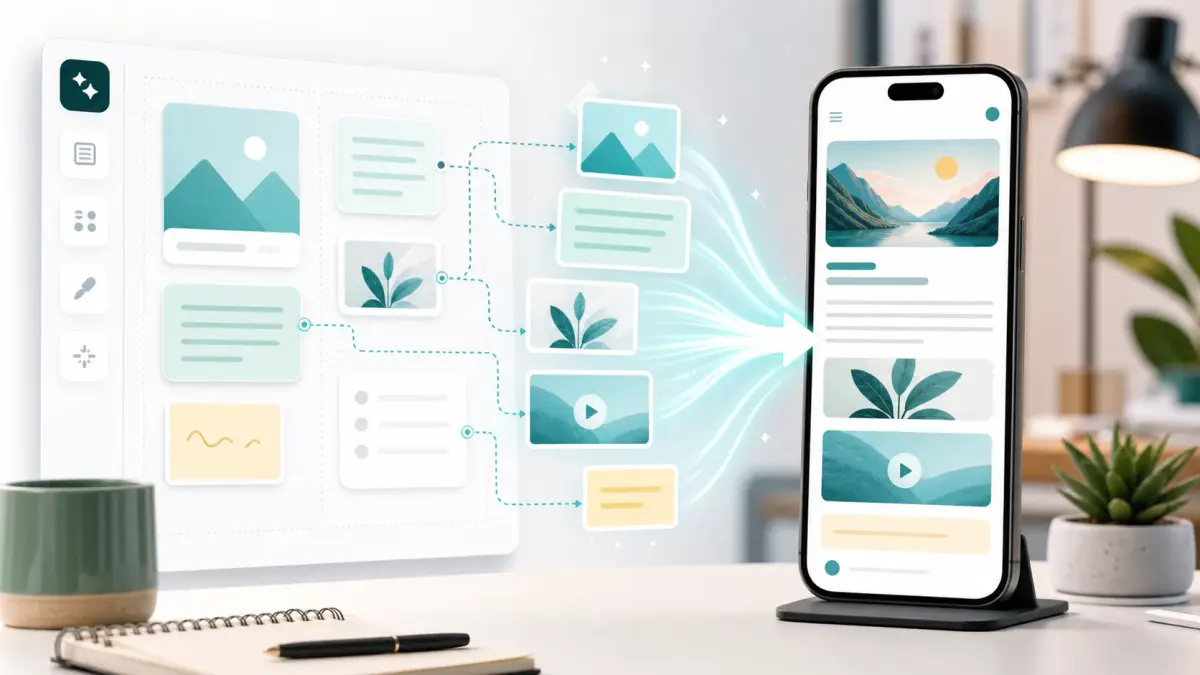
CueCue is a practical publishing layer for people who use AI to shape ideas, messages, offers, and event details, then need a clean place to share them. The official homepage describes CueCue as a no code web card creator for digital business cards, link in bio pages, RSVP cards, event pages, and product landing cards.
This guide focuses on the practical workflow around the platform. Use AI to clarify the message, draft options, and prepare structured content. Then turn that work into a mobile ready card with one clear next action.
What is CueCue used for?
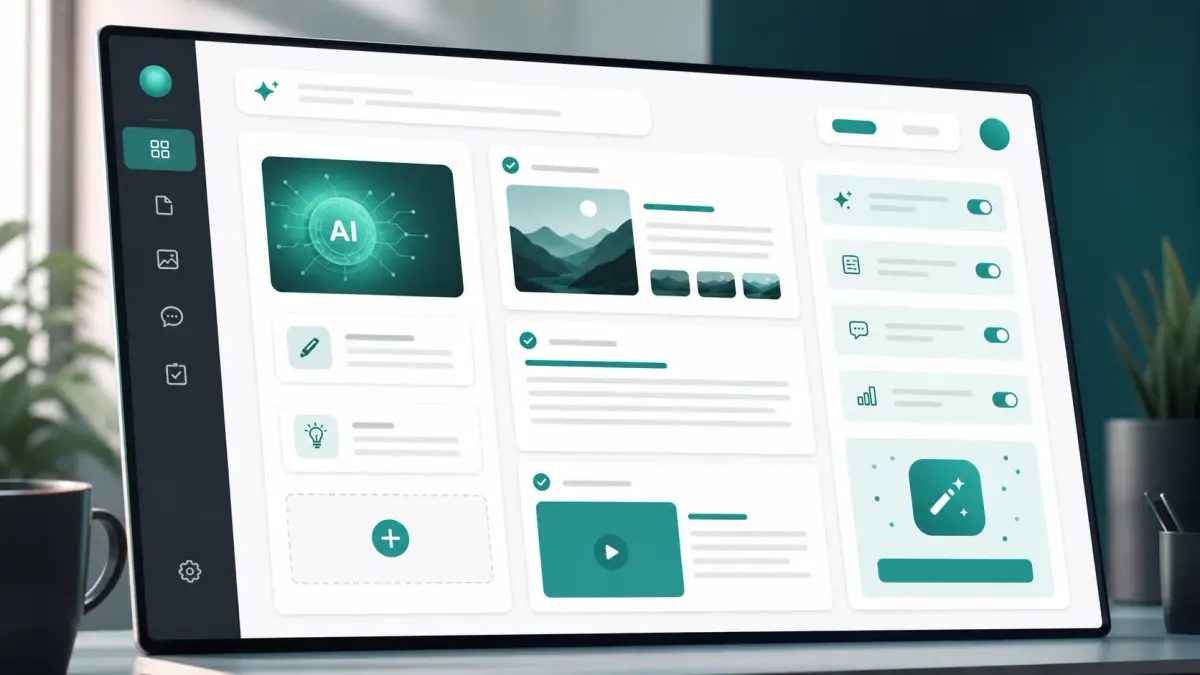
It is used to create focused web cards that can be shared from a link, QR code, social profile, email signature, event invitation, or campaign message. A card can work as a digital business card, a link in bio page, an RSVP page, or a compact product landing page.
That matters for AI assisted work because an AI draft is not the same as a live customer path. A useful workflow still needs structure, a destination, and a next step. The card gives the output a visible shape.
Start with the main web card creator when the goal is a flexible card. Use the digital business card builder when the goal is professional follow up. Use the link in bio builder when the goal is a social profile destination.
How does CueCue fit into an AI workflow?
It fits after the thinking and drafting stage. AI can help summarize an offer, turn notes into sections, write invitation copy, or list the details a visitor needs. The builder then turns that content into a shareable card with modules, links, forms, media, and calls to action.
A simple workflow looks like this:
- Ask AI to turn messy notes into a short audience, offer, and next action.
- Pick the card type that matches the job.
- Paste the strongest sections into the card.
- Add the link, form, booking path, RSVP path, or contact action.
- Publish the card and keep the same URL as details change.
OpenAI's prompt engineering guidance describes prompt work as writing effective instructions so a model can generate content that meets requirements. That is useful here because the best card starts with a clear task, audience, and desired output, not a vague request for generic copy.
Which CueCue workflows should new users try first?
New users should start with workflows that have one obvious audience and one obvious action. The format works best when the card removes friction from a real moment, such as meeting someone, sending people from a social profile, collecting event responses, or explaining a small offer.
Try these practical workflows first:
- Professional follow up with a digital business card, contact options, booking link, and one short proof section.
- Creator profile with a link in bio page, latest content, newsletter signup, product link, and social links.
- Event RSVP with date, location, guest instructions, RSVP form, and follow up update link.
- Product or service card with one offer, proof, price or inquiry path, and a direct call to action.
The official product pages also describe RSVP links, product landing pages, and reusable templates for common card shapes.
How should you prompt AI before building a CueCue card?
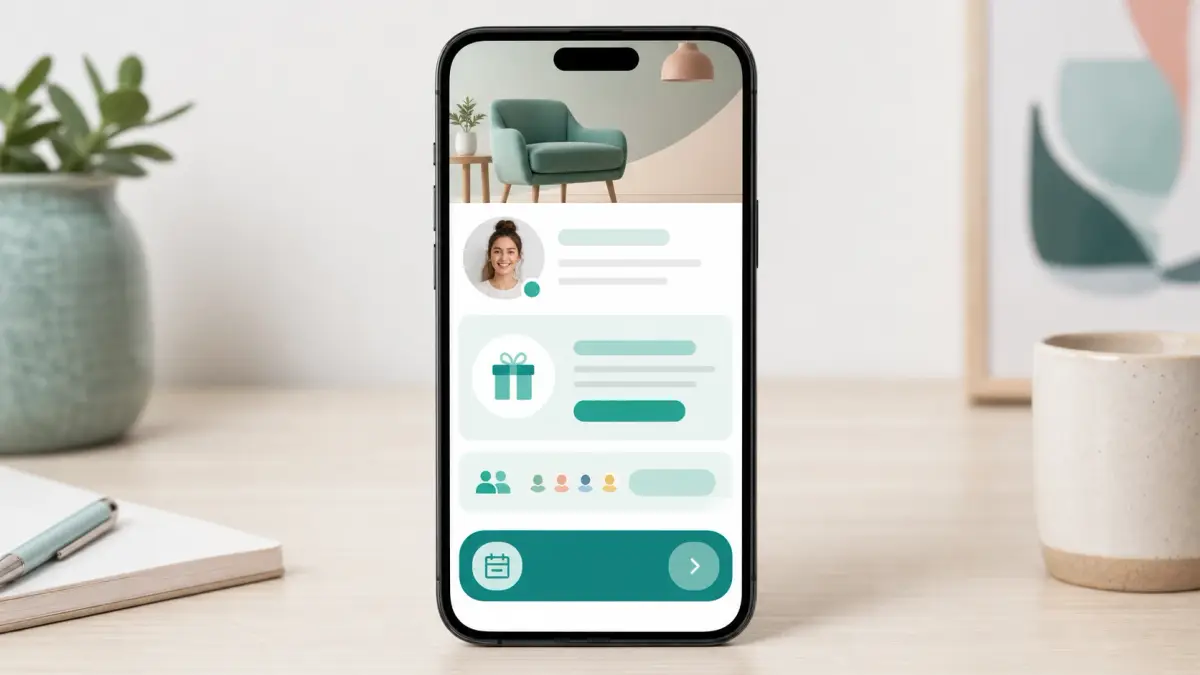
Prompt AI with the exact card outcome you want. The most useful prompt gives the model the audience, source notes, card type, tone, required sections, and the single action the visitor should take.
Use this prompt pattern:
Create concise content for a web card.
Audience: [who will open the card]
Card type: [digital business card, link in bio, RSVP card, product card]
Goal: [one action visitors should take]
Source notes: [paste raw details]
Output: headline, short intro, 4 section labels, CTA text, FAQ questions
Tone: clear and practical
Then edit the output before publishing. AI can over explain, repeat ideas, or invent details when the input is thin. Keep only copy that a real visitor needs to decide what to do next.
What should every AI assisted CueCue card include?
Every AI assisted card should include enough context to build trust and one clear path forward. Do not treat the card as a storage place for every AI generated idea. Treat it as the finished route for a specific audience.
Use this checklist:
- A plain headline that says what the person can do.
- A short intro that names the value or reason to care.
- Three to five scannable sections, not a long essay.
- One primary action near the top.
- Supporting links only when they help the action.
- Updated details if the card is reused after the first share.
For AI governance, NIST's AI Risk Management Framework is a useful reminder that AI work should account for trustworthiness, risk, and evaluation. For a public card, that means reviewing generated copy for accuracy, privacy, sensitive claims, and unsupported promises before it reaches visitors.
Where does CueCue help after the first share?
It helps when a shared link needs to stay useful after the first message, scan, or profile visit. Instead of sending a static AI generated document, you can keep the same card URL and update the content as the offer, event, availability, or campaign changes.
This is useful for:
- Networking follow up after conferences or local events.
- Social campaigns where the featured link changes often.
- Event invitations where timing or venue notes may need updates.
- Service offers where availability, testimonials, or booking links change.
- Product announcements where a waitlist can become a purchase path later.
The practical value is continuity. Your audience keeps one destination, while the card owner keeps control of the latest content.
What are the limits of CueCue for AI workflows?
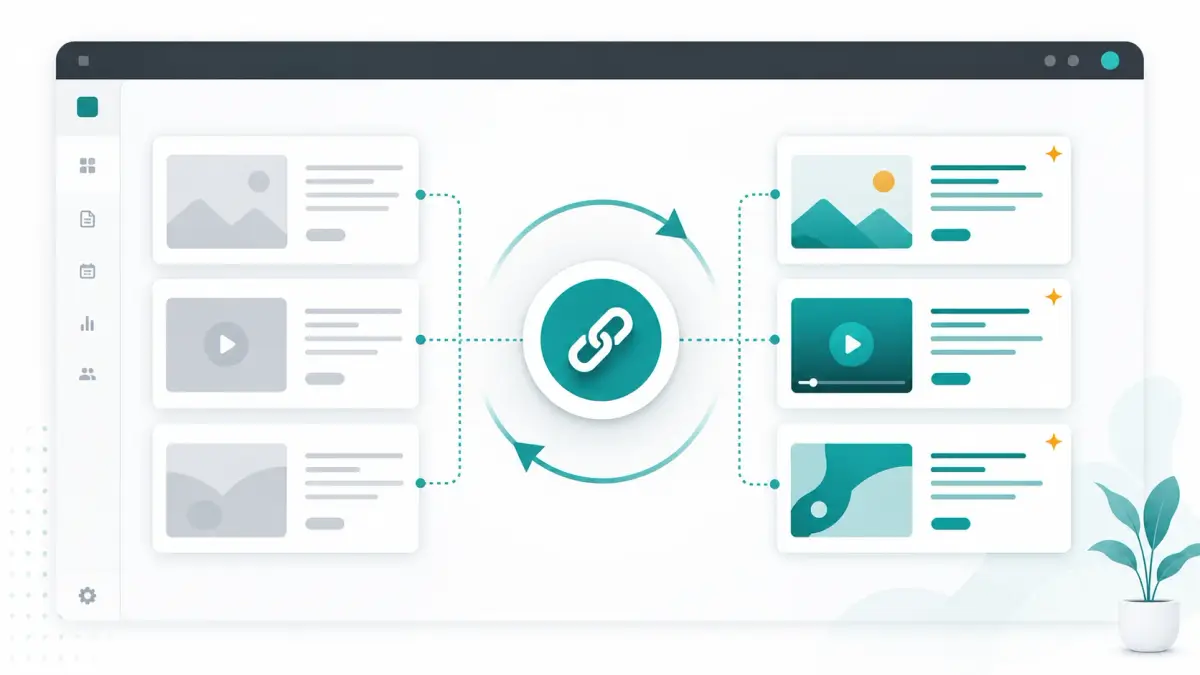
The platform should not be treated as a replacement for judgment, brand review, or a complete website when the use case needs deep navigation. It is a focused card builder. That focus is helpful, but it also means you should keep each card narrow.
Watch these limits:
- Do not publish AI generated claims you have not verified.
- Do not ask for personal data unless the visitor clearly understands why.
- Do not pack one card with unrelated campaigns.
- Do not rely on AI to decide legal, medical, financial, or safety wording.
- Do not hide the next action below too many secondary links.
When a workflow needs policy pages, long documentation, account areas, or complex analytics, use the card as the front door and link to the larger destination.
How do you choose the right CueCue card type?
Choose the card type by the visitor's moment, not by the amount of content you have. A person scanning a QR code after a meeting needs a different card than someone tapping a creator bio link or responding to an event invite.
Use this quick match:
| Visitor moment | Best card shape | Main action | | --- | --- | --- | | Someone just met you | Digital business card | Save contact or book | | Someone taps your social bio | Link in bio page | Explore or subscribe | | Someone receives an invite | RSVP card | Confirm attendance | | Someone sees an offer | Product or service card | Buy, join, or inquire |
If you are unsure, start with a web card and remove anything that does not support the next action.
What is a simple CueCue workflow example?
Here is a practical example for a consultant preparing for an industry event. The consultant asks AI to turn a rough bio, service notes, and meeting availability into a short card outline. Then they build a digital business card with profile details, service summary, proof, booking link, and QR code.
Before the event, the card answers who they are and what conversation they want. During the event, the QR code makes follow up easier. After the event, the same card can be updated with a recap, a limited consultation offer, or a newsletter link.
That is the core pattern. AI helps shape the content. The card gives the content a live destination.
FAQ about CueCue and AI workflows
Is CueCue an AI tool?
The official site presents it as a no code web card creator, not as a standalone AI model. This guide covers how people can use CueCue inside AI assisted content and communication workflows.
Can I use AI generated copy in CueCue?
Yes, but review it first. AI generated copy should be checked for accuracy, tone, privacy, and unsupported claims before it appears in a public card.
What is the fastest CueCue workflow to start with?
Start with a digital business card or link in bio page. Both have a clear audience, simple structure, and obvious next action.
Should one CueCue card hold every link?
Usually no. One card should support one main visitor moment. Create separate cards for networking, events, launches, and service offers when the audiences or actions differ.
Sources used for this guide
- Homepage for the official product positioning and card workflow language.
- Digital business card page for professional follow up and live profile use cases.
- Link in bio page for creator and social profile workflows.
- OpenAI prompt engineering guide for current prompt workflow guidance.
- NIST AI Risk Management Framework and NIST AI RMF Playbook for AI risk and review framing.
Sources
- OpenAI prompt engineering guide - developers.openai.com
- NIST AI Risk Management Framework - nist.gov
- NIST AI RMF Playbook - nist.gov
About this content
- Written by
- CueCue, Editorial Team
- Last updated
- June 16, 2026
- Editorial standard
- CueCue articles are written for practical use, checked for clear sourcing, and updated when product or policy details change.