
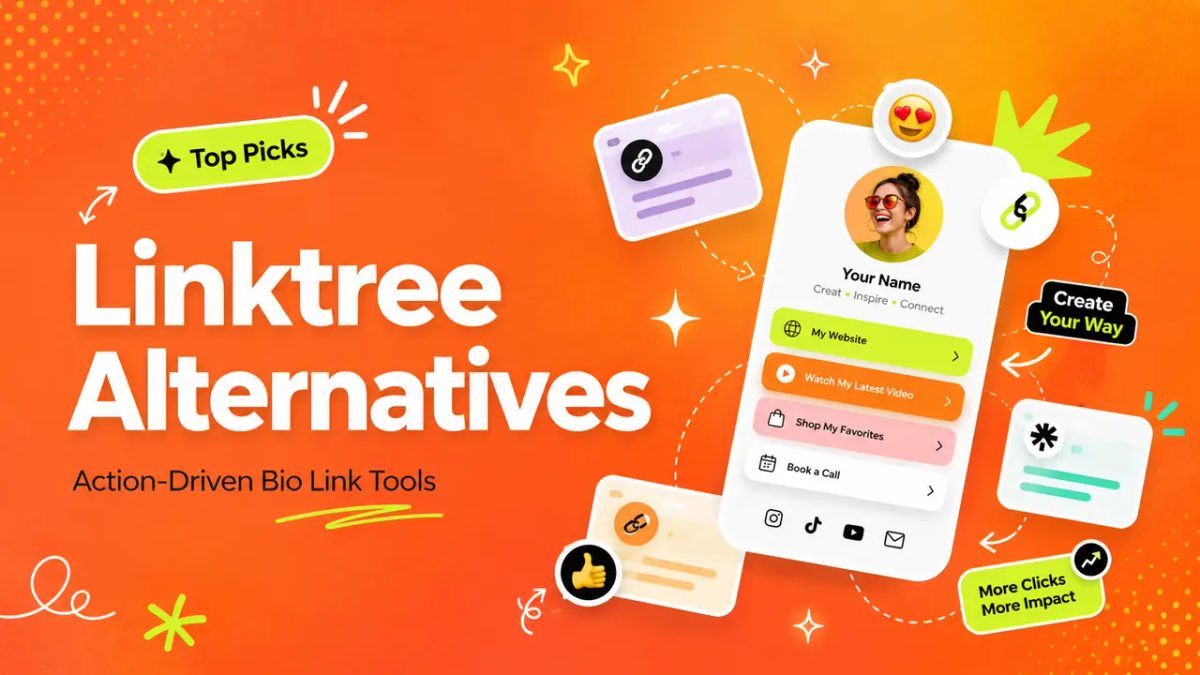
Hi, I am Mia. For about a year, my Instagram bio pointed to a Linktree with seven buttons on it. My YouTube. An old podcast I'd stopped recording. A blog I never updated. A newsletter that had quietly died months earlier. And somewhere down at the bottom, the actual "work with me" link.
A skincare brand DM'd me about a collab, tapped through, and never replied. I'm pretty sure she scrolled past five dead-end links hunting for the one that said "here's how to hire me," gave up, and left. That's the day I started taking Linktree alternatives seriously. Not because Linktree is bad, but because a list of links wasn't doing the one job I actually needed it to do.
This post is about picking a bio link that moves people to act, sorted by what you're trying to get them to do.
Quick take if you're skimming:
- The fix usually isn't more links. It's one clear next action, sitting above everything else.
- Choose your alternative by your goal (leads, bookings, RSVPs, an offer), not by which one looks prettiest.
- If you need a real store or a true multi-page site, a bio link tool is the wrong tool. I'll show you exactly where that line is.
Why creators outgrow simple link lists
Link aggregators exist because Instagram used to allow exactly one link. That problem is mostly gone. Instagram now lets you add up to five links natively, no third-party tool required. So the original job, "I have more than one link," isn't really the job anymore.
The job that's still unsolved is the harder one: getting someone to actually do something once they land.
That's where most of us are stuck, and it's not for lack of attention. There are over 207 million content creators now, and more than half earn under $15,000 a year as of 2025. The bottleneck usually isn't reach. It's that traffic shows up, scans a wall of links, and leaves without booking, buying, or even saving your contact.
A plain list treats every link as equal. But your links aren't equal to you. You've got one or two things you really need people to do this month, and the rest is noise. If your page doesn't make that obvious in the first three seconds, you've outgrown a basic link list. So before you compare a single tool, write down the one action you need most right now. That's what your next page gets built around.
Linktree alternatives by creator goal
The shift that changed how I pick tools was small but it stuck: I stopped asking "which Linktree alternative is best" and started asking "best at what." The honest answer is that the right one depends entirely on the action you just wrote down.
It also tracks with how creators actually make money now. Most run more than one income stream, and the 2025 data shows creators with three or more streams earned $75,000 more on average than people leaning on a single source. More streams means more "next steps" you need a page to handle cleanly. So let me sort the common options by the goal they serve.
Lead capture, offers, bookings, and RSVP links
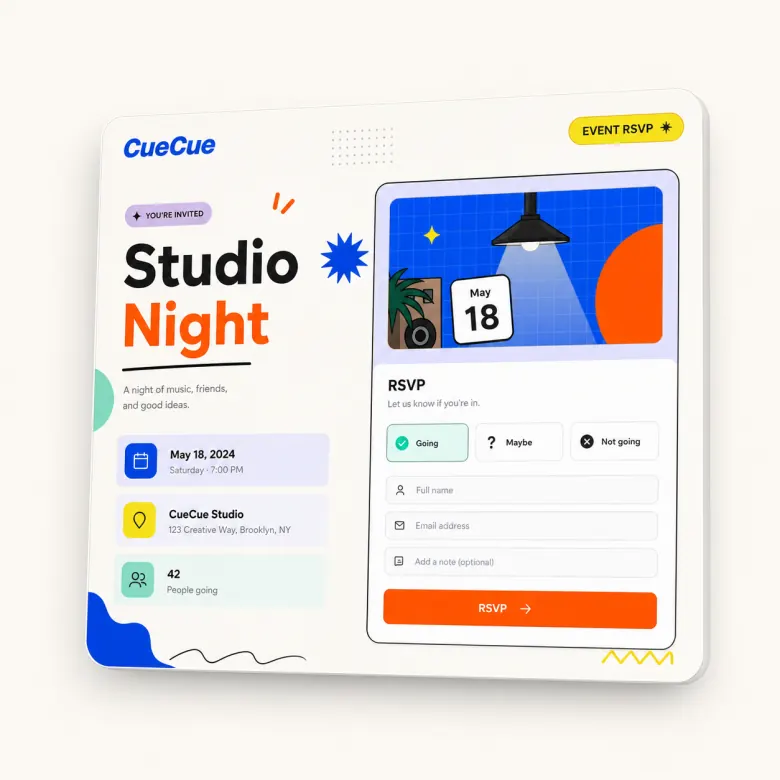
If your goal is leads or inquiries: a wall of links won't get you there. You want a real form, like name, budget, what they need, so people can tell you what they want without a DM tennis match. Some link tools bolt on a basic email block; a proper lead capture page or action-card builder lets you add custom fields. Here's an example you could build: a card with a three-field inquiry form right under your name, so "DM me for rates" turns into something people just fill in. That single change is what finally quieted my inbox.
If your goal is bookings: the booking step has to be the first thing people see, linked straight to your calendar, not buried under your podcast. My mistake for too long was sending people to a page where "book a call" was link number six. Nobody scrolls to six.
If your goal is an offer or product drop: a focused card beats a list. One image, the offer, one button. A list scatters attention; an offer page concentrates it.
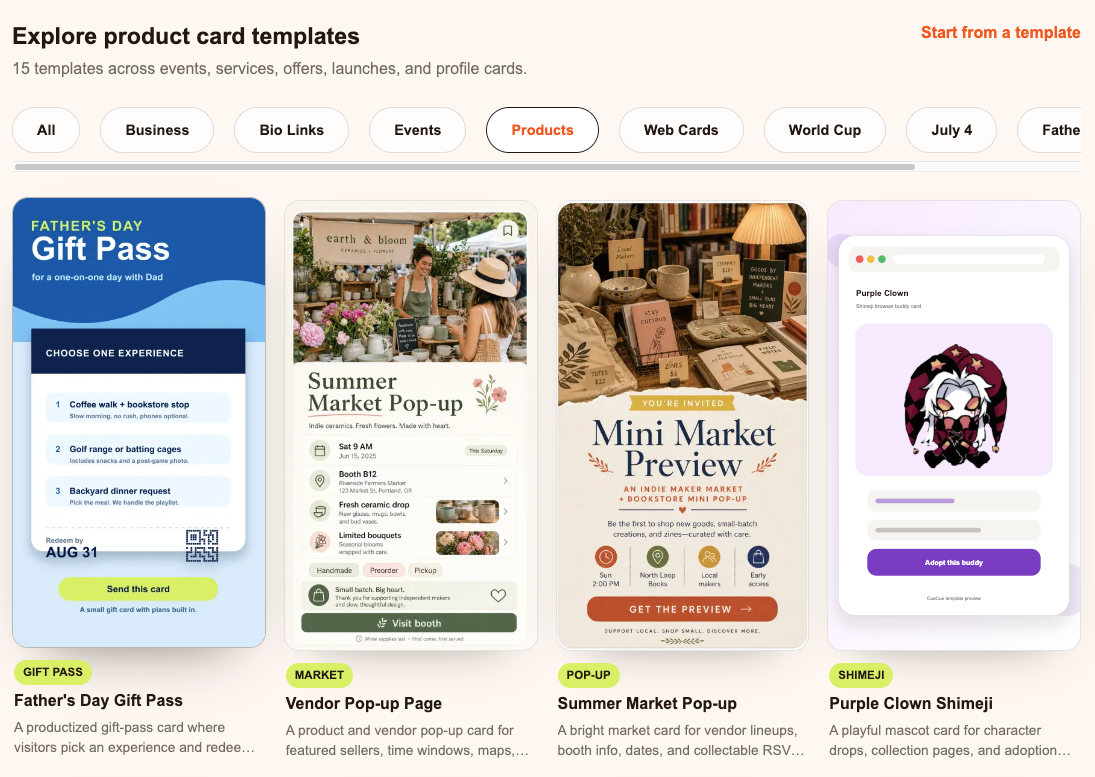
If your goal is event RSVPs: this is where lightweight wins over both Linktree and a clunky form. Date, location, a guest count, a share link, without standing up real event software. A simple RSVP card you can drop in your stories does it.
What to look for in an action bio page
Once you've named your goal, the features that matter shrink fast. You can ignore most of those giant comparison spreadsheets. Three things really decide whether a page works.
Does it support your one action properly? A booking page needs a real calendar link. A lead page needs a real form. If a tool only does buttons, it's a link list with nicer fonts.
Can you tell if it worked? You want the basic numbers: clicks, form fills, RSVPs. Instagram's native links don't show you any of that, which is exactly why a tool like Linktree tracks views and clicks for every link. Before you pick one, open its analytics in a demo and check that it surfaces the single number you care about, whether that's form submissions or booking taps. If you can't see whether anyone acted, you'll keep guessing at what to fix.
Does it look like you, not the tool? A custom domain, or at least the third-party branding stripped off, makes you read as a real business instead of someone's free page. That matters more than people admit, especially when a brand is deciding whether to work with you. On these tools that polish is usually a paid feature, so check which tier unlocks it before you assume it's free, then decide if it's worth it for how you'll actually share the page.
Mobile flow, context, and one clear next action
Almost all of this traffic is on a phone, opened mid-scroll, with about three seconds of patience. Your page has to make sense thumb-first: the top of the screen says who you are and the one thing to do, before anyone scrolls a pixel.
And platforms keep moving the goalposts. Instagram added profile links, then more link surfaces in Reels and Stories. Your own creator bio page is the one spot that doesn't get reshuffled every quarter. Build it so your most important action is visible without a single scroll, and you've fixed the exact thing a link list never could. Try this now: open your current bio page on your own phone and count the taps to reach your main action. More than one tap is your to-do.
When a full website or ecommerce tool is better
I'm not going to pretend a bio link does everything. Sometimes it's the wrong tool, and forcing it just frustrates you.
If you're running a real store with inventory, checkout, shipping, and returns, you want ecommerce software built for that, like Shopify. An action bio link can tease a product or take an inquiry, but it shouldn't be your checkout.
If you need a true multi-page site with a blog and search-driven content that compounds over time, that's a website project, not a bio link. (And no, you shouldn't try to build a whole website inside a bio link tool. Different job entirely.)
The sweet spot for any of these Linktree alternatives is narrower and far more useful: one mobile page, one clear action, shareable from a link or a QR code. Figure out which side of that line you're on before you pick, and you'll save yourself a painful migration later.
Decision checklist for choosing an alternative
This is the checklist I wish I'd had instead of opening fifteen tabs of "best tools" roundups:
- Name the one action. Booking, lead, RSVP, offer, follow. Pick one per page.
- Match the tool to it. Need a form? Real forms. Need bookings? Real calendar link. Don't choose on looks.
- Check the proof. Can you see clicks and submissions? If not, keep looking.
- Make it yours. Custom domain or branding removed, so it reads professional.
- Confirm the size. One action, not a store, not a 20-page site.
- Ship the rough version. Get it live today; make it pretty after it's already converting.
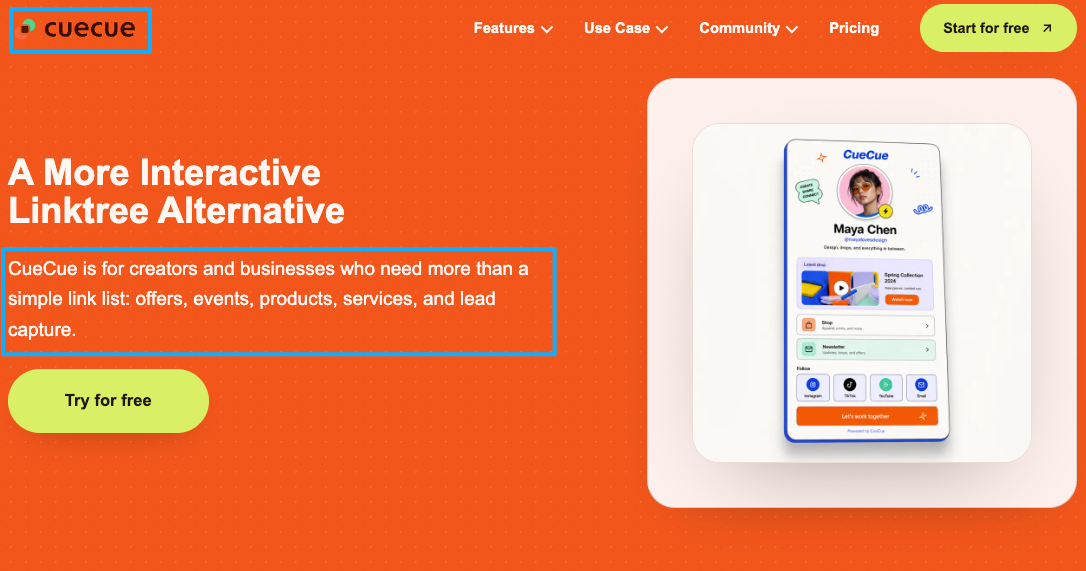
Run any of the Linktree alternatives you're weighing through those six, and the choice tends to make itself. For what it's worth, I ended up putting my portfolio, rate card, and inquiry form on a single CueCue card with one "Work with me" button up top, but the tool mattered way less than finally building the page around a single action.
So here's your one move today
You already did the hard part. You got people to show up. Don't let them leak out the bottom of a link list.
Open your bio page, find the single action that matters most this month, and drag it to the very top, above the podcast, above the old blog, above all of it. If your current tool won't let you lead with a real form, calendar, or RSVP, that's your signal to switch to one of the action-focused Linktree alternatives that will. Build the rough version, share the link in your next story, and let it turn that next share into an action.
FAQ
What is a Linktree alternative?
Any tool you'd use instead of Linktree to hold your bio link. Some are near-clones (still basically link lists), some are one-page site builders, and some are action-card builders designed around a specific next step like a booking, form, or RSVP. The category you want depends on what you need people to do.
How is an action bio page different from a link list?
A link list shows options and hopes you pick one. An action bio page is built around a single thing you want done, with the form, calendar, or RSVP front and center instead of buried in a row of buttons. Same screen real estate, very different result.
When should creators use a full website instead?
When you genuinely need many pages, a content blog that grows over time, or a real storefront with checkout and inventory. If your need is "one shareable page for one campaign or one action," a website is overkill and a bio link is the faster, lighter call.
Which bio link setup fits lead capture best?
One with real form fields, not just a button that opens your DMs. Look for a lead capture page or action card where you can ask for the two or three details you always end up asking for anyway (budget, timeline, what they need), plus a way to see how many people actually submitted.
About this content
- Written by
- Mia Anderson, UGC Creator · Content Creator
- Reviewed by
- CueCue Team, Editorial review desk
- Last updated
- June 5, 2026
- Editorial standard
- CueCue articles are written for practical use, checked for clear sourcing, and updated when product or policy details change.