
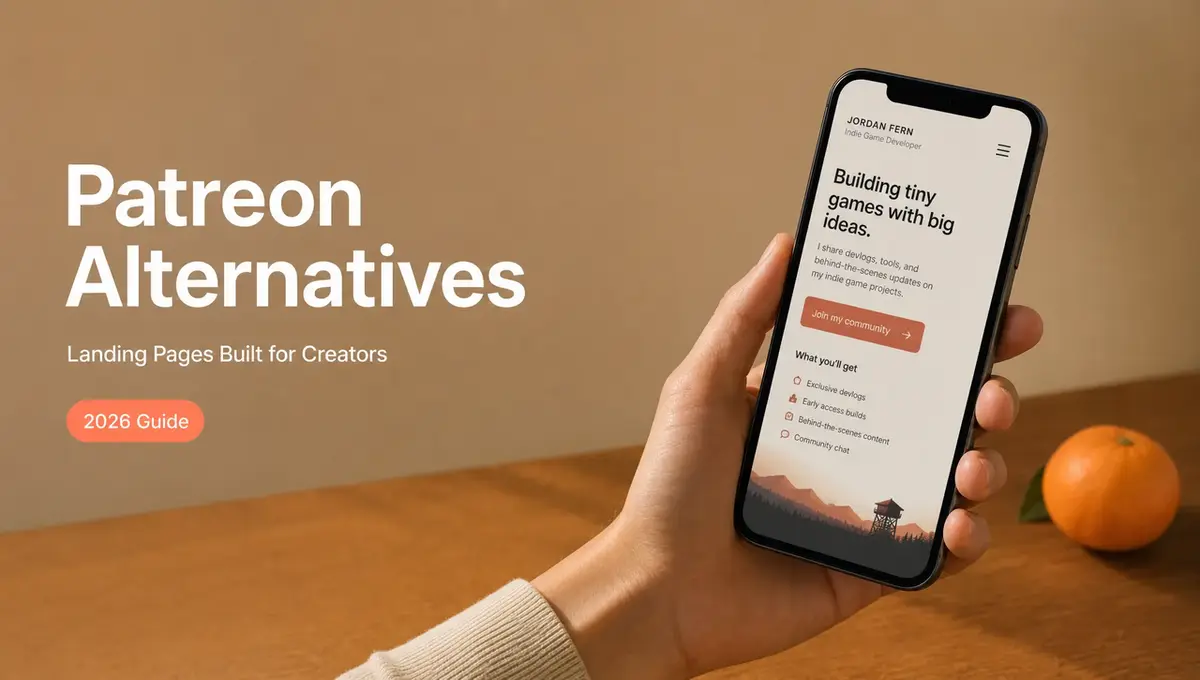
The cleanest creator page I ever built wasn't clever. One card: a short intro at the top, my latest work, and a single button that said "Work with me." I stopped pasting five different links into DMs and started dropping that one. Mine routed people to collabs, but for most creators reconsidering Patreon, the same move routes people to where they actually support you. If you're searching for Patreon alternatives, the useful question usually isn't "which logo replaces Patreon." It's "what am I actually asking my audience to do?" This is a cautious, creator-to-creator look at when a landing page helps, and the things it quietly can't replace.
Short version: a creator landing page is good at organizing and routing attention. It points people to your Patreon, your newsletter, your shop, or your tip jar. It is not, on its own, a membership system. It doesn't run recurring billing, gate paid content, or manage a paid community. If your goal is memberships and recurring income, you still need a platform built for that. If your goal is helping people find the right way to support you, a landing page may be the missing piece.
Why creators search for Patreon alternatives

Most creators don't look up Patreon alternatives because Patreon is broken. They look because something about their own setup stopped fitting. A few honest reasons:
- Fees on what you earn. When a cut comes out of every pledge, you start wondering if there's a leaner setup for your size.
- The work of running tiers. Perks, posts, and member management are a real job, and not everyone wants that job yet.
- Wanting one open front door. A membership page puts a lot behind a join button; sometimes you just want a place that welcomes everyone first.
- Starting small. Early on, you may want something simpler than a full membership while you figure out what people will actually pay for.
Notice what most of these share. They aren't really "I want a different membership platform." They're "I want a simpler way to organize how people support me." Naming that early keeps you from swapping one tool you'll outgrow for another one you'll outgrow. Most lists of Patreon alternatives jump straight to features and pricing, but the feature list only matters once you know whether you're trying to manage paid members or simply guide people to the right link. Get that order wrong and even the best-reviewed tool can feel like a bad fit.
Support page vs membership platform
These two things get blurred together, and that's where expectations break. A creator support page (or creator landing page) is an entry point. It introduces you and routes people to the next step. A membership platform like Patreon manages paid members: it handles tiers, recurring membership billing, gated posts, and a members-only space.
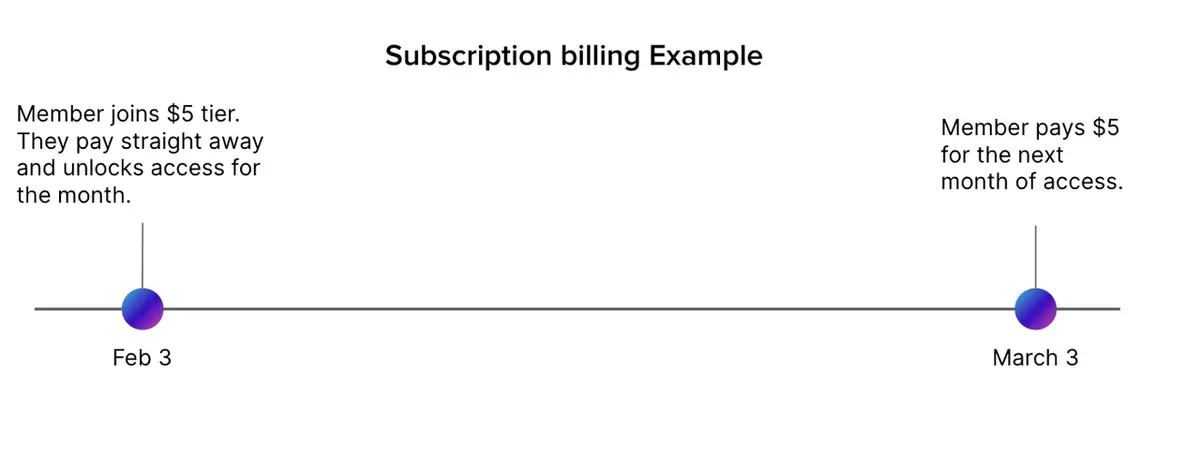
One is the front door. The other is the room people pay to enter. You can absolutely have both, but they do different jobs, and a link organizer won't quietly turn into a billing system because you wish it would.
Organizing interest vs managing paid members
A landing page organizes interest: here's who I am, here's my work, here's where to support me, here's my newsletter. A membership platform manages the relationship after money changes hands: access, renewals, perks, and cancellations. If you mistake one for the other, you'll either expect a simple page to process subscriptions, or expect a membership back end to be the friendly link you share on socials. Decide which problem you're solving first, then the rest gets easier. A support link that lives in one tidy place can do real work; a half-built membership stuffed into a page that wasn't made for it just frustrates everyone, including you.
What a creator landing page can do
Used for what it's good at, a landing page earns its place fast. It can:
- Gather your scattered links (Patreon, newsletter, shop, socials, tip jar) into one creator bio link instead of a buried list.
- Put the one action you care about most right at the top, where people see it first.
- Route social, ad, and QR traffic to the right next step instead of a generic profile.
- Collect emails or inquiries so a casual visitor can become someone you can reach again.
That last point matters because attention is the part you already earned. Instagram now lets you add links to your bio, but only the first one shows up directly — the rest sit a tap away in a menu most people never open. So where your main link sends them still decides whether any of that interest turns into something.
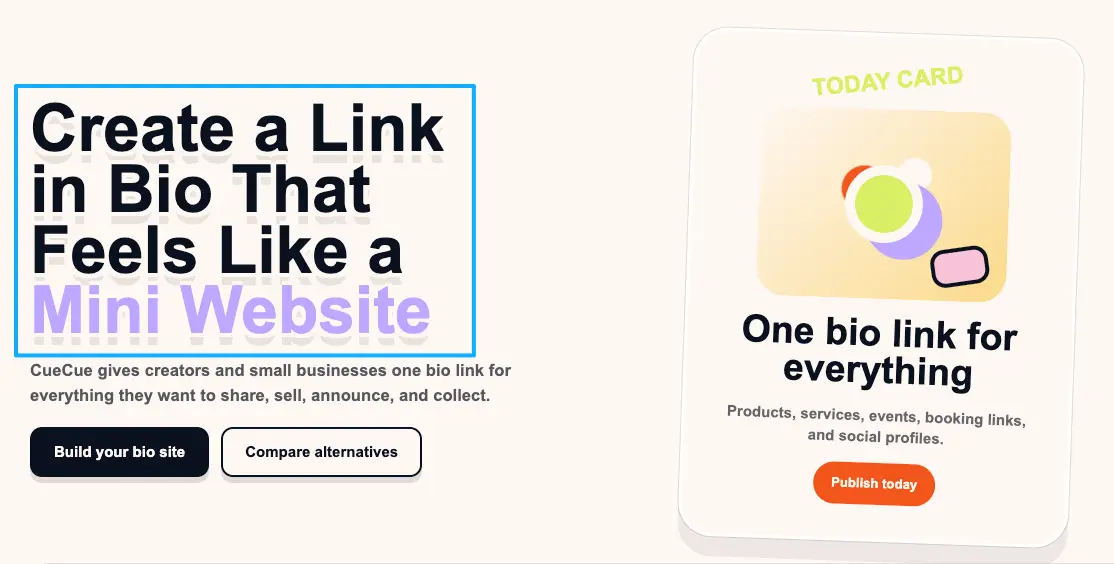
Here's an example you could build: one card that introduces you, shows your latest work, and links straight to your Patreon (or Ko-fi, or your newsletter) as the main button, with a smaller email signup underneath. A tool like CueCue's link-in-bio card is one way to assemble that from a template and share it as a single link or QR code. The support itself still happens on whatever platform you choose. The card just makes sure people actually get there.
What it cannot replace
This is the part to be honest about, because overselling it helps no one. A creator landing page cannot run memberships or recurring billing for you. It cannot gate paid content, manage tiers, or process a subscription. And it cannot moderate a paid community or handle perks, renewals, and refunds the way a membership and community platform does.
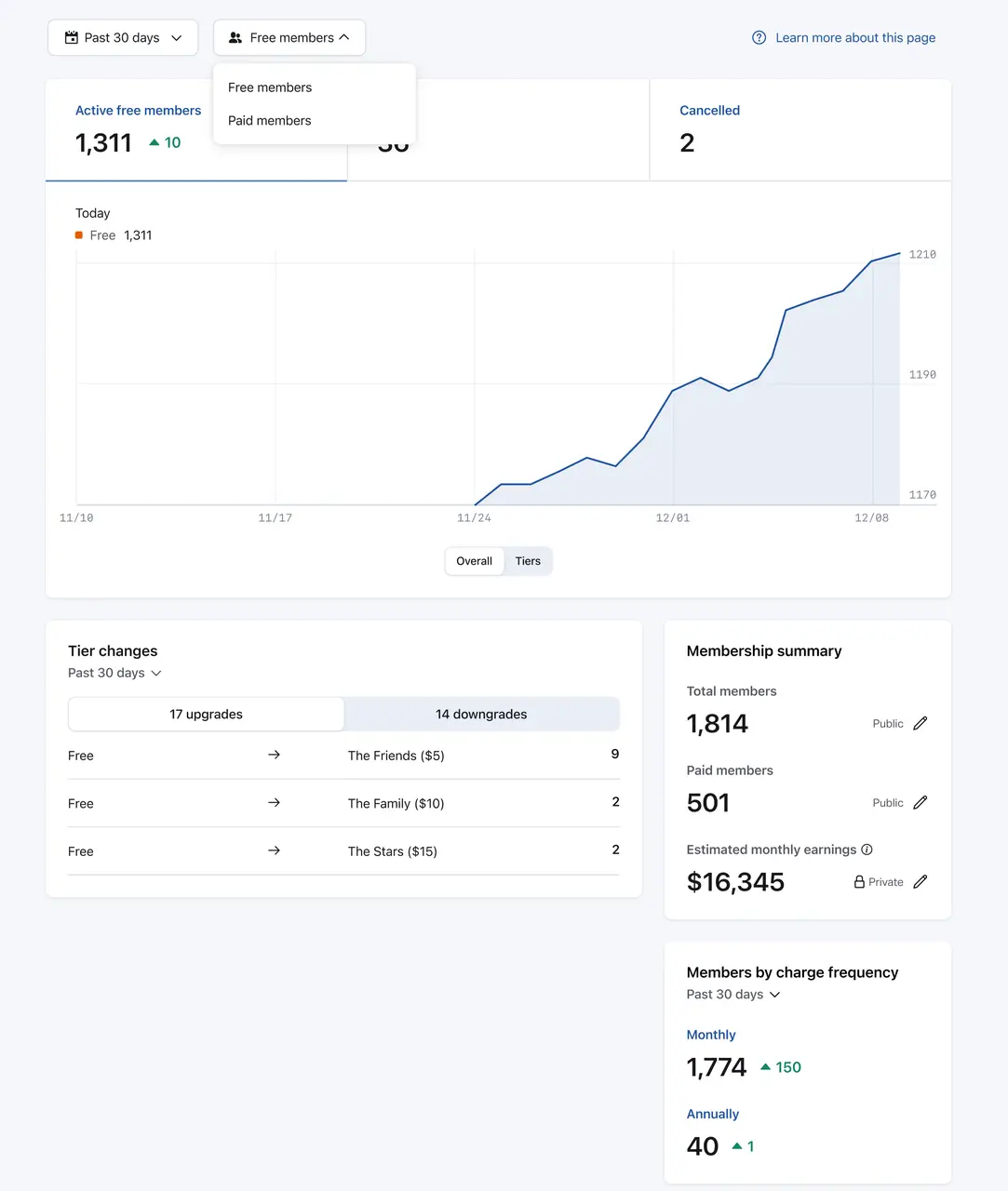
So if recurring income and a paid member relationship are the core of what you do, a landing page is the front door, not the house. Treat it as the thing that points people toward your support, not the thing that collects and manages it. I've watched creators get burned here: they move their bio link to something lighter, then realize a few weeks in that their real problem was tiers and renewals, which no landing page was ever going to handle. The page wasn't wrong. It was just answering a different question than the one they actually had. For payment and policy specifics on any platform you route to, always check that platform's own current documentation.
Choose by creator support model
The clearest way to pick is to start from how you actually want people to support you, then match tools to that.
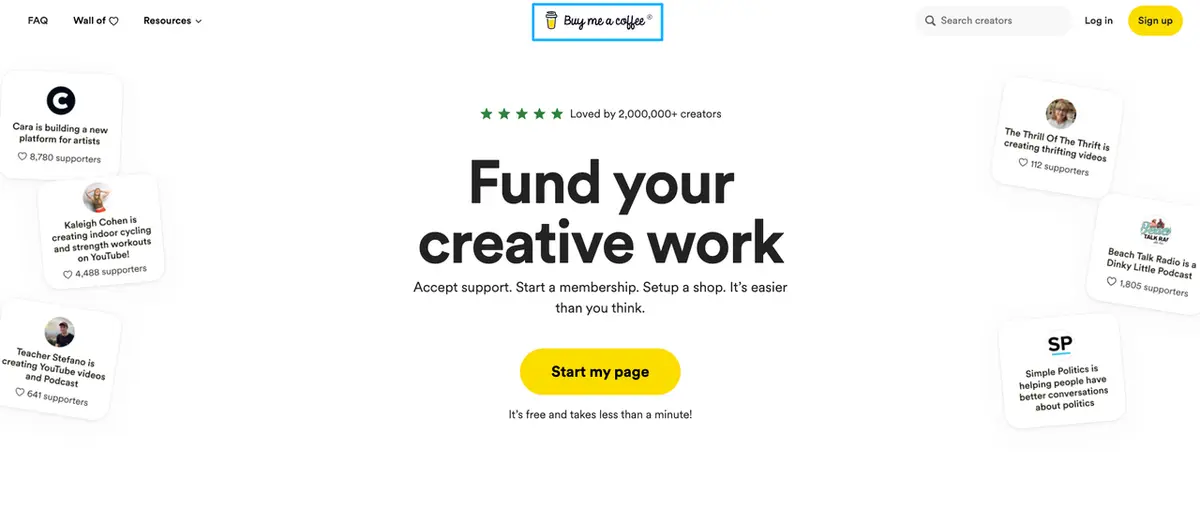
- One-time tips and casual support. A simple support page plus a tips tool, like a creator support platform such as Buy Me a Coffee, may be all you need.
- Recurring memberships, tiers, gated content. You need a membership platform built to manage paid members. Your landing page's job is just to route people to it cleanly.
- A mix of free audience-building and one paid tier. Use the landing page as the public hub and the membership platform for the paid layer behind it.
- Just getting started. If you mostly want people to find your stuff and reach you, a creator landing page that organizes your support link and socials is often the right first move, before you commit to running memberships.
Pick the support model first. The tool you search for changes a lot depending on which of those four you actually are. Plenty of Patreon alternatives are excellent at one of these and ordinary at another, so a tool that's perfect for a friend running tiers might be overkill for you if you only want a clean support page. Match it to your model, not to someone else's setup.
The Patreon alternatives rabbit hole gets a lot shorter once you decide what you're actually asking people to do. You're already doing the hard part, which is making people care enough to want to support you. The piece that usually leaks is the path between "I love this" and "here's where I do something about it." You don't have to solve memberships and tiers today. Just make the one page that turns every share into an action, and point it at wherever you collect support. Pick your single most important support link, put it at the top, and share that one link this week. Future-you, watching people finally find it, will be glad you did.
FAQ
What is a Patreon alternative?
Any tool a creator uses instead of, or alongside, Patreon. Some are full membership platforms; others are lighter support pages or landing pages that organize where people can support you. The right Patreon alternative depends on whether you need to manage paid members or mainly route people to support.
How can creators organize support links?
Put them in one place. A creator landing page or bio link can list your support options (membership, tips, newsletter, shop) with the most important one first, so you share a single link everywhere instead of a scattered pile.
When is a membership platform better?
When recurring income, tiers, gated content, or a paid community are central to your work. Those need a platform designed to manage paid members. For exact features, fees, and policies, check the platform's official current documentation.
When is a creator landing page enough?
When your main goal is helping people find you, organizing your links, and routing them to wherever you already collect support, rather than running the memberships yourself.
About this content
- Written by
- Mia Anderson, UGC Creator · Content Creator
- Reviewed by
- CueCue Team, Editorial review desk
- Last updated
- June 8, 2026
- Editorial standard
- CueCue articles are written for practical use, checked for clear sourcing, and updated when product or policy details change.