
The creator who beat me to a brand collab last spring didn't have a fancier page than mine. She had a clearer one. Three work samples, a plain rate, and one button that said book a call. My page had a tidy list of links and no obvious way in. She got the deal.
That's the real Stan Store vs Linktree question for anyone with a creator offer: not which tool stacks more buttons, but what you need a visitor to actually do once they tap. By the end of this you'll know which one fits selling, which fits linking, and when a plainer page beats both, so you can set the right thing up this week.
Stan Store vs Linktree: the quick answer by creator goal
Short version, by the job you need done.
Selling straight from the bio with a built-in checkout, for digital products, courses, coaching, or memberships? That's what Stan is built around. Routing followers to a bunch of places at once, like your latest video, your newsletter, and two other links? That's Linktree's home turf, and it has added native selling on top of the list. Presenting one offer and catching interest or inquiries before money changes hands? A lightweight action page can be enough on its own.
Pick the job first. The tool falls out of that, not the other way around.
Stan Store vs Linktree at a glance
These two start from different places, and it shows in every screen. Both can act as a creator offer page. They just disagree, hard, on what that page is for.
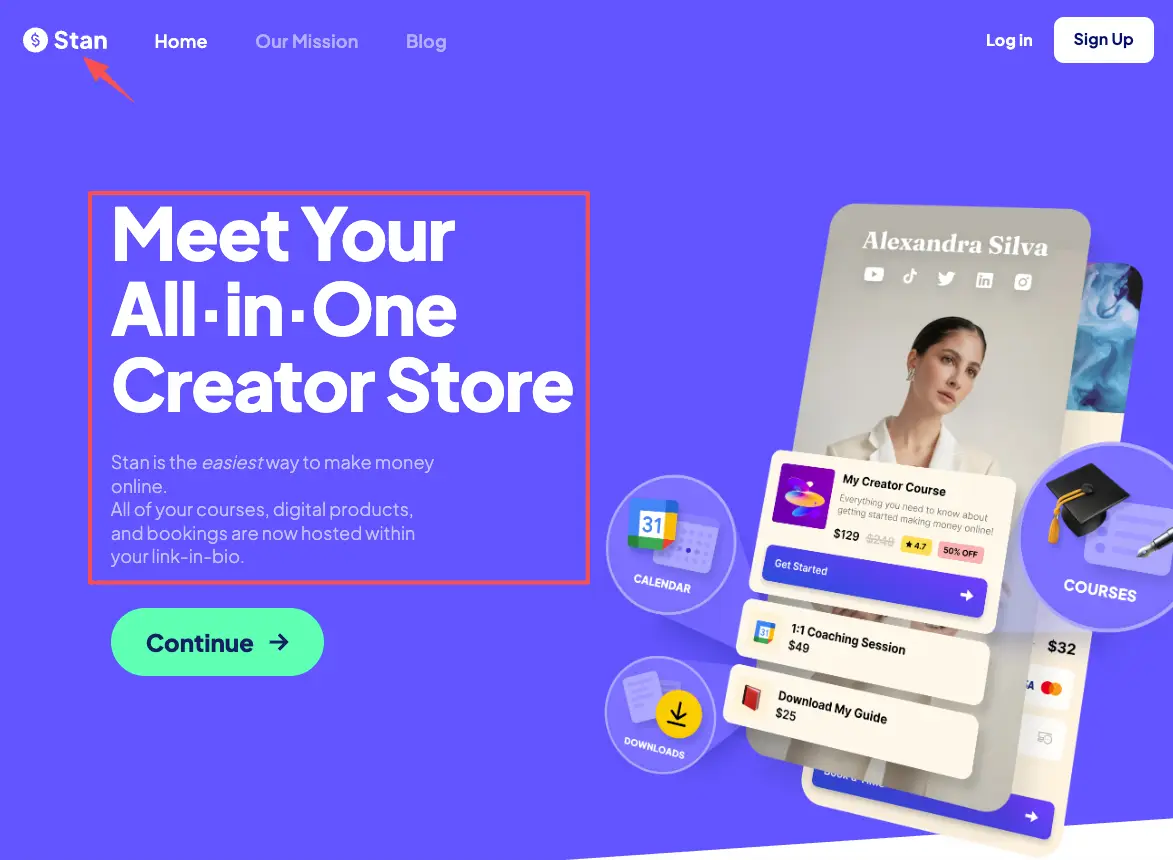
Stan reads as a link in bio that sells. Every page is built around the offer and the checkout, and the product range leans toward digital: downloads, courses, memberships, and coaching or booking slots. It's a paid tool, and it points its whole design at one outcome, which is turning a tap into a purchase without sending people off somewhere else. You can read Stan's own walkthrough of selling digital products for how that flow is set up. One thing to know up front: it's focused on digital products and services, not physical inventory with shipping.
Linktree started as the list. A clean stack of buttons that send people wherever you point them. It still does that, and it kept a free tier, but it has grown selling features too. You can now sell digital products and courses on Linktree, with courses powered by Kajabi and payments handled in the background. Or you can skip the native blocks and route people to a checkout you run elsewhere.
Neither is the "better" tool. They optimize for different first jobs, and your offer decides which job matters.
Compare the creator offer journey
Social bio, offer presentation, and lead capture
Follow the path a follower actually takes. They see your content, tap your bio link, land on a page, try to understand what you're offering, and then either do the thing or leave. Each tool shapes that path differently.
The bio link itself is the same starting line for both. Same start. One link, sitting under your name on Instagram, TikTok, or YouTube, sending people to the page you chose.
Offer presentation is where they split. On a Stan-style store, your offers show up as buy-now cards, and the buy button is the point of the page. On a Linktree-style hub, your offers are links or buttons in a list, and a product might be one block sitting next to your podcast link and your newsletter signup. Same offer, very different center of gravity.
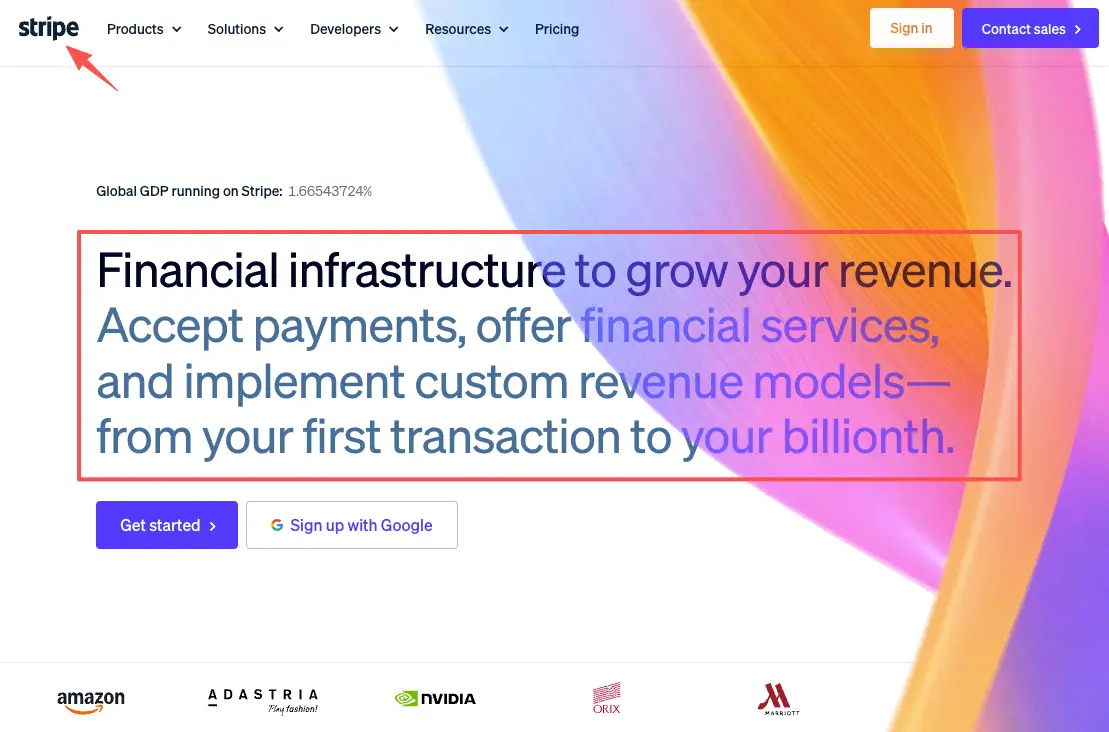
Then comes the part where money moves. Both route the actual payment through a payment processor like Stripe rather than holding your card details themselves. The real difference isn't the processor. It's whether checkout is the whole reason the page exists, or one option among many. That distinction sounds small. It isn't. A page where buying is the obvious next move behaves very differently from a page where a product link competes with five other buttons for the same thumb.
Lead capture is the quiet one people forget. Sometimes the next step isn't a sale at all. It's an email, an inquiry, a "tell me more." Stan has built-in email and lead-magnet collection wired to its store. Linktree can gather emails or route folks to a form. Either way, that captured interest is yours to follow up with later, which matters a lot when someone isn't ready to buy on the first visit. If catching interest matters more than closing today, weight that piece heavily. Don't skip it.
So the journey question is simple. Where does your offer need to end? A purchase. A click-through. Or a captured lead.
Where a lightweight action page fits
There's a middle path that neither a full store nor a links list covers cleanly.
Say your one job this week is small and specific. Present a single offer. Explain what it is in a few lines. Catch a booking, an inquiry, or a wave of "I'm interested" before you build out anything bigger. You don't need course hosting. You don't need a checkout backend. You don't need ten links either. You need one page that does one thing.
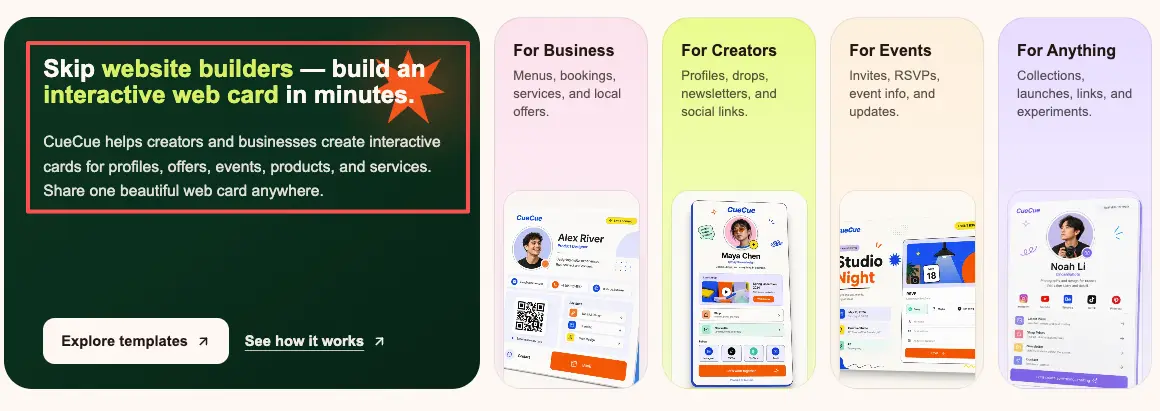
That's the slot a focused action page fills. As an example you could build: a tool like CueCue lets you put one offer, a short description, and a single action on one mobile page, then point your bio link at it. The action can be an inquiry form, a booking link, or a "get on the list" button. Your call. It isn't a store and it doesn't run checkout. It's the front door that presents the offer and routes people to wherever the real next step lives, including a Stan checkout if that's where you sell.
Use it when the page's job is guide one action, not process the payment. For a soft launch, a waitlist, or a "DM me" you're tired of answering by hand, that's often all the page you need.
Choose by selling, linking, or collecting interest
Map your situation to one of three jobs and the call gets easy.
If selling is the main event and you want the buy and the delivery in basically one tap, a Stan-style creator store is built for exactly that. If you're mostly sending attention to many destinations and selling is occasional, a Linktree-style hub keeps that list clean and adds selling when you want it. If your offer is one thing and the next step is interest or an inquiry, a lightweight action page presents it and hands the sale off wherever it belongs.
A quick gut-check from my own mess. When I was juggling a digital template, a coaching slot, and a newsletter, I kept forcing all three onto one busy page, and none got picked. None. The fix wasn't a bigger tool. It was choosing which single offer mattered that month and letting the page lead with it. In a selling stretch I leaned on a store. In quiet audience-building months a plain link hub did the job fine. For a one-off launch, one focused page with one clear action was plenty.
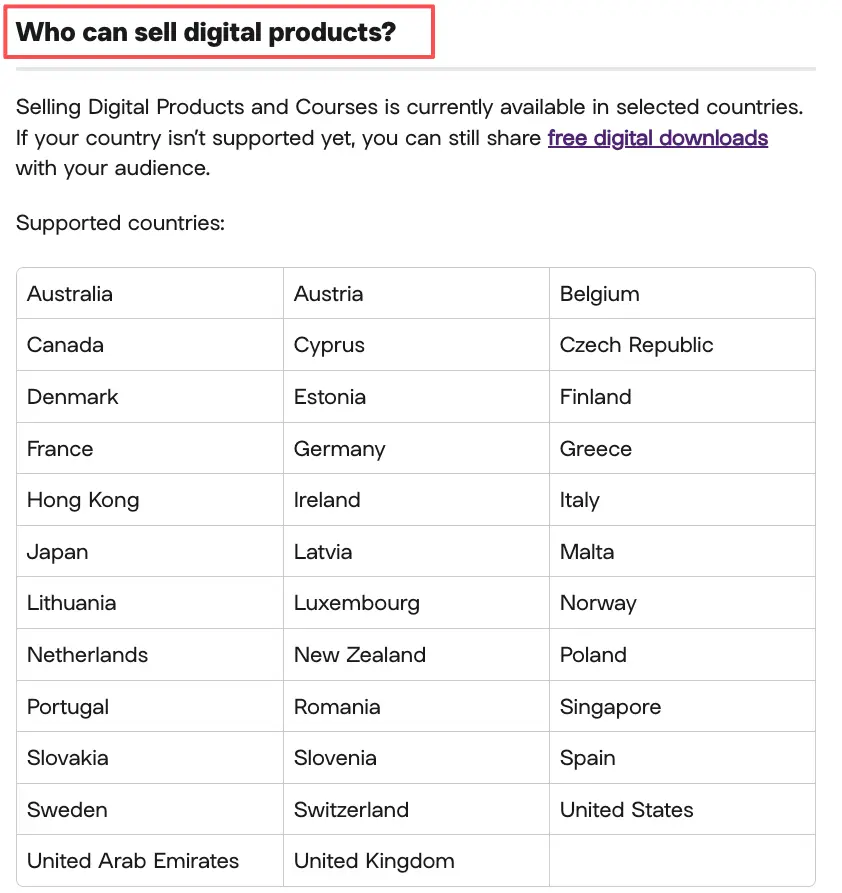
One caution before you commit. Pricing, what each platform currently lets you sell, payout rules, and which countries are supported all change, so check what you can and can't sell and the latest official docs for whichever tool you pick. Don't assume a category is fine because a video said so.
The decision was never really about the products. It's about what you need people to do next.
So what should you do today?
You're already doing the hardest part. You made something worth selling, and people are paying attention. Don't let that attention drain out the bottom of a page that doesn't know its job. The Stan Store vs Linktree call comes down to one question, and you already know it: what should this page make people do?Pick the one thing you need a visitor to do this week. Sell it, link it, or collect interest in it, then build the simplest page that does only that. Turn every share into an action, and let the page earn its place. You've got the offer. Go give it a door people can actually walk through.
FAQ
What is the difference between Stan Store and Linktree?
Mostly, what each is built around. Stan centers the page on an offer and a checkout, so selling digital products, courses, memberships, or coaching is the default action. Linktree centers on a list of links you can send people through, with native selling added on top and a free tier underneath. One leads with the sale; the other leads with the routing.
How do creators present offers from a bio link?
Whichever tool you use, the offer sits behind that one bio link under your profile. From there it's either a buy-now product card, a link or button that points to a checkout or page, or a single action page built around the one thing you want done. Lead with the action you need, and put it where a thumb lands first.
When is a simple action page enough?
Whenever the job is to present one offer and catch interest, not run a full storefront. Think soft launches, waitlists, a coaching inquiry, or a "here's what I'm offering, reply if you want in." If you're not hosting a course library or managing many products yet, a focused page often covers it and you can grow into more later.
When do creators need a full creator store?
Once selling becomes the everyday job and you want checkout, product delivery, and things like memberships or bookings handled in one place without bolting tools together. The honest test: are you regularly taking payment for several things, or presenting one offer and pointing people onward? Confirm current features and policies in the platform's official documentation before you choose, since those shift over time.
About this content
- Written by
- Mia Anderson, UGC Creator · Content Creator
- Reviewed by
- CueCue Team, Editorial review desk
- Last updated
- June 17, 2026
- Editorial standard
- CueCue articles are written for practical use, checked for clear sourcing, and updated when product or policy details change.