
A few months back I built a 20-second clip out of free Pexels footage: window light, hands on a keyboard, a coffee cup going cold. It out-performed the stuff I actually filmed that week, then just sat there. Views climbed, a few saves trickled in, and not one person did the thing I needed them to. I blamed the footage at first. The clips did their job; they stopped the scroll fine. What they couldn't do was point anyone anywhere. A video campaign page is the fix for that gap, and by the end of this you'll know how to build one that catches the click instead of letting it leak away.
Why stock-clip videos still need a campaign page
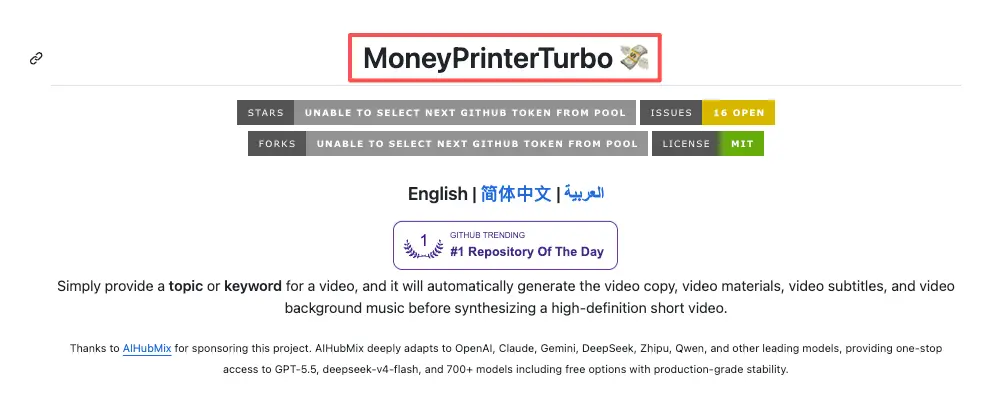
Making the video used to be the hard part. It isn't anymore. Tools like MoneyPrinterTurbo, an open-source project that strings together a script, a voiceover, and sourced stock footage from a single topic, can hand you a finished vertical clip before lunch.
So the bottleneck moved. It's now everything that happens after someone watches. A stock-clip video is great at borrowing attention and weak at keeping it pointed anywhere, because the footage is generic by design. That's exactly why it scrolls well and converts badly.
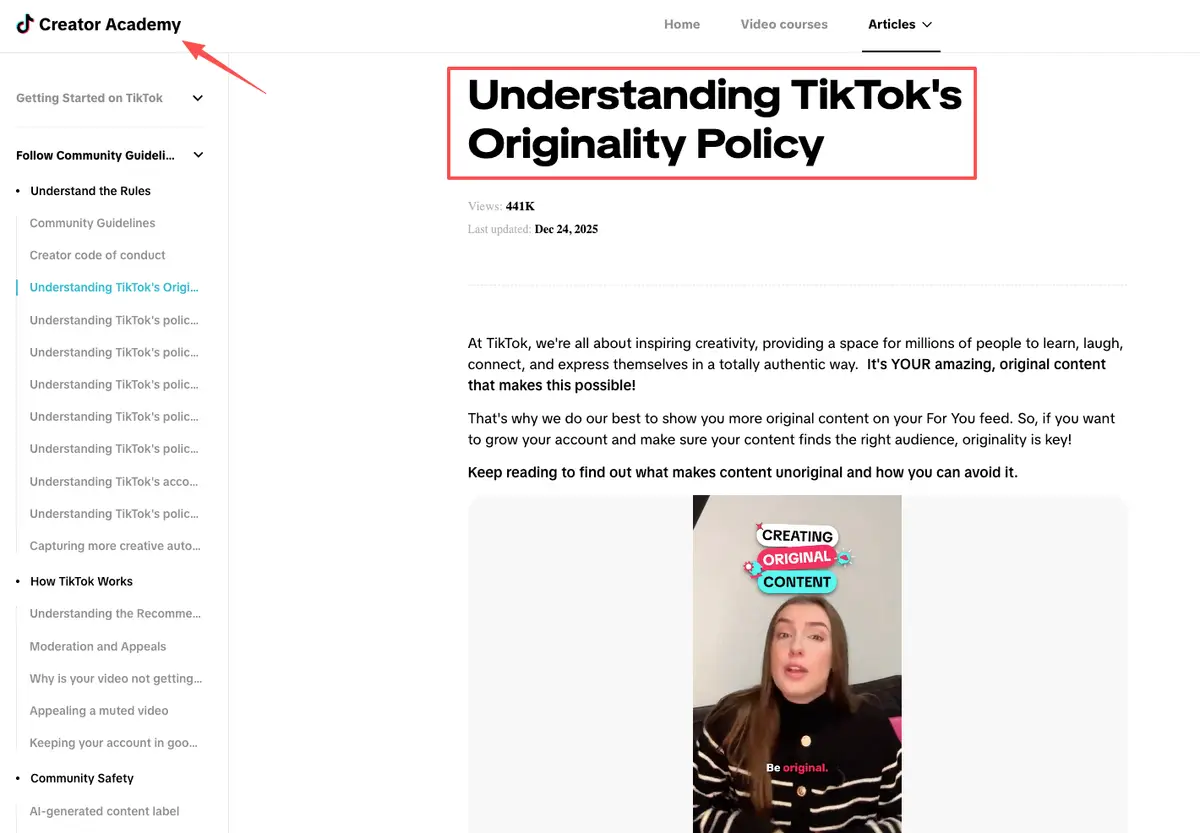
There's a second reason not to lean on the post itself. On-platform, reused or low-input footage hits a ceiling: TikTok treats unoriginal content as ineligible for its main rewards programs, per its own originality policy. Whatever a stock-clip video does for you isn't going to come from the platform paying out on it. It comes from the action you send people to next, and a video campaign page is where that action lives. It's the one asset you fully control.
Your move in this section: decide the single thing you want a viewer to do after the clip, before you build anything.
How video campaign pages support one action
A video campaign page isn't a tiny website with a menu. It's one card built around one action, and the whole point is that a viewer can't get lost on it. When your clip is doing the attention-grabbing, the page only has to do the deciding.
I think of it as picking one lane before I open the editor. Here are the four I reach for most.
Product card, creator card, offer page, and lead form paths
A product card is the move when the clip teases a specific thing to buy: one product, a short promise, a price or a "see details" button, done. A creator card fits when you're the product, with a quick intro, a couple of work samples, and a "work with me" button.
An offer page works for a limited drop or discount, where the job is to make the deal obvious and time-bound. A lead form path is for when you'd rather start a conversation than a checkout: a few fields instead of "DM me," so the same questions stop landing in your inbox.
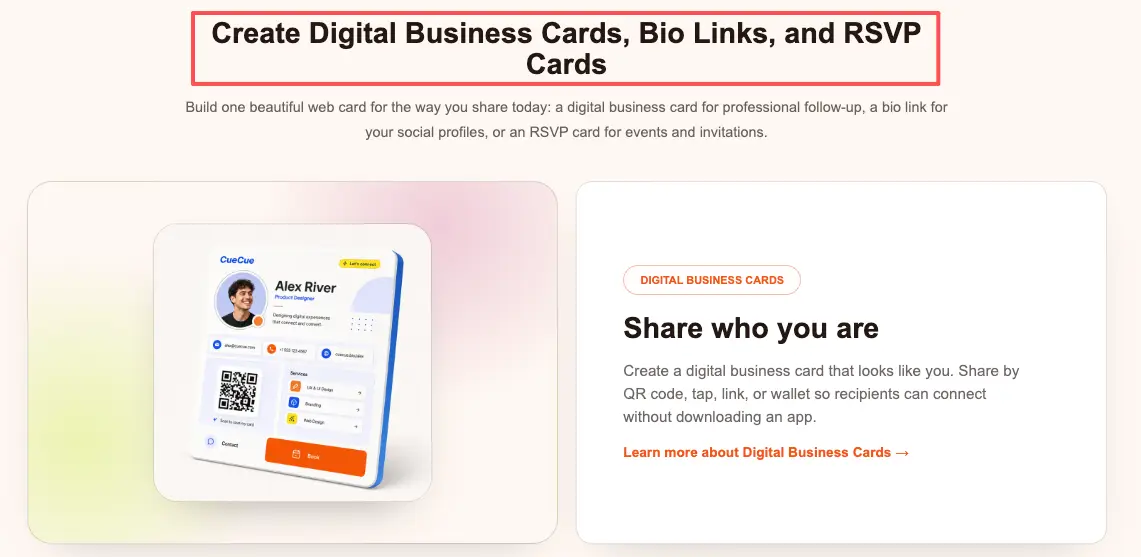
You don't need four pages. You need to know which one this video is for. As an example you could build, a single card on a tool like CueCue can be set up as any one of these: pick the path, drop in the footage's promise, add the one button, and the layout follows from the path you chose.
Your move: name which of the four paths this specific clip is feeding.
What the page should clarify after the click
The raw clip is a mood. The page is where the facts live. A viewer who liked your coffee-and-keyboard montage has no idea what you're selling, because the footage was never about that. So your video campaign page has to close the gap fast.
Source context, product promise, CTA, and follow-up action
Source context comes first: in one line, say what this is actually about, since the stock footage won't. Then the product promise, in plain words, no hype: what does the viewer actually get?
Then a single CTA, phrased as the action ("Book a 15-min call," "Grab the template"), not a vague "learn more." Last, the follow-up: what happens after they tap, so a lead doesn't hit a dead end like a stale calendar link from a service you stopped offering.
One caution on the footage itself. If your stock clip shows a recognizable person or brand, don't let the page imply they endorse your offer. Pexels' commercial-use rules are explicit that you shouldn't suggest a depicted person or brand is backing your product. Keep the human in the clip as atmosphere, and keep the claim in your own words.Your move: write the one CTA line first, then build the rest of the page to earn it.
Attribution, rights, and platform rules to handle carefully
This is the part the speed tools quietly skip, so it's worth two minutes. When you grab video files straight from the Pexels site, their standard license has you covered. You can tweak the footage for personal or commercial projects without worrying about giving credit. Just use common sense with the rules. Don't try to resell the exact same unedited file, avoid putting the models in awkward or offensive contexts, and definitely don't make it seem like they're personally endorsing your brand.
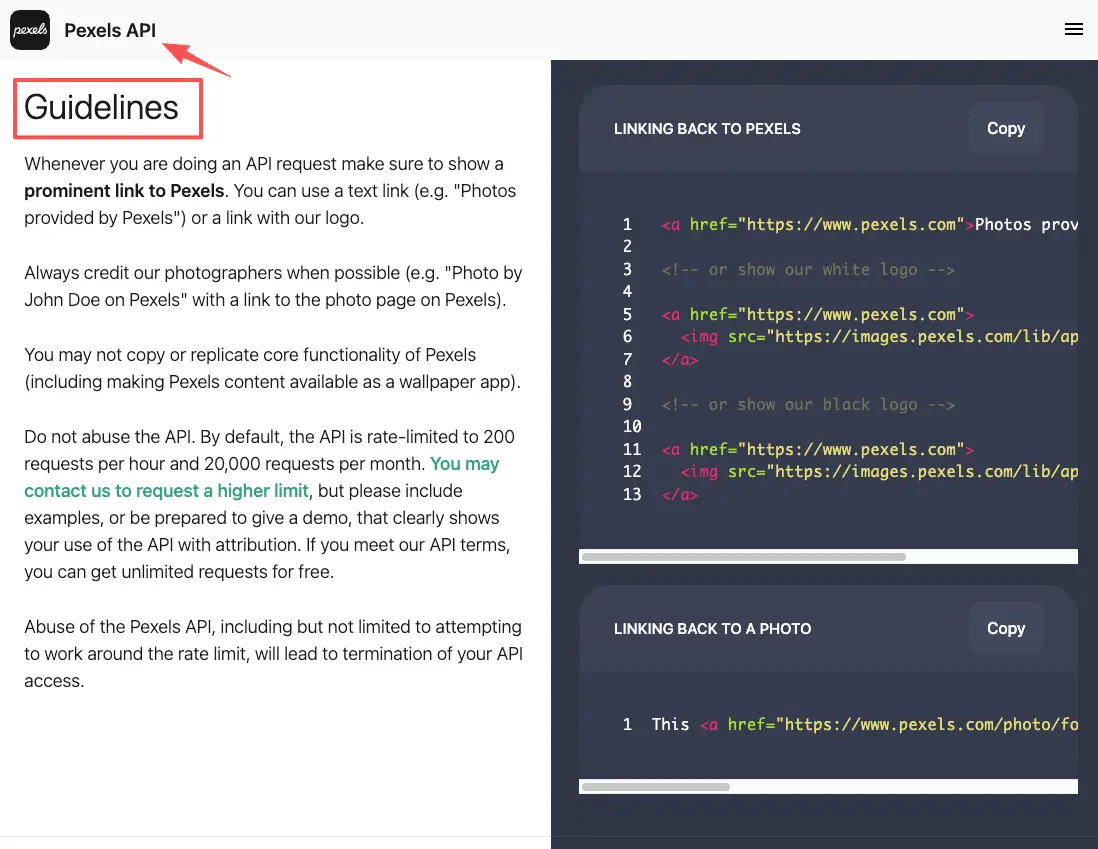
The Pexels API is where it works differently, and most automated stock-clip pipelines pull through it. Under the Pexels API guidelines, credit becomes a condition: you're expected to show a prominent link back to Pexels and credit the photographers when you can. There are default request limits too, with a path to lift them if you can show that attribution. I'm not going to quote exact numbers here, because that's the kind of thing that changes; check the current docs before you wire anything up.
The takeaway is simple. Direct download for your own page, you're clear. Pulling clips programmatically, you owe attribution. Either way, the rights question lives with how you sourced the footage, not with the campaign page you point people to.
Your move: confirm how each clip was sourced before it goes near a paid campaign.
FAQ
What is a video campaign page?
It's a single mobile page that a video sends people to, built around one action: buy, book, sign up, or get in touch. Unlike your main bio link, a video campaign page is matched to one clip or one campaign, so the message a viewer just watched and the page they land on actually line up.
How can creators use Pexels clips in video campaigns?
Yes, and they're completely free to use. If you download the files yourself, you don't even need to provide attribution. However, if your tools pull footage through the Pexels API, you should plan to credit the platform and creators. Since stock video is naturally pretty vague, just make sure your campaign page does the heavy lifting by clearly stating your offer and CTA.
What should creators check before using stock clips in campaigns?
Just a few basic ones. Never resell the raw, unedited footage. Make sure you don't imply that the random people in the video are your brand ambassadors, and double-check your download method to see if attribution is required. It's not complicated, but automated video generators usually skip these checks, so you have to keep an eye on them manually.
Product card vs. landing page: which one wins?
Stick to a product card if you only want the viewer to do one specific thing. They load instantly and keep mobile users from getting distracted and wandering off. Save the long, detailed landing pages for times when you actually need to explain multiple offers or tell a complex story. For a quick stock clip funnel, the card almost always converts better.
So here's the one move worth making today: take your best-performing stock-clip video, decide the single action you wish viewers were taking, and build one video campaign page around just that action. Don't add a second button. Don't link out five ways. Keep it completely focused: a single clip pointing to a single page, asking the user to complete just one task. Honestly, this is the real secret to turning casual shares into actual results. It’s what separates a video that just racks up empty views from one that actually lands you a solid booking. Go make the page.
About this content
- Written by
- Mia Anderson, UGC Creator · Content Creator
- Reviewed by
- CueCue Team, Editorial review desk
- Last updated
- June 9, 2026
- Editorial standard
- CueCue articles are written for practical use, checked for clear sourcing, and updated when product or policy details change.