
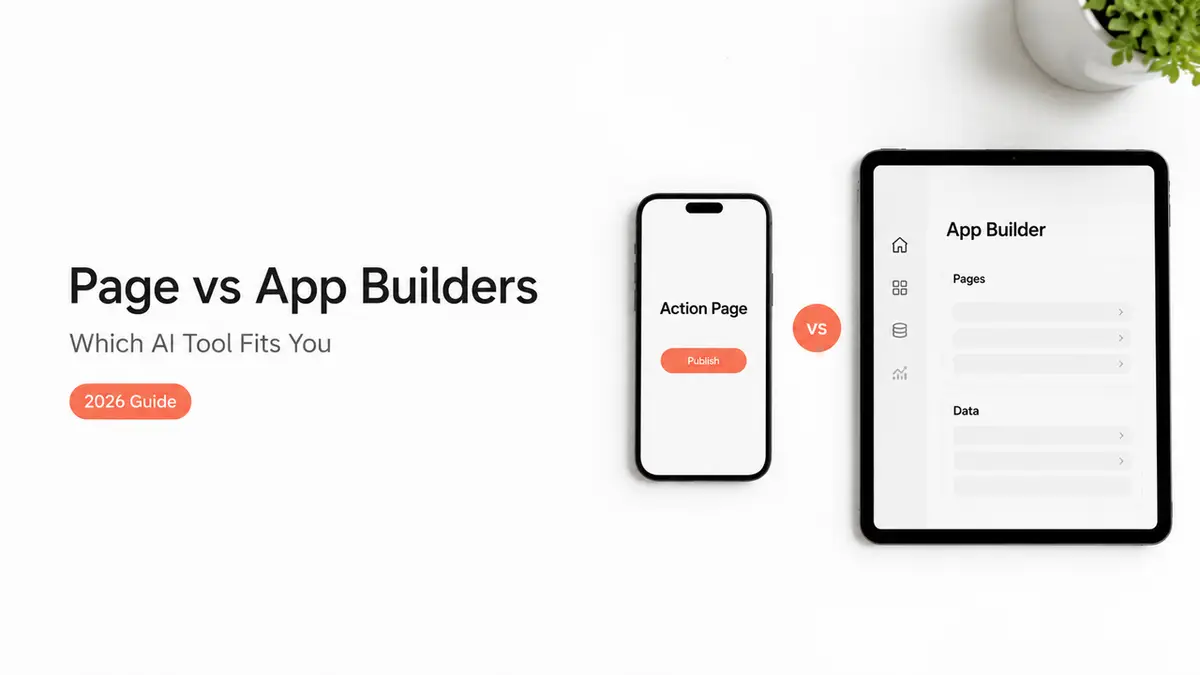
I counted five tabs open the other day. Linktree, a Google Form, my Calendly, a Gumroad page, and a phone album full of rate-card screenshots. All of that, just to answer one brand who messaged asking "where do I send the brief?" So when half my feed started telling me to "use an AI builder," I paid attention. Then I opened a few, and the thing I figured out fast is that an AI action page builder and an AI app builder are answering two completely different questions, and most of the confusion comes from people treating them like rivals.
This is a plain comparison. No winner declared. By the end you'll know which one fits the thing you're actually trying to get people to do.
Quick version, since you're busy. If you want a fast page that holds your links, captures leads, takes RSVPs, or shows an offer, that is a page job. If you want working software with custom logic, accounts, or a database behind it, that is an app job. Same word, "builder." Very different output.
Different jobs, different outputs
Let me reframe the whole thing before we list anything out. The question was never "which AI builder is better." It is "what do you need to exist at the end?" That one question sorts almost every tool on the market, and it saves you from buying the wrong category because a launch video happened to be convincing.
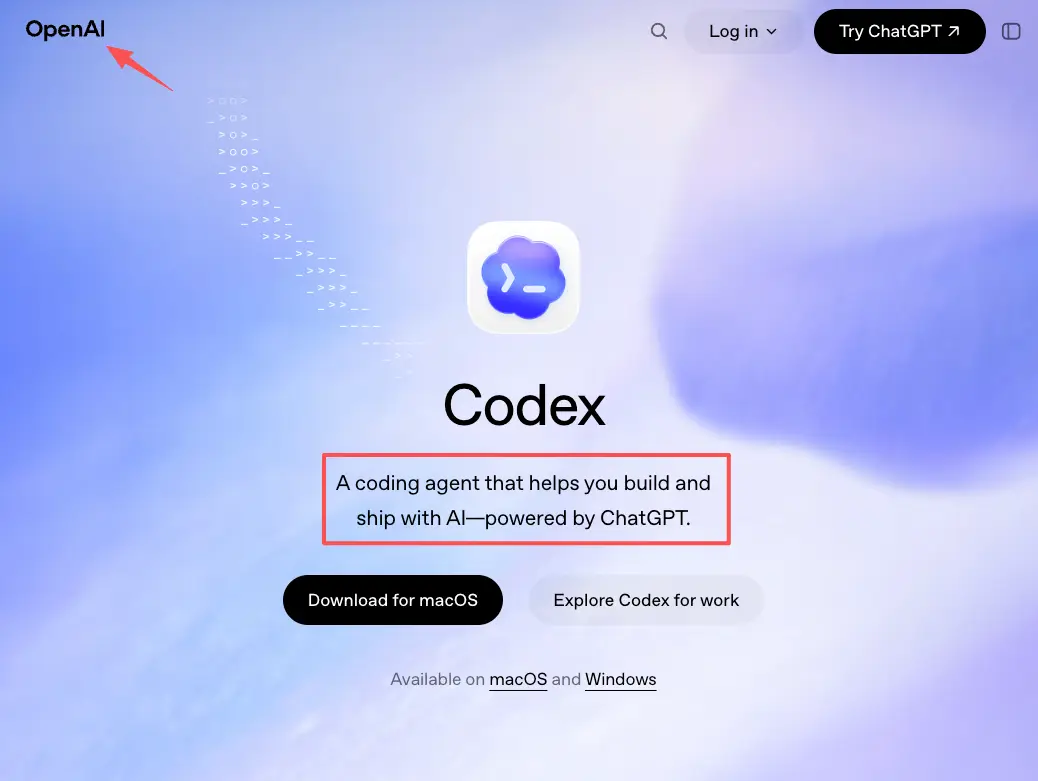
An app builder's output is an application. Picture code, a backend, logic that runs, sometimes user accounts and a database. Tools like OpenAI's Codex coding agent write and edit real software, fix bugs, and ship features for people building products. That is genuinely heavy, capable work. It is also a different planet from "I need a link that books me a call."
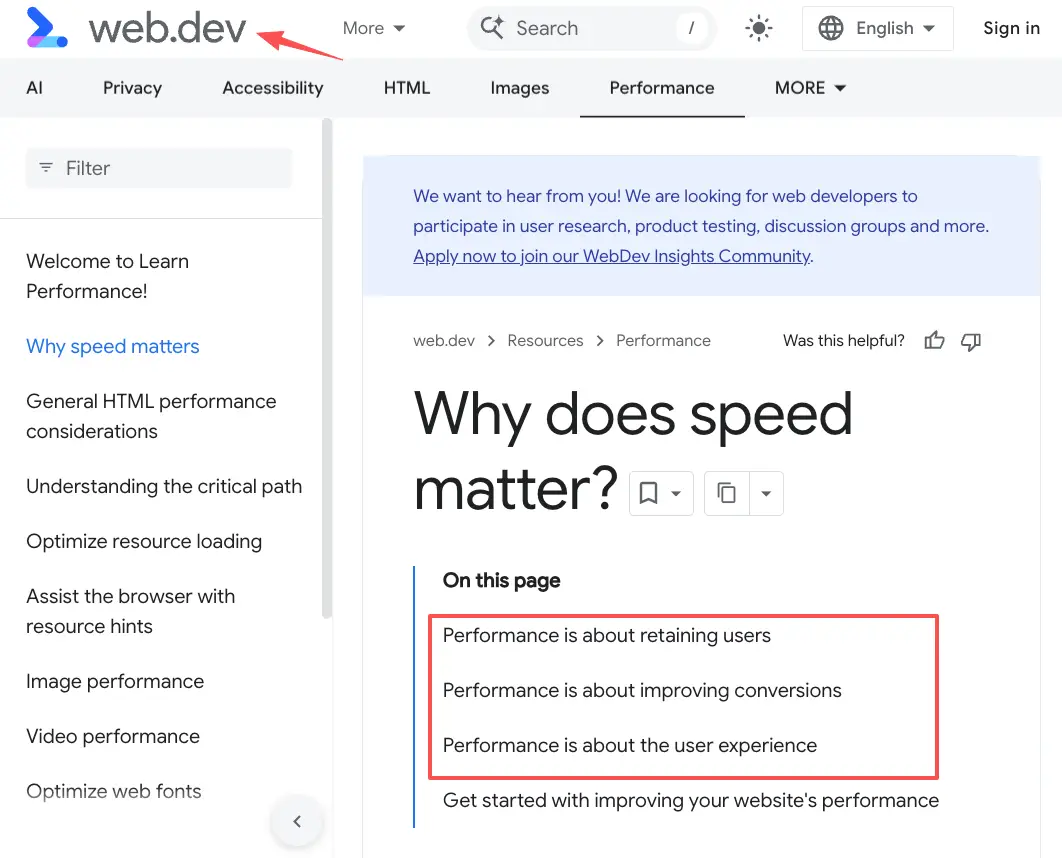
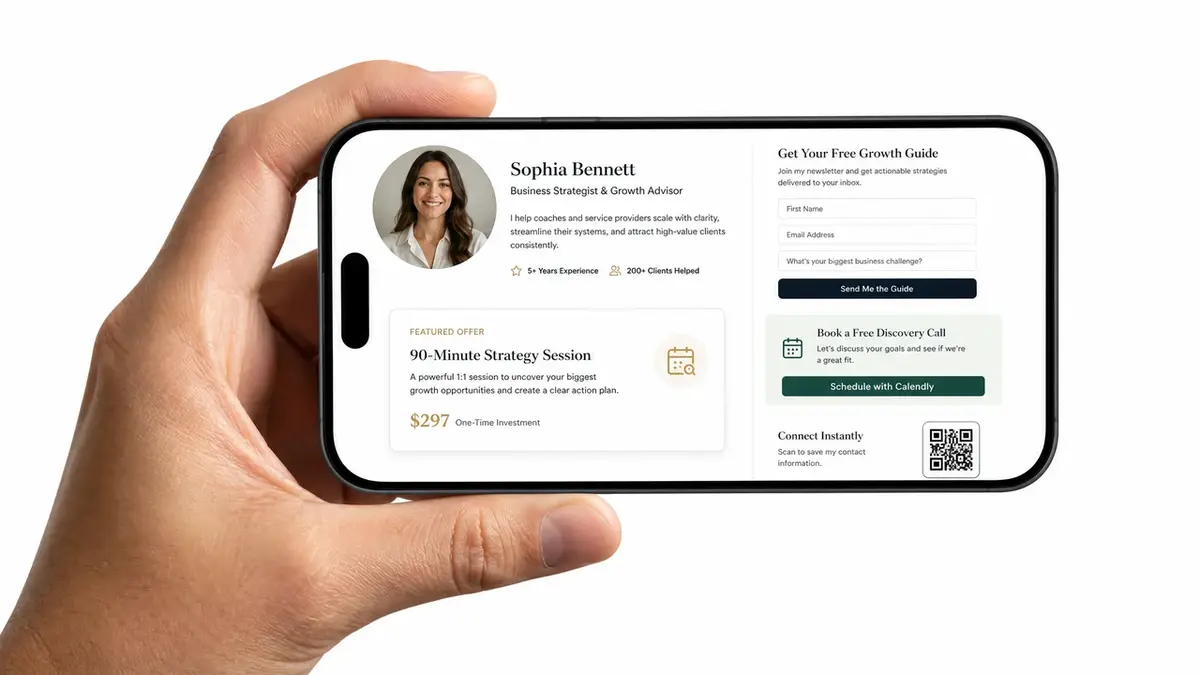
A page builder's output is a page. One mobile screen someone opens, reads in a few seconds, and acts on. It has to load fast, and page speed matters more on a phone than anywhere, because your visitor is usually tapping your link between two other things and will not wait around for a slow page to assemble itself. No login. No code. Just open and do.
Full app/code vs one mobile action page
So put the two outputs side by side. An app is a thing you maintain. A page is a thing you share.
When a brand taps your link, they are not evaluating your architecture. They want to know what you do, glance at your work, and find the one button that starts a conversation, and if any of that takes more than a few seconds you have already lost them before you ever hear about it. An app can hold all of that, sure. It is just a lot of machinery for a job that a single card does in ten minutes. A landing page builder or action page builder gets you that card. A coding agent gets you the machinery.
When you need an AI action page builder, not an app
Most creators I talk to need a page, not an app. They just got talked into believing they need more.
Run a quick gut check on yourself. You want one link in your bio that does real work. You want people to book, ask, RSVP, or grab an offer without ten steps in between. You want to change it tonight without redeploying anything. You want it to look like you, and look like it fast. If you nodded along to those, an action page is your tool, and an app would be expensive overkill for the job.
This is where the link in bio reality bites. Instagram gives you the single link in your profile, and a flat stack of buttons under it does not tell anyone what to actually do next. Nielsen Norman Group found that vague calls to action lose people, while a page that names the next step clearly keeps them around. An action page builder exists for exactly that: make the one page do the one thing.
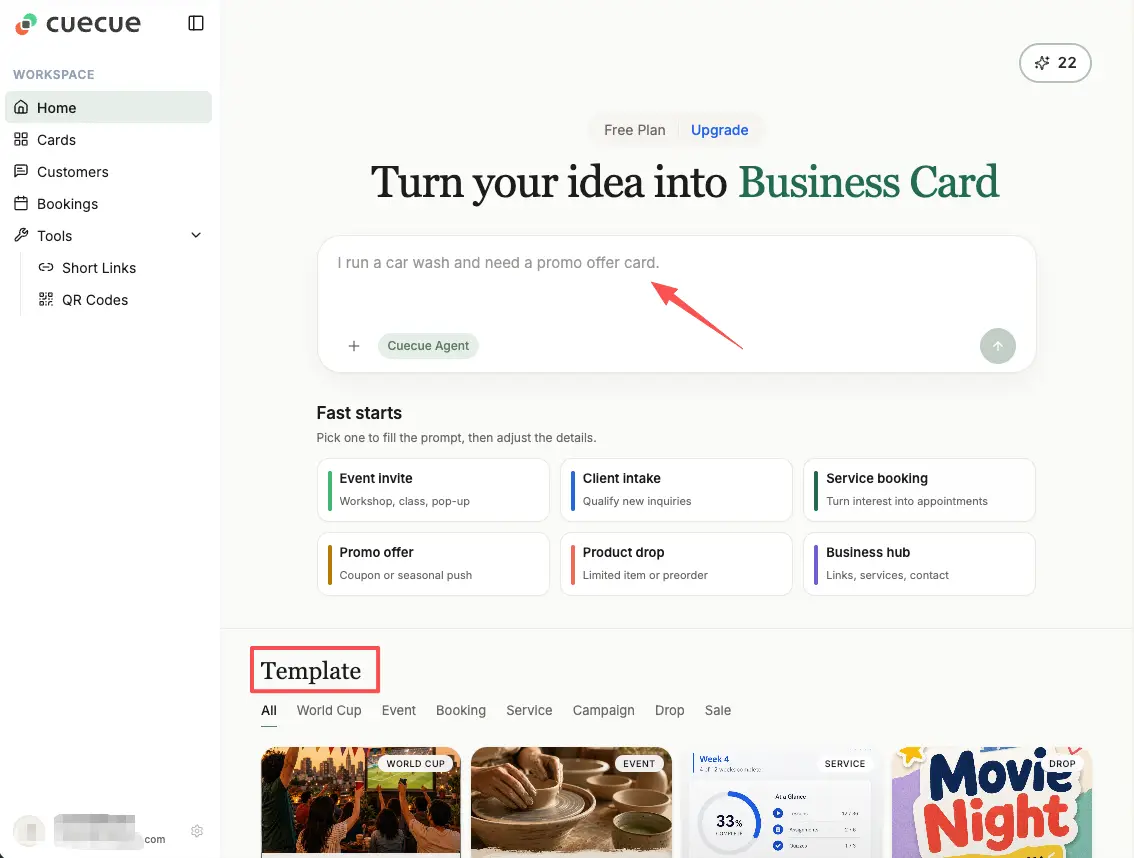
Here's a concrete example, so none of this floats off into the abstract. With a tool like CueCue (one example of an action page builder, not an app builder), you'd open a template and put together a single web card. A bio link up top. A featured offer under it. A short lead-capture form. Maybe a booking link or an RSVP card below that, plus a QR code for when you meet someone face to face. No code anywhere. You share one link, or one QR. That is the whole footprint.
When an app builder is the right tool
Now the other side, because this is not a takedown of app builders. Sometimes you genuinely do need an app, and forcing that job onto a page would be exactly as silly as the reverse.
Reach for an AI app builder when the thing you are making has to run logic, not just present it. A custom calculator. A members area with real logins. A tool that talks to a database, takes inputs, and returns different outputs for each user. Software that becomes your product, not just the doorway to it. That is real engineering under the hood, and AI coding agents have gotten good at carrying a serious chunk of it for the people who build that way.
The tell is maintenance. An app is something you own and keep alive over time. It has versions, dependencies, and the occasional bug at eleven at night that only you can fix. If that sentence made your stomach drop and your actual goal was "let people book me," you wanted a page the whole time. If it made you lean in because you are building a product, you wanted an app. Both answers are correct. They are answers to different questions.
How to choose for your goal
Skip the feature charts. Ask what has to exist at the end, then match the tool to it.
If what you end up with is a destination people open and act on, a bio page, a creator page, an RSVP page, an offer, a booking request, then the page tool is your pick. If the end state is software that runs, with accounts or logic or a stored database, choose the app tool. If you are honestly not sure which camp you are in, start with the page, because it is faster, it is cheaper, and you will learn what people actually do on it before you commit to building anything heavier.
One honest note, from getting this wrong myself. I once nearly talked myself into a "real build" for what turned out to be a page that needed three things on it and nothing else. Started a page instead. Had it live before my coffee went cold, and the first inquiries showed up that same week. Match the tool to the actual job, and you quit paying for machinery you never once touch.
You already know the part that matters
You are not behind for being unsure which builder to use. The two genuinely look alike from the outside, and the marketing wants them to. But you already know the piece that decides it: what you need people to do after they land. So name that one action first, then pick the builder whose output is built for it. If that action is a booking, a lead, an RSVP, an offer, then an action page builder is what you want, and you can have the page live tonight. Turn every share into an action, and let the heavier tools sit until you actually need them.
FAQ
What is an AI action page builder?
It's a tool that builds one focused mobile page instead of an application. You start from a template, drop in blocks, things like links, a lead form, an RSVP, an offer, then publish one shareable URL. What you get is a page someone opens and acts on, with nothing underneath for you to maintain.
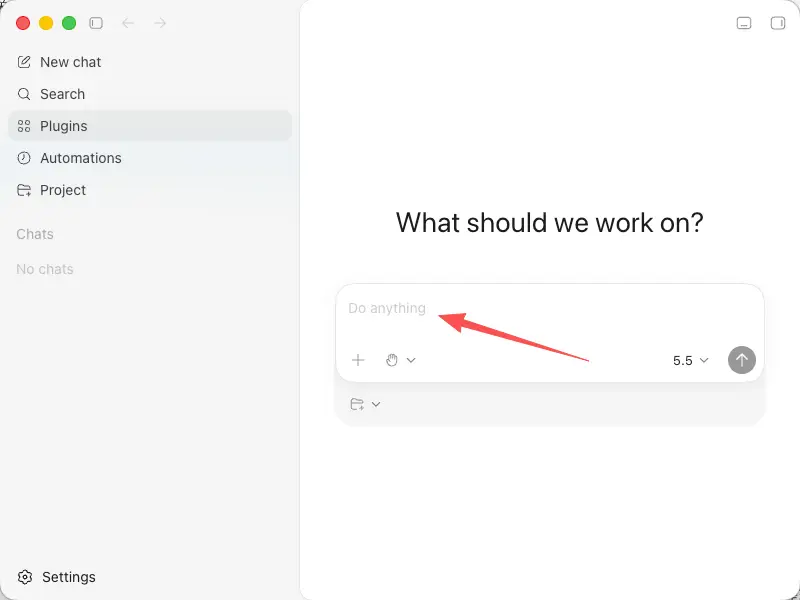
How is it different from an AI app builder like Codex?
Different output, mostly. An app builder like Codex produces working software: code, logic, sometimes a backend and user accounts behind it. A page builder produces a page with no code for you to manage afterward. One ships a product. The other ships a doorway that points people to you.
When do you need an app instead of a page?
Whenever the thing has to run, not just sit there and be read. Custom logic, real logins, a database, per-user outputs, that's app territory, and one page won't stretch that far. But if all you need is for people to see something and take one clear action, a page stays lighter and gets live faster.
Who is an action page builder best for?
Creators, freelancers, coaches, local businesses, event hosts, they tend to get the most out of one. The common thread? Needing a single spot that turns attention into a booking, a lead, an RSVP, or a claimed offer, without building or babysitting software to do it. If your goal is one clear next step off a link you share, you're the target user.
About this content
- Written by
- Mia Anderson, UGC Creator · Content Creator
- Reviewed by
- CueCue Team, Editorial review desk
- Last updated
- June 25, 2026
- Editorial standard
- CueCue articles are written for practical use, checked for clear sourcing, and updated when product or policy details change.