
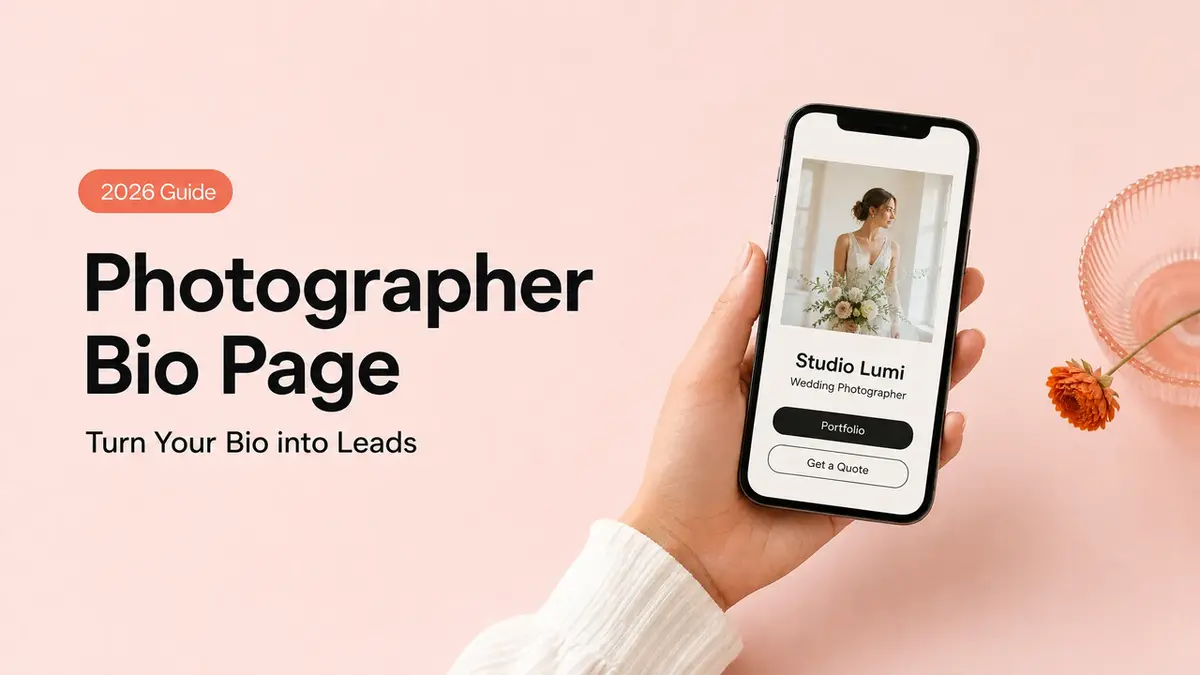
By the end of this, your Instagram bio for photographer work will do one job it probably isn't doing yet: it will turn a saved photo into a booking request you can answer. Not more followers. One real inquiry.
Picture the bride who screenshots three of your shots at 11pm, taps your profile, and reads a single line that says "DM for pricing." She doesn't DM. She scrolls on.
I am Mia, and I'll show you how to build a bio that catches her instead. A portfolio peek up top. A short booking request right under it. Your service area, so she knows you cover her venue. You can have it live before your next shoot.
The quick version
Your bio link should answer one thing fast: how do I hire this person? Lead with your strongest images. Put a short booking request right below them. Name the towns or venues you cover so the right people know they're in range, and make the whole page open clean on a phone where almost everyone is going to see it. Skip the wall of links. One clear path beats five competing ones.
What an Instagram bio for photographers should do
Most photographer bios are built to impress. Converting is a different job, and the warm ones you actually want to book need it more than they need another pretty grid.
Here's the reframe. Your feed already did the impressing. By the time someone reaches your bio, they're half-sold and looking for the next step. If the next step is buried under a podcast link, an old blog, and three social icons, you lose the warm ones right there.
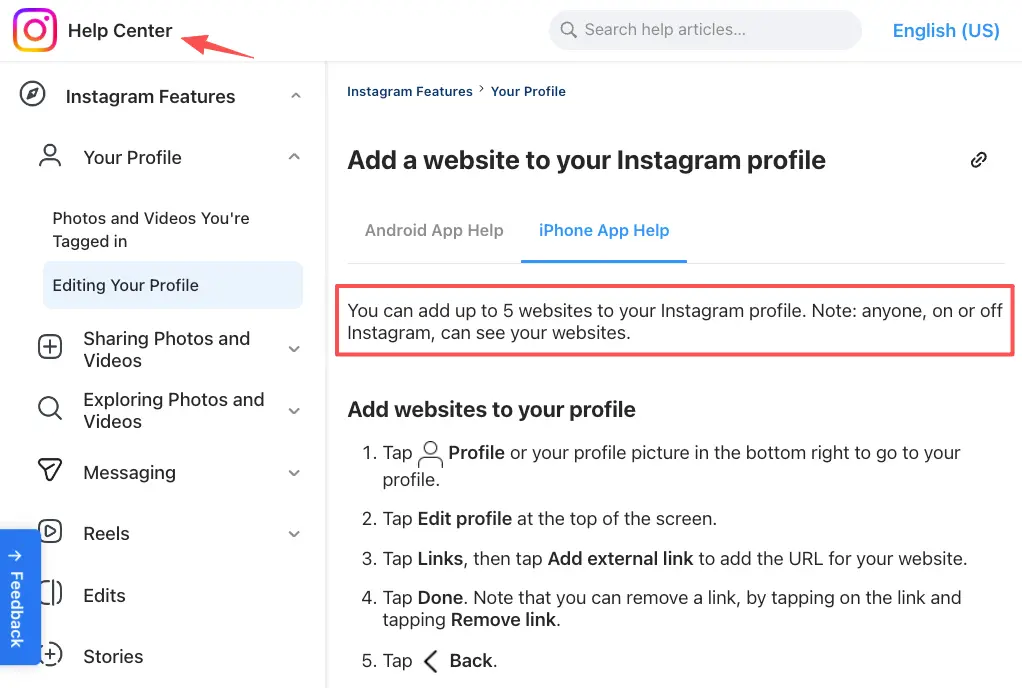
Instagram gives you up to five links in the bio now, added straight from your profile under add links to your bio. Useful. Limited too. Only the first link shows by default, the rest hide behind a small "and others," and none of them collect anything. A visitor taps, leaves the app, lands somewhere, and you never see whether it worked.
So the question isn't how many links you can stack. It's what you want one curious person to do next. For a photographer chasing bookings, that's almost always the same move: see a few photos, then ask about a date. Build the bio around that move and nothing else.
Build a photographer bio link page
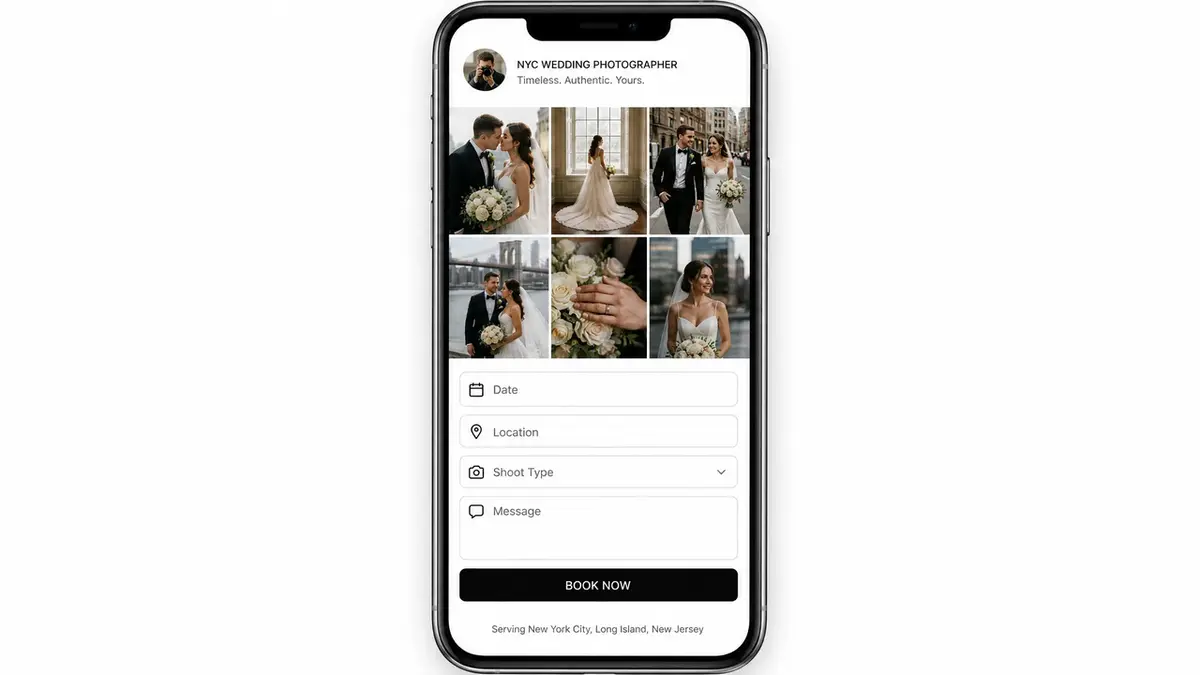
A photographer bio link is not a menu. Think of it as a lightweight photography booking page, not a brochure. It's a short, ordered path from "wow" to "are you free June 14?" Three blocks do most of the work.
Portfolio preview. Six to nine of your best frames, not your whole catalog. Pick for the work you actually want more of. Shoot mostly weddings? Lead with weddings, even if your moody street stuff is your favorite.
Booking request. A short form sitting right there on the page. Date, location, type of shoot, a way to reach them. That's enough to start a real conversation instead of forty rounds of DMs.
Service area. One line naming the cities or regions you cover. It quietly filters out people three states away and reassures the ones nearby.
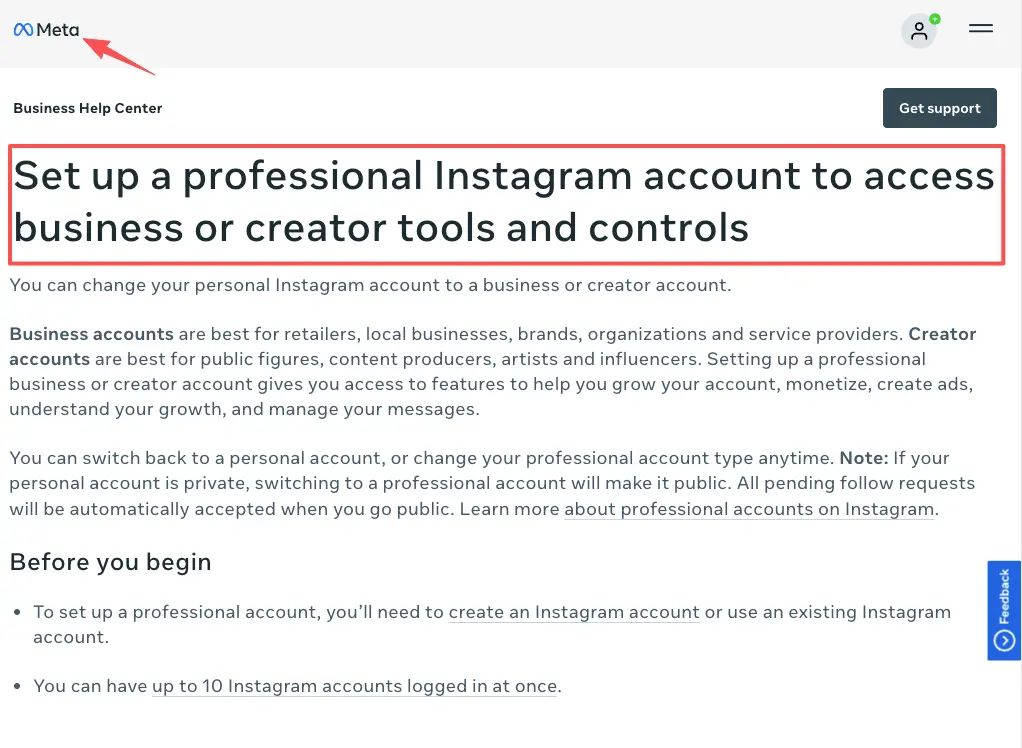
If your account is set to professional, you also get contact and action options on the profile itself, which Meta walks through in set up a professional account. That's the difference between a personal page and one built to take inquiries.
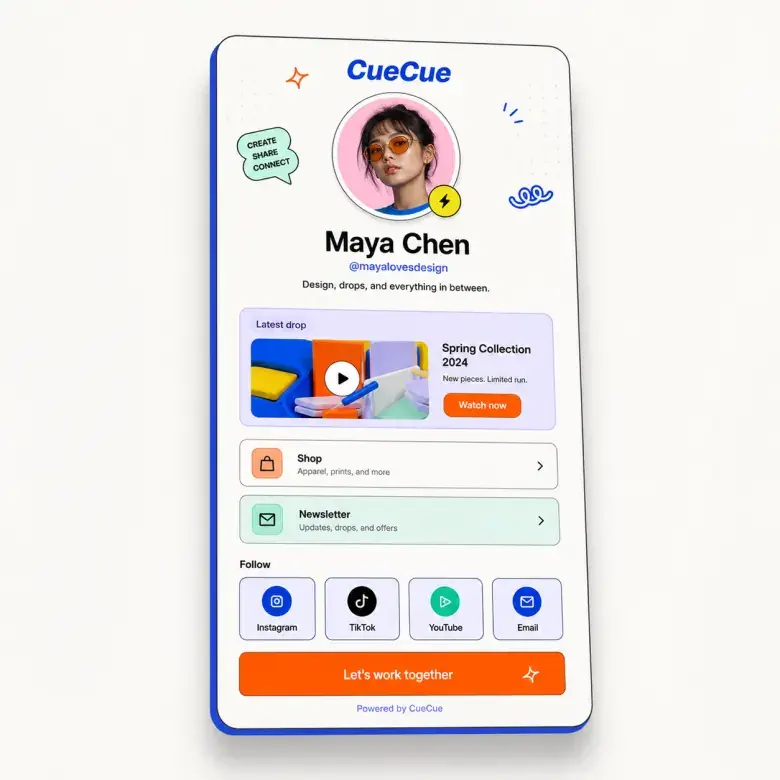
Portfolio preview, booking request, and service area
Order matters more than design. Photos first, because that's what earned the tap. Booking request second, while the feeling is fresh. Service area last, as the small reassurance that closes the gap.
As one example you could build, a tool like CueCue lets you put a portfolio preview, a short booking form, and your service area on a single card with its own link and QR code, so the same page works in your bio and on a printed flyer at a venue. Use whatever you like. The structure is the point, not the brand.
Lead capture flow for photography clients
A lead capture page only earns its name if someone finishes it. Most don't, and the reason is rarely the photos.
Think about the actual flow. Someone sees a shot, taps through, scans your work, feels the spark, and reaches the form while that spark is still warm. Every extra second of friction cools it. Your job is to keep that window open.
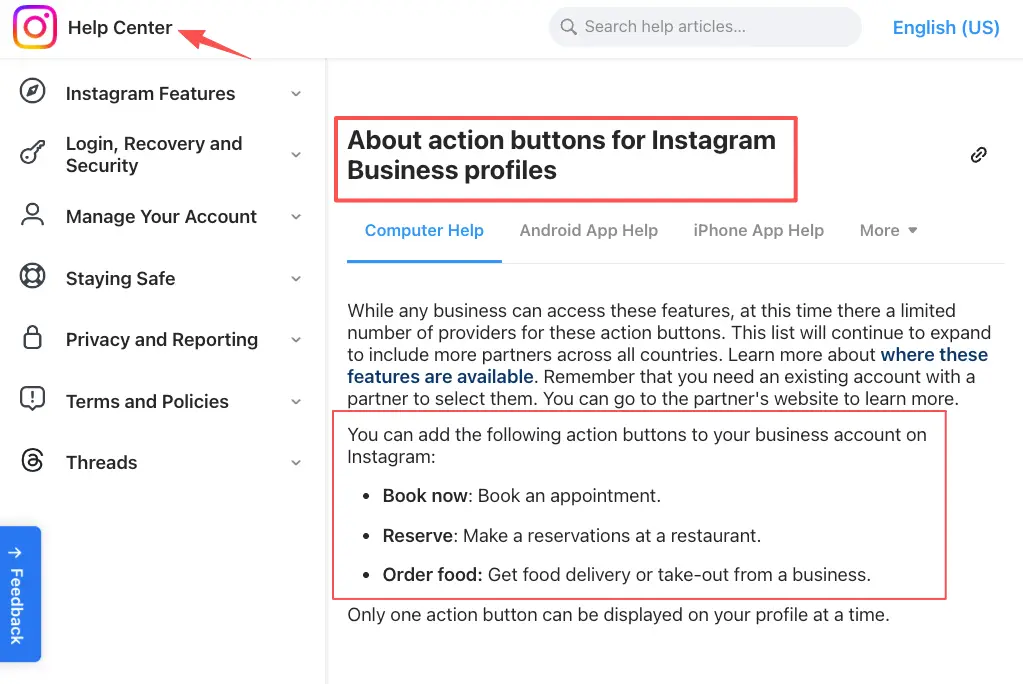
If you run a professional account with a supported partner, you can add a Book button right on your profile, described in Instagram's call-to-action buttons help. Handy when it fits your region and scheduler. When it doesn't, your bio link carries the booking, which is exactly why the form on that page has to be effortless.
Keep the ask small. You don't need their budget, their Pinterest board, and their life story on the first touch. You need enough to reply with a real answer. Get them talking, then learn the rest like a human.
Common photographer bio mistakes
I've made most of these. So has nearly every shooter I know.
The biggest one is the wall of links. Five tabs, no priority, and the booking path lost in the middle. When I finally collapsed my own page down to one card with a single button at the top, mine just said "Work with me," the difference wasn't the design. People finally knew the one thing to do.
The second is the giant form. Pages of fields feel thorough. They also kill completions. Nielsen Norman Group's research on web form usability is blunt about it: every field you can cut, cut. For a first inquiry, fewer questions almost always means more replies.
The third is the dead end. "DM for pricing" with nothing to actually do. The interest arrives, finds no path, and evaporates. You felt the attention. You just never built the door.
And the quiet one: never updating it. The link still points to last spring's mini-session that sold out in March. Set a reminder. Stale beats nothing, but barely.
When an Instagram bio for photographers isn't enough
A bio link is a front door. It is not the whole house.
If you've got a deep, searchable archive, long-form storytelling, SEO you're actively working, or galleries clients log into, you want a real website doing that heavy lifting. The bio link doesn't replace it. It feeds it.
The honest split: the bio link catches the warm, fast, mobile traffic and turns it into a conversation, while the full site holds everything for the people who want to dig. Think of the bio link as the handshake and the website as the room you walk them into afterward. You can absolutely run both, and most working photographers eventually do.
Your move today: build one photographer bio link page with three blocks, a portfolio preview, a short booking request, and your service area, then set it as your first Instagram link before your next shoot. That's the whole job. Turn every share into an action, starting with the next person who saves your work.
FAQ
What should a photographer put in an Instagram bio?
Enough to make one decision easy. A line on who you shoot and where, a single portfolio link to a page with your best work, and one obvious next step like requesting a date. Leave the rest for the conversation that follows.
How do photographers collect booking inquiries from Instagram?
Usually through the bio link. Send taps to a page with a short request form, or use a Book button if your professional account has a supported partner. Either way, what counts is whether the form is quick enough that a warm visitor actually finishes it.
When should a photographer use a bio link page?
Whenever your offer is "see my work, then reach out." That covers most portrait, wedding, and event shooters. If you mostly route people to one external shop or one calendar, a single direct link can be plenty.
What should photographers avoid putting in a bio link?
Clutter, mostly. Dead links, a dozen competing buttons, a form that asks for everything before you've even said hello. Keep policy and pricing details to your own latest documentation rather than promising specifics in a bio that goes stale.
About this content
- Written by
- Mia Anderson, UGC Creator · Content Creator
- Reviewed by
- CueCue Team, Editorial review desk
- Last updated
- June 23, 2026
- Editorial standard
- CueCue articles are written for practical use, checked for clear sourcing, and updated when product or policy details change.