
Three people asked me the same thing in one week: when's the next preset pack dropping, and can you ping me the second it's live. I had no system for that. So those "tell me when" messages sat in my DMs until I forgot them. By the end of this you'll know when free waitlist software earns its place on a small launch, when it's overkill, and how to stand up a waitlist page that catches those "tell me when" people: an email, plus their okay to message later, before your drop goes live.
Quick version, if you're in a hurry: most free waitlist software is built for viral, queue-jumping product launches. A creator drop usually needs less. Collect interest, get permission to follow up, share one link. That's the whole job.
What free waitlist software is used for
Most comparison posts skip the part that matters: these tools were designed for a specific kind of launch. Startup pre-launch. The "join the list, move up by referring friends" mechanic.
So most free waitlist software bundles a few jobs together. Email collection. A position or queue ("you're #418"). Referral mechanics that bump people up when they share. An automated email that fires on launch day. A dashboard with basic numbers. And usually a CSV export so you can take your list somewhere else later.
That's a lot of machinery. For a venture-backed launch chasing a viral loop, the leaderboard and the referral queue are the entire point. For a solo creator with a preset pack, a zine, or a small cohort, most of that sits unused.
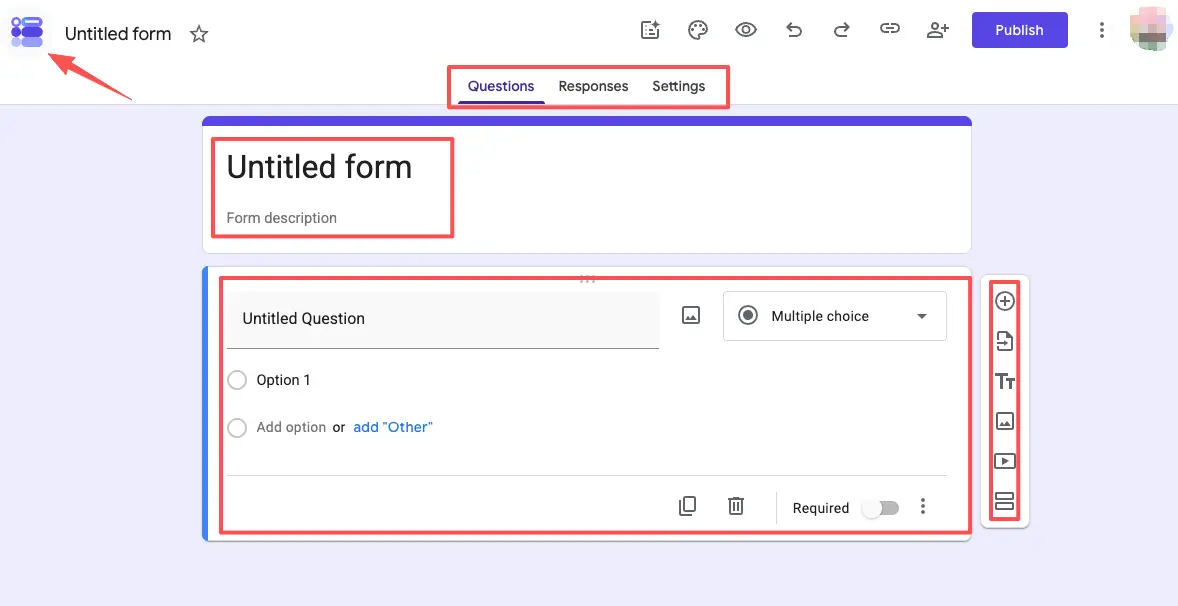
The simplest end of the spectrum is just a form. A plain free Google Form collects an email and a name, and that's it — no queue, no referral loop, no launch automation. It works, and it's free, and for a tiny first drop it might genuinely be enough.
So before you pick anything: write down the one job you actually have. "Catch interested people and email them when it's live" is a different job than "engineer a referral queue." Name yours first.
When a simple waitlist page is enough
The right tool depends on what you want people to do, not on how many features the dashboard has.
Creator drops, small launches, and beta interest
If your launch is a preset pack, a digital download, a paid community round, a workshop seat, or early access to a beta, you're usually not running a referral contest. A creator waitlist is mostly a small group of people who already raised their hand. The leaderboard doesn't help you. The page does.
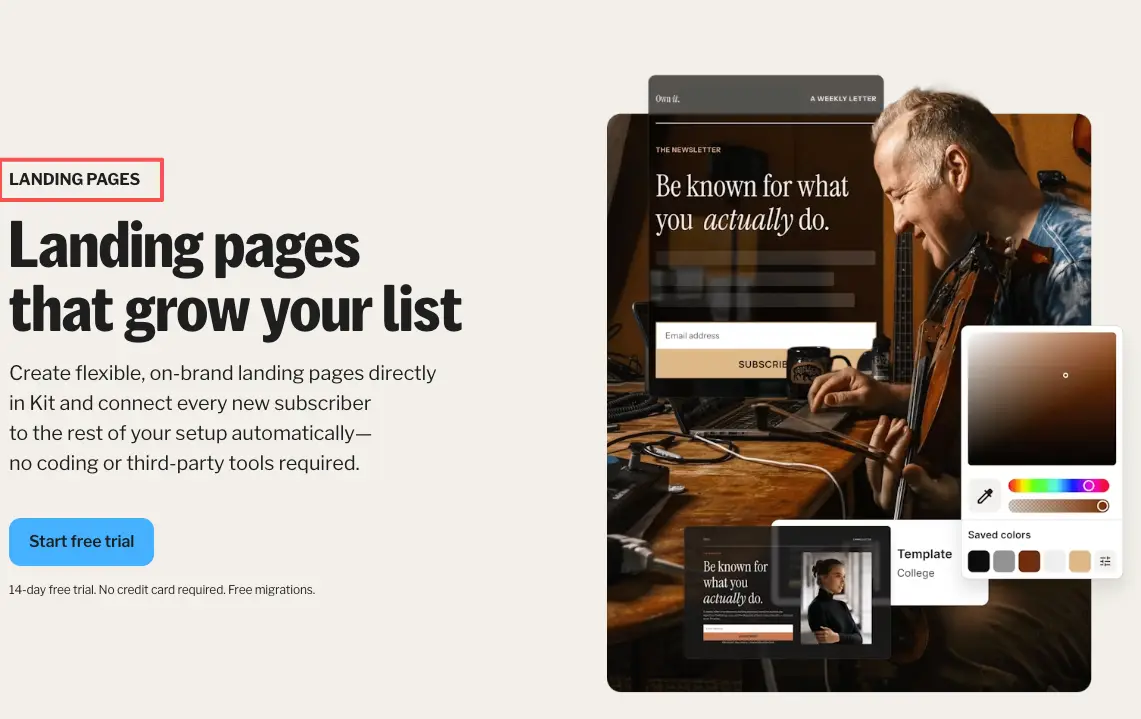
A simple waitlist page does one thing well: it tells people what's coming, and it catches their email. Creator-native tools handle this without a separate site. Kit (formerly ConvertKit), for example, lets you build a standalone landing page whose entire goal is getting a visitor to drop their email and join the list. No homepage, no menu, no fourteen sections. One screen, one ask.
Try this test. Picture the referral leaderboard on your launch. Can you see it actually moving the needle, or are you imagining it because the tool offered it? If it's the second one, you don't need it yet. Pick the page over the machinery.
What the page should collect before launch
Strip a waitlist page down and there are really two things worth capturing. Everything else is optional.
Interest signal and follow-up permission
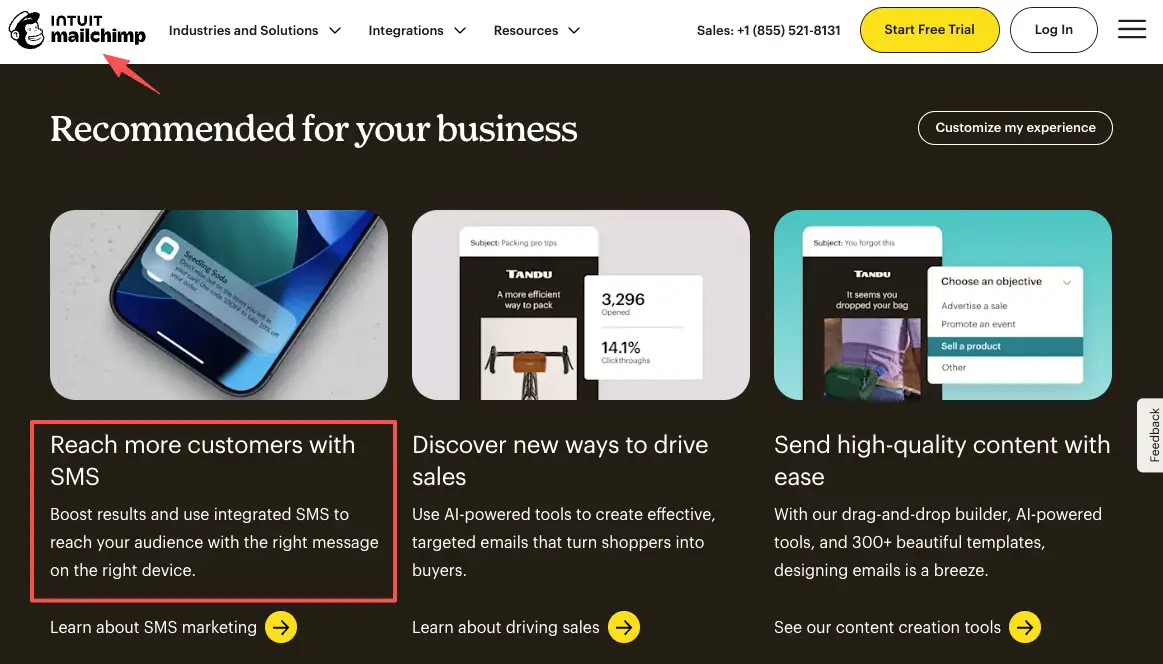
The first is the interest signal. An email address is a small "yes": yes, I want this, tell me more. That's the signal you're collecting, and it's worth more than a follower count because it's a person saying contact me about this specific thing. Tools like Mailchimp treat that email as the start of an audience you can reach, which is the whole reason the signal matters: you can act on it later.
The second is permission. Quieter, easy to skip, and the one that bites people. When someone hands you an email for a launch, you want a clear, explicit okay to message them on drop day — not an assumption. The U.S. CAN-SPAM rules spell out the basics for commercial email: identify yourself honestly, don't mislead, and give people a real way to opt out. Build that in from the start and your launch email lands as something they asked for, instead of something they flag.
In practice this is one line on the page. A checkbox, or a sentence right above the button: Add your email and I'll message you the moment it's live. That single line is the difference between a launch lead form people trust and one they regret filling out. Add it before you share the page anywhere.
Limits to check before choosing a tool
"Free" is doing a lot of work in the phrase "free waitlist software," and it means different things at different companies.
A few things worth checking before you commit, none of which I'll put numbers on, because the numbers change and you should read each tool's current page yourself:
- Export. Can you download your list, your people and their emails, anytime, in a normal format? If the answer is buried or paywalled, that's a flag.
- Free forever, or free trial? Some plans are genuinely free with no end date. Others give you a couple of weeks and then lock you out right when signups are arriving. Read carefully.
- What happens at launch. Your waitlist tool and your email tool might be two different things. Find out how the list moves from one to the other before you have a list to move.
- Field and form limits. A product launch page that only allows one field is fine if you only want an email. Less fine if you wanted a question or a preference too.
- Branding. Free tiers often stamp their logo on your page. Sometimes that's no big deal. On a polished drop, it can read as less yours.
You won't find these answers in a comparison roundup that's six months stale. Open the tool's own pricing and help pages and check the current details. The action here: before you import a single contact, confirm you can get that contact back out.
Lightweight launch workflow
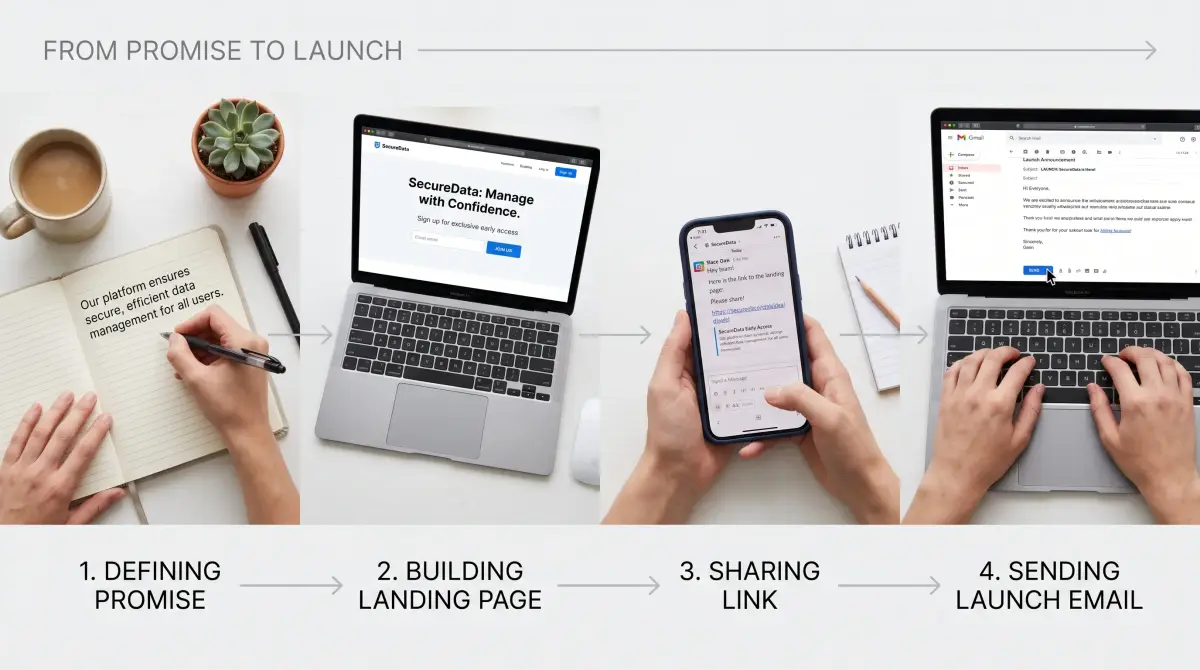
You don't need a launch plan with twelve steps. You need a page that's live before you talk about it. Here's the version I actually use for a small drop.
Write the one promise first. A single sentence: what's coming, and roughly when. "New preset pack, dropping next month — get the early link." That sentence is the page's headline and the thing you'll repeat everywhere.
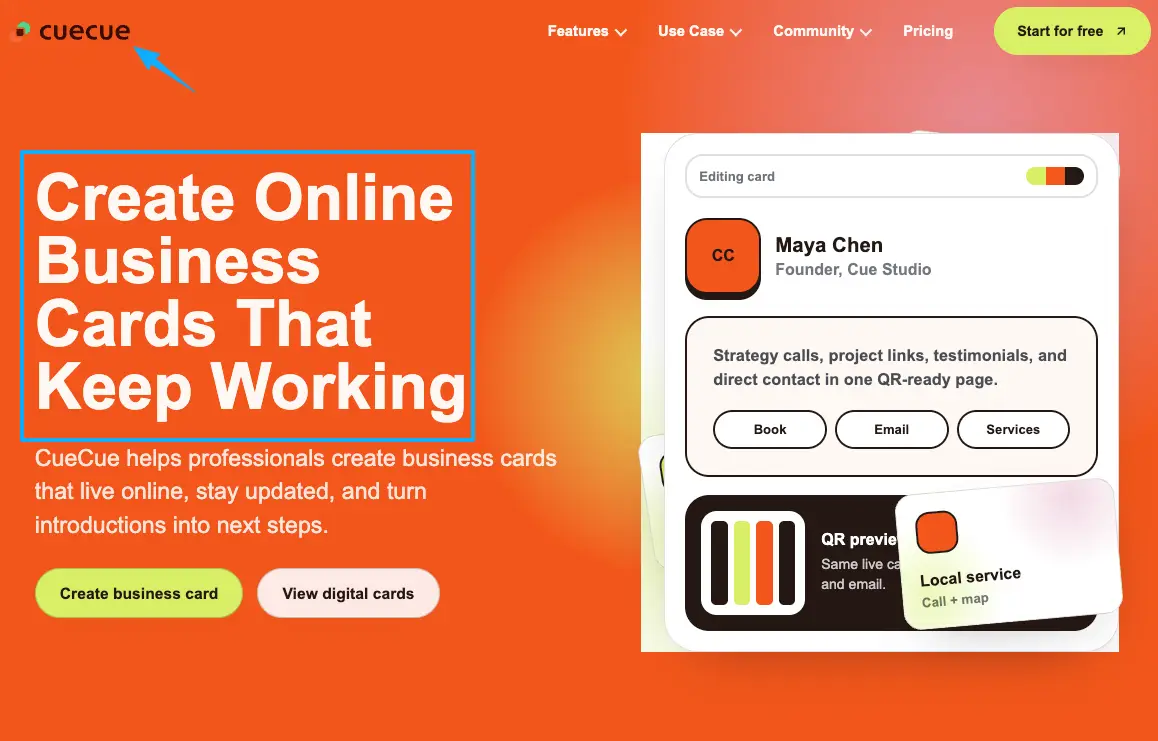
Build one screen. Not a site. A waitlist page with the promise up top, an email field, and that permission line. As an example, mine lives on a CueCue card — a front-door action page, not waitlist software pretending to be a store. It says what's coming, takes an email, and that's the whole card. No full website needed.
Then share it where your people already are. The link in your bio, a story, the reply you send when someone DMs "when's it out." On drop day, you send one email to everyone who raised a hand. That's it. That's the workflow.
You're already doing the hard part — making people want the thing. Don't let the "tell me when" people slip through because there was nowhere to catch them. Put up the one page today, share the link tonight, and let your next launch start with a list instead of a scramble. You've got this.
FAQ
What is free waitlist software?
It's a tool that collects signups for something you haven't launched yet, without a paid plan. Most of it bundles email collection with a queue position, referral mechanics, and a launch-day email. Worth knowing: a "free" plan can mean free forever or a short trial, so the label alone doesn't tell you much. Check the specific tool's current page.
How do you set up a simple waitlist page?
Quickest route: write one sentence about what's coming, add an email field, add a line giving you permission to follow up, and publish it as a single shareable link. You don't need a homepage around it. A creator landing page builder or a focused action page card both do this in an afternoon, and you can have it live before your coffee's cold.
When is a waitlist page enough for a small launch?
Whenever the referral leaderboard isn't the point. For a preset pack, a cohort, a workshop, or a beta, you're catching a small group of interested people, not engineering viral growth. If you can't picture the queue mechanic actually changing your launch, a plain page is doing the same job with less to manage.
What should small launch teams check before sharing a waitlist page?
Three things, mostly. That you can export your list later, that you've added a clear opt-in so launch emails are welcome, and that the page loads cleanly on a phone, since that's where the link gets opened. For policy specifics like data handling, consent rules, and plan limits, defer to each platform's own latest documentation rather than a blog, because those details shift.
About this content
- Written by
- Mia Anderson, UGC Creator · Content Creator
- Reviewed by
- CueCue Team, Editorial review desk
- Last updated
- June 16, 2026
- Editorial standard
- CueCue articles are written for practical use, checked for clear sourcing, and updated when product or policy details change.