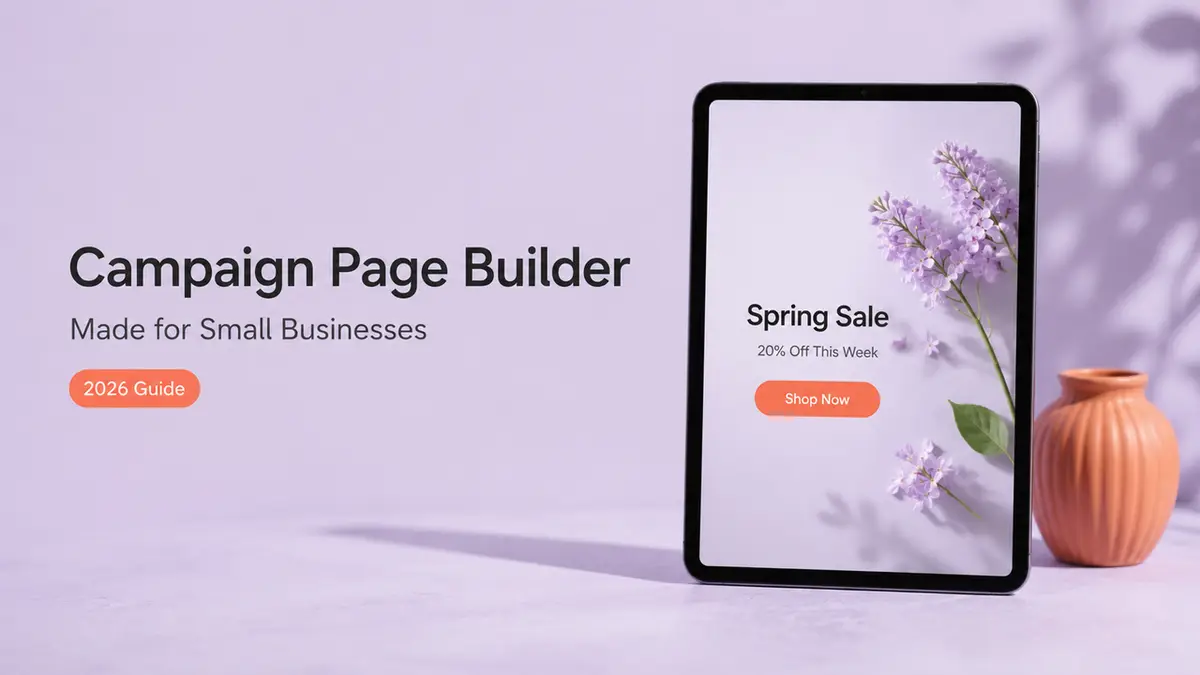
Hi, I am Mia. I built a campaign page in about ten minutes once, sitting in a café before a pop-up, racing to get it live before I posted the stories. No designer. No code. Just a template I opened, a few words I swapped, and a link I could share on the spot. That little page is the whole reason I trust this approach, and it is exactly what an AI campaign page builder is for: getting a small promo, launch, or offer from "idea in your head" to "page people can actually act on," fast.
Quick version, since you have a business to run. A campaign page builder gives you one focused mobile page for a single push. A full website or an app gives you a lot more, and a lot more to maintain. For most small-business campaigns, you want the page.
By the end you'll know what these builders actually do. Where they fit. What to double-check before you trust one, and when to just skip them and set things up by hand.
From idea to mobile campaign page
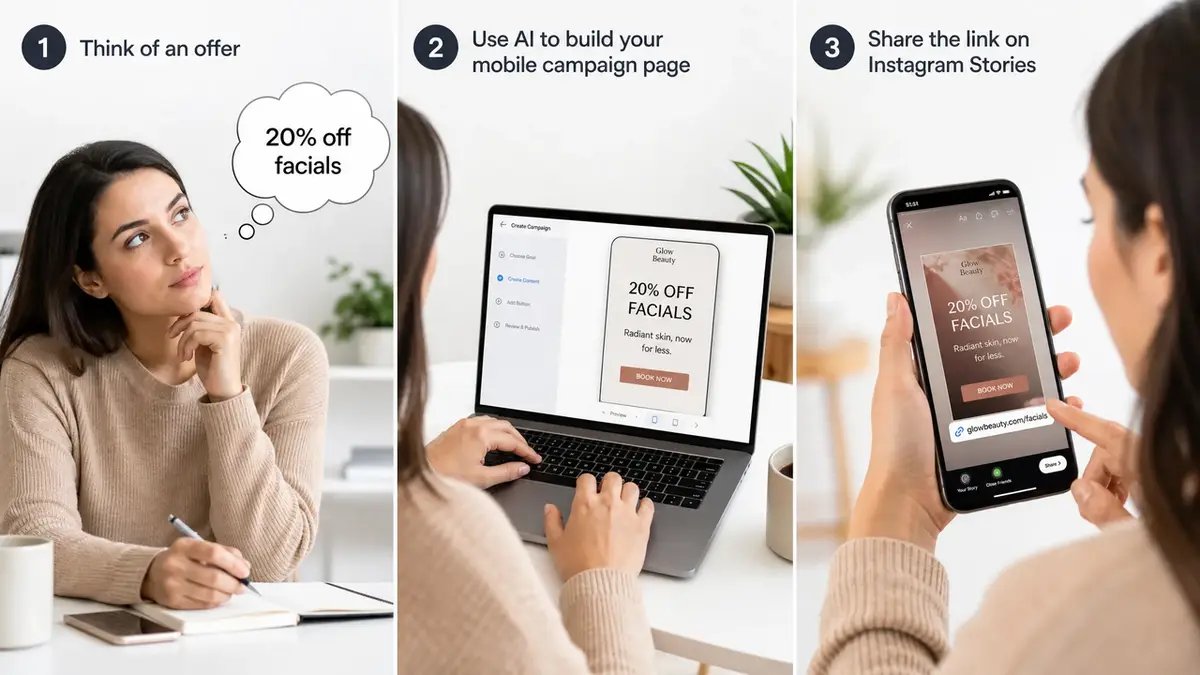
Let me reframe before any steps. A campaign page is not a smaller website. It is a single answer to a single question: what do you want this one promo to make people do? Pick one action, and the rest of the page gets easy.
Step one is the idea, said plainly. "20% off facials this week." "New menu, tasting night Friday." "Spring mini-sessions, booking now." One offer. One audience. That sentence becomes your headline, and you have already done the hardest part.
Step two is the build, and this is where the speed actually shows up. You open a template instead of a blank screen. You drop in your offer, a photo, the one action you care about. If your tool does AI drafting, it might pitch you a headline or tidy up your wording. Treat it as a helper, though. Not a magic button. You're still the one calling what the page says and who it's for.
Step three is the link. One URL, one QR code, ready to go into your bio, your stories, a flyer, a paid ad. And when you're paying for a small ad, the spot people land on after the tap is what decides whether that click was money well spent. A generic homepage rarely is.
Offer, lead form, and clear next action
Three things make a campaign page work, and none of them are fancy.
The offer has to be obvious in the first second. The next step has to be one button, not a menu someone has to pick from. And if you're gathering interest, keep that form short, because every extra field is one more excuse to bail halfway through. Name, contact, maybe one question. That is usually plenty for a campaign.
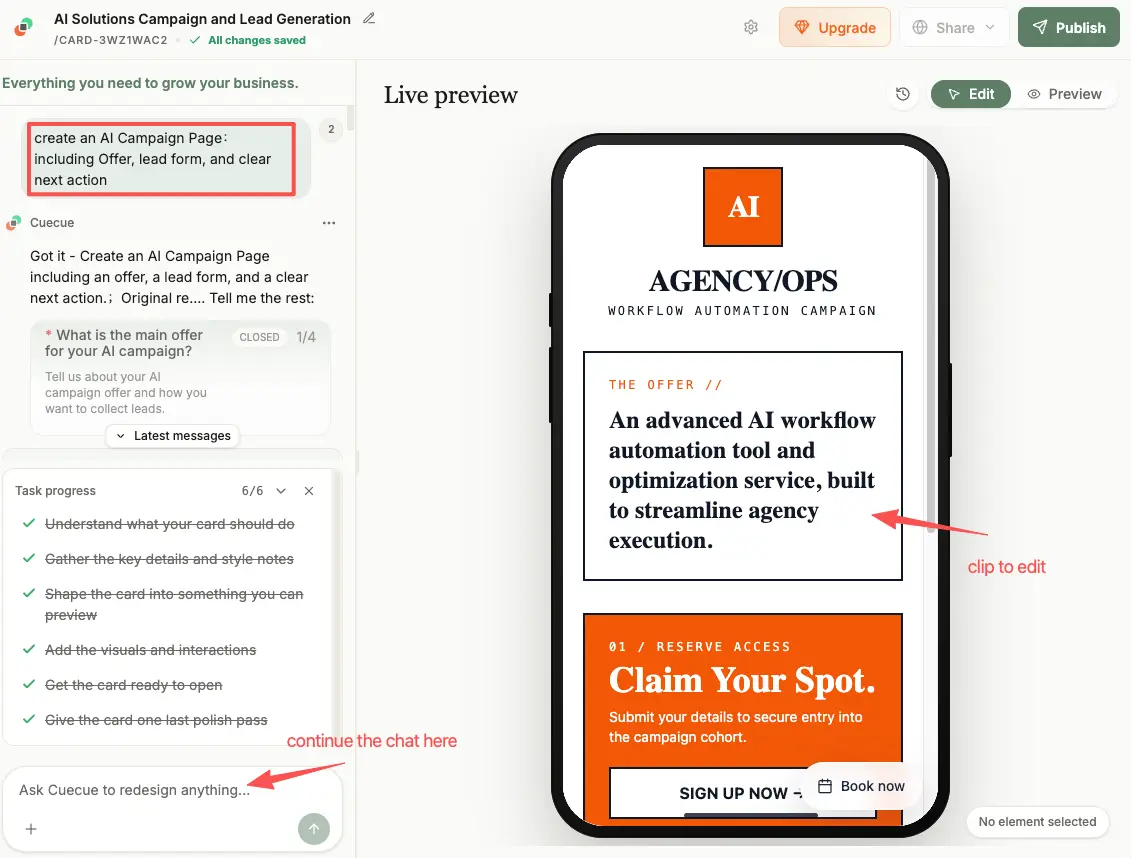
A quick concrete example. With a tool like CueCue (one example of an action page builder, not a full website or app builder), you would start from a template and build a single web card: your offer up top, a short lead form or a booking link, a couple of photos, and a QR code for your counter or your flyer. No code anywhere. You share one link. That is the whole campaign page.
AI campaign page builder use cases for small businesses
This is where it gets real, because the use cases are just your everyday promos with a page attached.
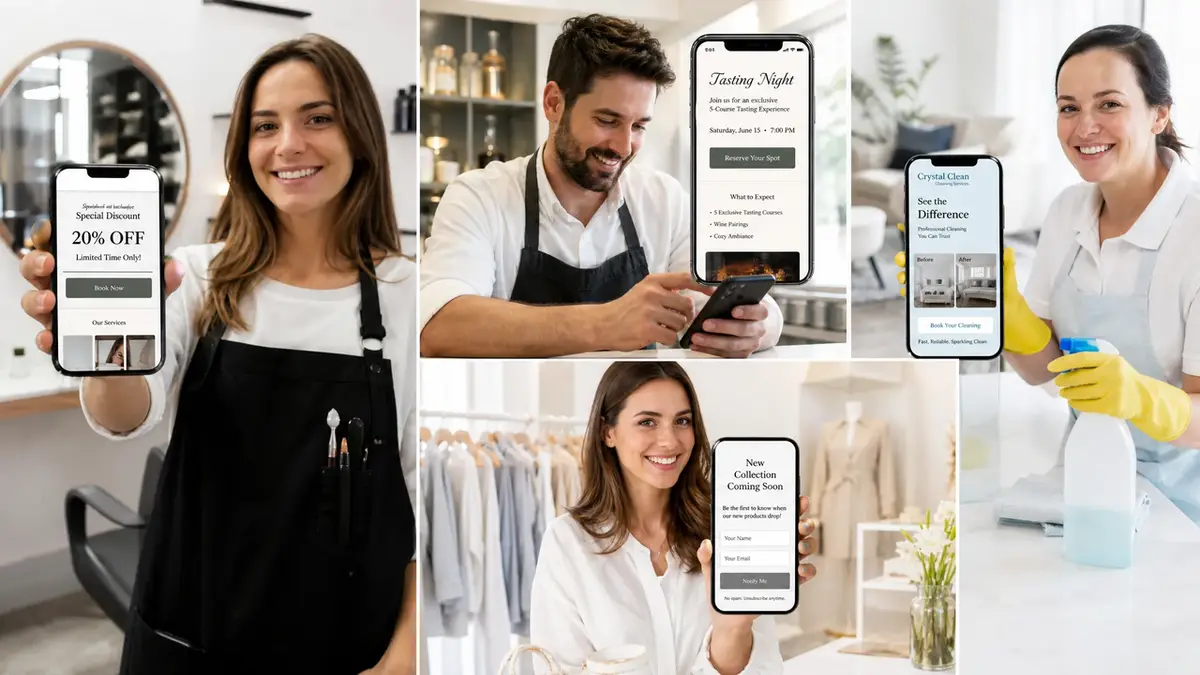
A salon runs a flash discount and sends the ad clicks to a small business landing page with the offer and a booking link, instead of dropping them on the homepage to wander. A café announces a tasting night, then shares a mobile landing page with the date, the menu, an RSVP, all on it. A house cleaner posts before-and-afters and links a lead capture page, so fresh inquiries stack up in one spot instead of scattering across DMs and texts. A boutique drops a new product and uses a product card with a "notify me" form. Same business, same week, different campaign pages for each push.
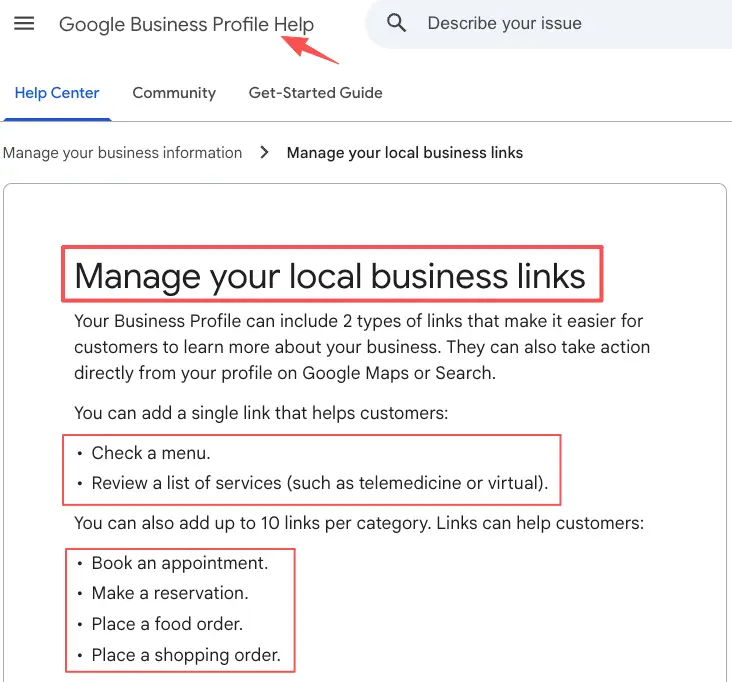
The thread through all of them is focus. One campaign. One page. One action. Whether customers reach you from links on your Google Business Profile, a paid ad, or your socials, they hit a page built for the exact thing you are promoting right now.
Limits and things to verify
Now the honest part, because no builder is magic and the marketing sometimes pretends it is.
These tools are quick, but they do not run your campaign for you. "AI" here usually means a drafting assist, not a strategy. Do not expect it to invent a great offer you have not actually thought through. Weak idea in, polished weak idea out.
Check what your specific tool really does before you lean on it. Does it have the form, the booking link, or the product block you need? Can people open the page with no account? Does the link stay the same when you edit the content? None of that is safe to assume. Confirm it inside the tool.
And mind your claims. If your campaign promises a result, you have to be able to back it up, and AI claims must be truthful and substantiated the same as any other ad copy. Used AI to generate part of the page, or any reviews? Then check the current disclosure expectations and your platform's rules. And when you're not sure, defer to the official guidance instead of guessing at it.
When a manual setup is better
Sometimes the fast page is the wrong tool, and I would rather say so than sell you on it.
Skip the campaign page builder when the thing you're making isn't really a campaign. Need a full catalog, real inventory and checkout, logged-in customer accounts, a multi-page site with deep content? That's website or app territory, and a single action page will fight you the whole way. Same story if your campaign genuinely needs custom logic, say a quote tool that spits out a different price for each customer.
The tell, again, is scope. A campaign page is for one promo you will share and then refresh next month. If the thing you actually need has to last for years, or hold dozens of pages, or run real transactions, then build it properly, or hire someone who can. Size the tool to the job and you save money now, plus a headache later on.
Just build the page for your next promo
You do not need a bigger setup to run your next promo. You need one page that does one job well. So pick the single campaign you are running this month, open a template, and build the page for just that offer and the one action you want from it. A campaign page builder makes that the easy part. Get it live, share the link, and watch what people actually do. No full website needed.
FAQ
What is an AI campaign page builder?
It's a tool that builds one focused mobile page for a single promo, not a whole website. You open a template, add your offer, a short form or a booking link, set one clear action, then publish a shareable URL. The AI part mostly helps draft the copy. It doesn't run the campaign for you.
How do small businesses build a campaign page fast?
Start from a template, never a blank screen. Most of the speed comes from skipping the design-it-from-scratch part. Pick a layout. Swap in your offer and photos. Set the one action you want, and publish the link in minutes. The fewer choices you pile on yourself, the faster the thing goes live.
When should a business build manually instead?
Whenever the job is bigger than one promo. A full store with inventory and checkout. A content-heavy site. Customer logins, or custom per-customer logic. All of that points toward a proper website or app, not a single page. If one shareable page for one campaign is all you need, the builder is the lighter call.
What should a business verify before launching a campaign page?
Confirm the basics inside your actual tool first. Does the form submit? Does the link open with no account? Does the page look right on a phone? Then make sure any claim in your offer is one you can stand behind, and if AI generated part of the content, check the current disclosure expectations. For anything touching policy, disclosure, or platform rules, go to the latest official docs rather than assuming.
About this content
- Written by
- Mia Anderson, UGC Creator · Content Creator
- Reviewed by
- CueCue Team, Editorial review desk
- Last updated
- June 26, 2026
- Editorial standard
- CueCue articles are written for practical use, checked for clear sourcing, and updated when product or policy details change.