
"Add me on RetroAchievements, my username's RetroLeo_88, that's R-e-t-r-o..." A guy at a small retro meetup spelled that out while three people thumbed it into their phones. Two still got it wrong. By the time anyone found the right page, we'd drifted onto something else, and that was that. No follow-up.
So that's what I want to fix. By the end of this you'll be able to share your RetroAchievements profile in a way that drops people exactly where you want them. They see what you've earned. They also find the rest of your gaming life, instead of bailing halfway.
Short version: your profile proves the grind. A bare username makes people work for it. Stick that link on a small profile card with a little context, and hand out the card instead.
Why RetroAchievements profiles matter to retro gamers
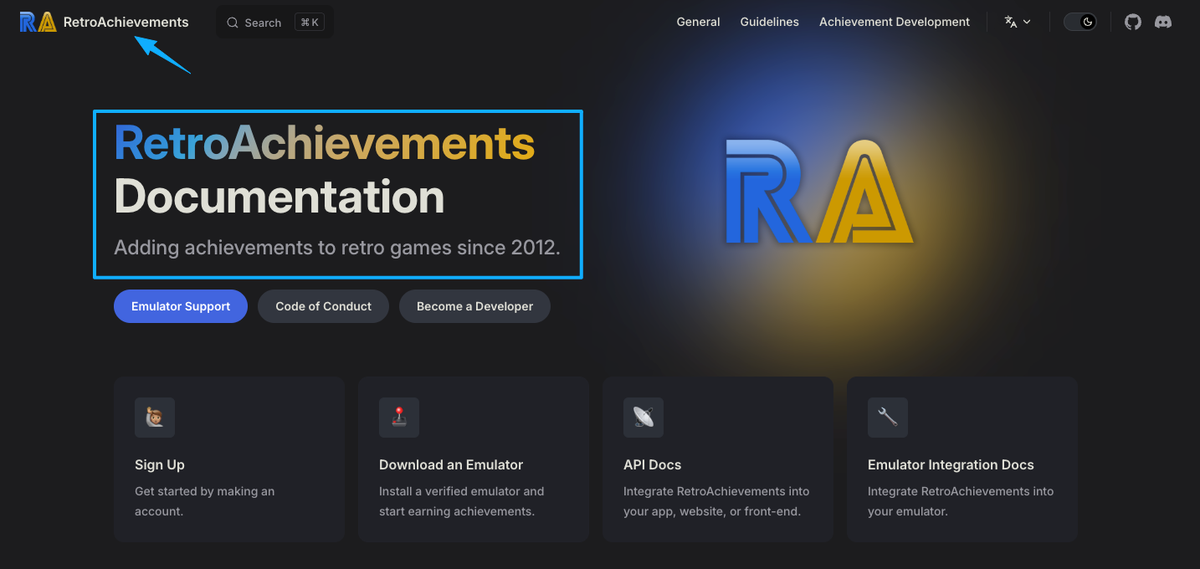
Your RetroAchievements profile is the public record of everything you've pulled off. Hardcore and softcore points. Your rank. Mastery badges sitting next to completion percentages, the games you played most recently, your member-since date, even that one-line motto half of us never fill in. For an achievement hunter, the whole page is basically a receipt.
It lives at a plain address: retroachievements.org/user/yourusername. Before you start sending it around, it pays to know how RetroAchievements handles progress and mastery, because a couple of things don't behave the way you'd assume. I'll come back to those.
The page proves you did the thing. Fine. The catch is that it only does that for other people if they can land on it without effort and actually tell what they're looking at. A naked points total, no sense of who you are or what else you play? Dead end. So grab your profile URL first. Everything after this builds on top of it.
Turn achievement progress into a shareable profile card
RetroAchievements, game progress, community links, and social profiles
Instead of making people type a username, hand them one link that opens to all of it. That's the whole idea of a gaming profile card. One page that leads with your RetroAchievements progress, then keeps the rest within reach: your other game logs, your socials, your server.
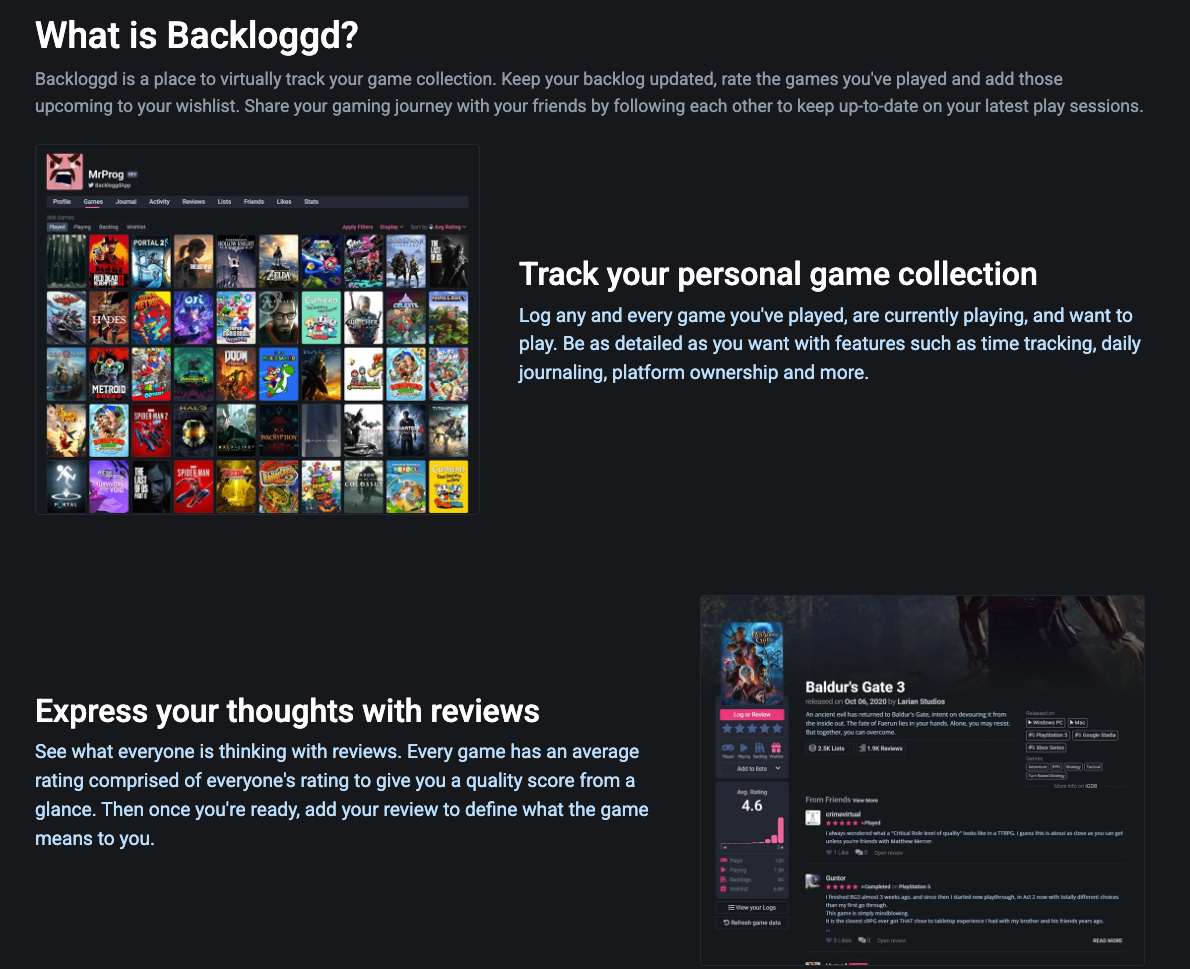
Most retro gamers I know already scatter their gaming life across a few spots. Maybe you log finished titles on Backloggd, kind of a Letterboxd for games. Maybe you keep a YourGamerProfile that ties PSN, Xbox, Steam, Nintendo, and RetroAchievements together. Maybe you stream a run here and there. A profile card is just the one link that holds all of it, and you're the one steering it.
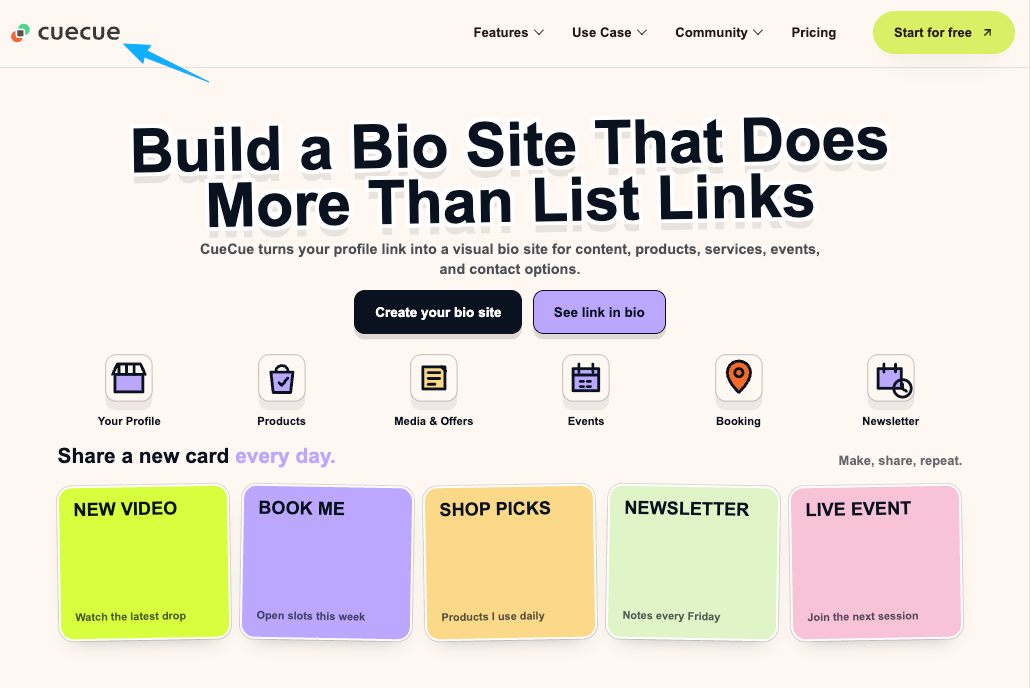
No website required. Something like CueCue is one example you could put together: paste in your RetroAchievements link, add a couple of buttons, done. The specific tool barely matters. What matters is turning every share into an action, so a person scans or taps, sees your retro gaming profile, and knows the next move instead of guessing.
The top of the card carries most of the weight. Avatar, handle, one line on what you play, and your RetroAchievements link sitting right there as the first button. Try this: write down the three things you'd want a new follower to see straight after your achievements. Then stop at three.
Add context around a RetroAchievements link
Favorite platforms, streaming links, Discord, YouTube, and Backloggd
On its own, a RetroAchievements link basically says "here are my points." Add one sentence of context and it starts saying who's behind them. That sentence does a lot of lifting: what you play, and where. "GBA RPGs and Genesis platformers, mostly hardcore" tells a stranger in about two seconds whether you're their kind of player.
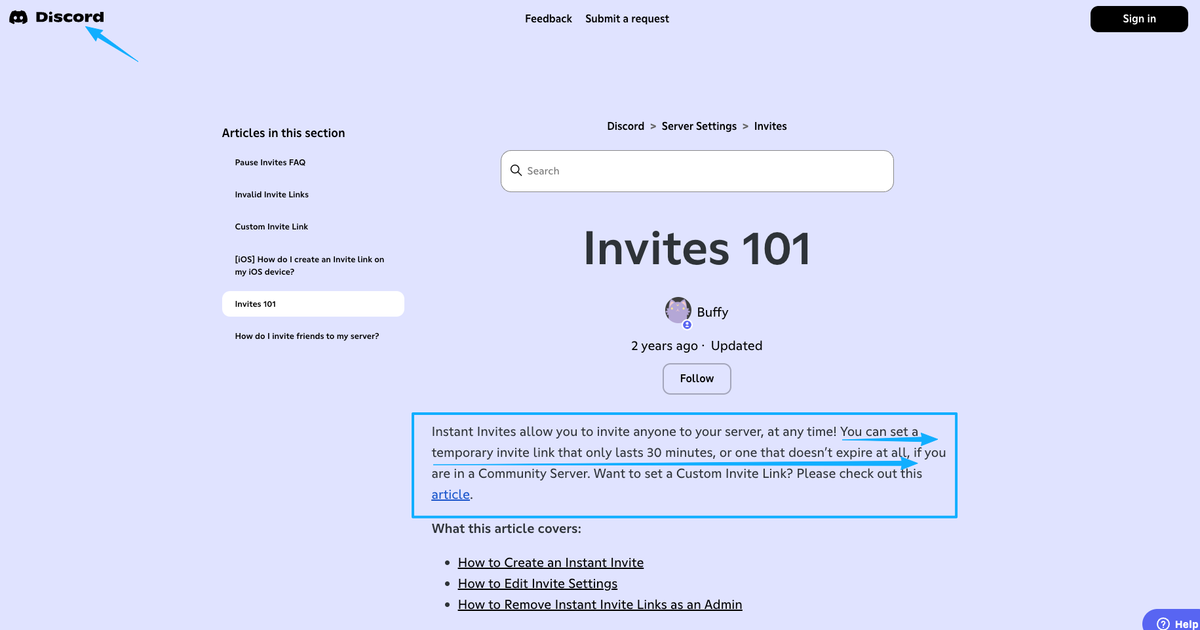
After that, only add the destinations that earn their spot. Your Discord, if you run a server or basically live in one. Quick caveat there: a default Discord invite can expire, so a card link you can edit later beats pasting a raw invite that's dead in a week. Your YouTube or Twitch, if you post runs and longplays.
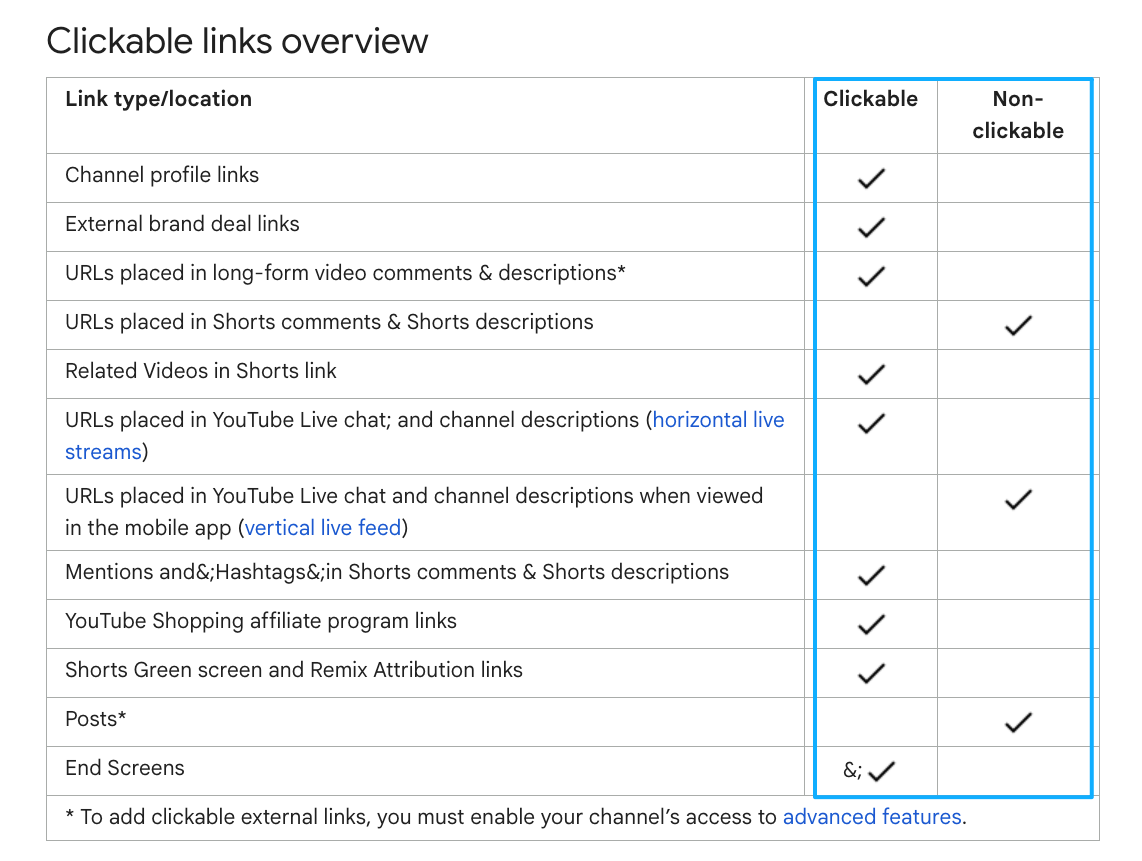
One detail about where these links actually live. Under YouTube's own rules for sharing links, URLs in Shorts aren't clickable, and your channel page only surfaces so many profile links. A single card you control holds up better than betting on someone to copy a link out of a description. Go do this now: open your card and cut any link you wouldn't genuinely want a stranger tapping today.
What not to imply about achievement data
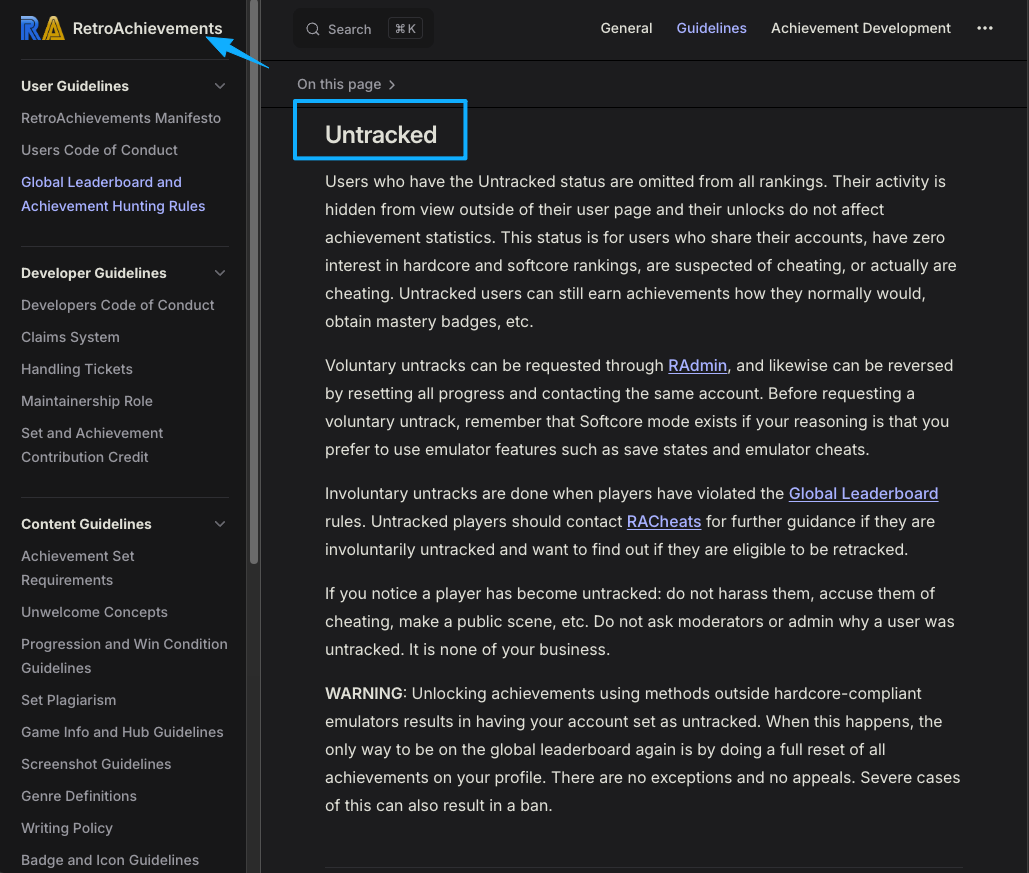
Get this part right before you share anything. RetroAchievements has a few behaviors that catch people out.Profiles are public by default. There's no private or friends-only mode right now. The nearest thing is Untracked status, and even that only pulls you from the rankings, your user page still sits there for anyone to open. So don't go implying you can hide your profile or trim it down like a neat little portfolio. You mostly can't. Resetting a game's progress doesn't wipe it from your page either.
Usernames aren't forever, while we're at it. RetroAchievements lets people rename, and internally it doesn't treat the username as something stable. Translation: a plain profile URL built on your username can break the day you change it. A card link you own won't, whatever you swap out underneath.
And go easy on the numbers. Points and masteries are public and tied to legit play. Softcore and hardcore aren't interchangeable. A finished game isn't the same as a hardcore mastery, so don't pass one off as the other, and don't make it sound like RetroAchievements endorses you or that its achievements are official console trophies. The grind already says enough. Let it.
FAQ
What is a RetroAchievements profile?
It's your public page on the site, living at retroachievements.org/user/yourusername. Open one up and you'll see points, rank, mastery badges, how far you've gotten in each game, what you've played lately, and a one-line motto. Basically a running tally of what you've earned across the retro games you've touched.
How can retro gamers share RetroAchievements progress?
Quickest route: copy your profile URL and send it. That works. What actually turns a curious player into a follower, though, is putting that link on a profile card next to a line of context and your other destinations, then sharing the card. At meetups or stuck to your gaming setup, turn the card into a QR code so people scan it instead of squinting at a handle and typing it wrong.
Is a RetroAchievements profile public by default?
It is. Right now there's no switch to make a RetroAchievements profile private or friends-only. Untracked status takes you off the leaderboards and hides some of your activity, but the user page itself stays visible to anyone. This kind of rule does shift over time, so it's worth checking the current official RetroAchievements documentation before you bank on any privacy setting.
When should retro gamers use a profile card instead of only sharing one profile link?
Whenever a bare points total isn't enough on its own. Want people to catch the context, jump to your Discord or streams, dig into your game logs, scan a QR in person, or keep the same link even after you rename yourself? That's exactly where a retro gaming profile card earns its keep. If all you ever do is flash raw achievement data to one person across a table, honestly, the plain link is fine.
You already did the hard part. The grind, the masteries, that late-night "one more attempt" that finally landed. So don't make people dig around for the rest of you. Put together a small profile card that opens with your RetroAchievements profile and keeps your platforms, Discord, and game logs in one spot. Then, next time someone asks, you send that one link, no spelling a username out loud and praying it sticks.
About this content
- Written by
- Mia Anderson, UGC Creator · Content Creator
- Reviewed by
- CueCue Team, Editorial review desk
- Last updated
- June 10, 2026
- Editorial standard
- CueCue articles are written for practical use, checked for clear sourcing, and updated when product or policy details change.