
"Comment 'early access' and I'll DM you." I saw that line under a half-finished app demo the week Apple showed off Siri AI at WWDC, and I winced. I used to run my own intake the exact same way. My old version was "DM me for rates," parked in my bio while I answered the same three questions on loop. What actually fixed it was a small form, not more hours in my inbox. That's the whole point of a siri ai waitlist page: catch the interest while it's hot, somewhere that actually holds it. By the end of this you'll know what to collect, where to share it, and what to keep off the page before your app is real.
Quick answer
You don't need a finished product to start a list. You need a focused page that explains the idea, collects an email with permission, and signals "early access, coming soon" without inventing features. Share it where builders and curious users already hang out. Then keep your promises small and your follow-up light.
Why Siri AI interest can create waitlist demand
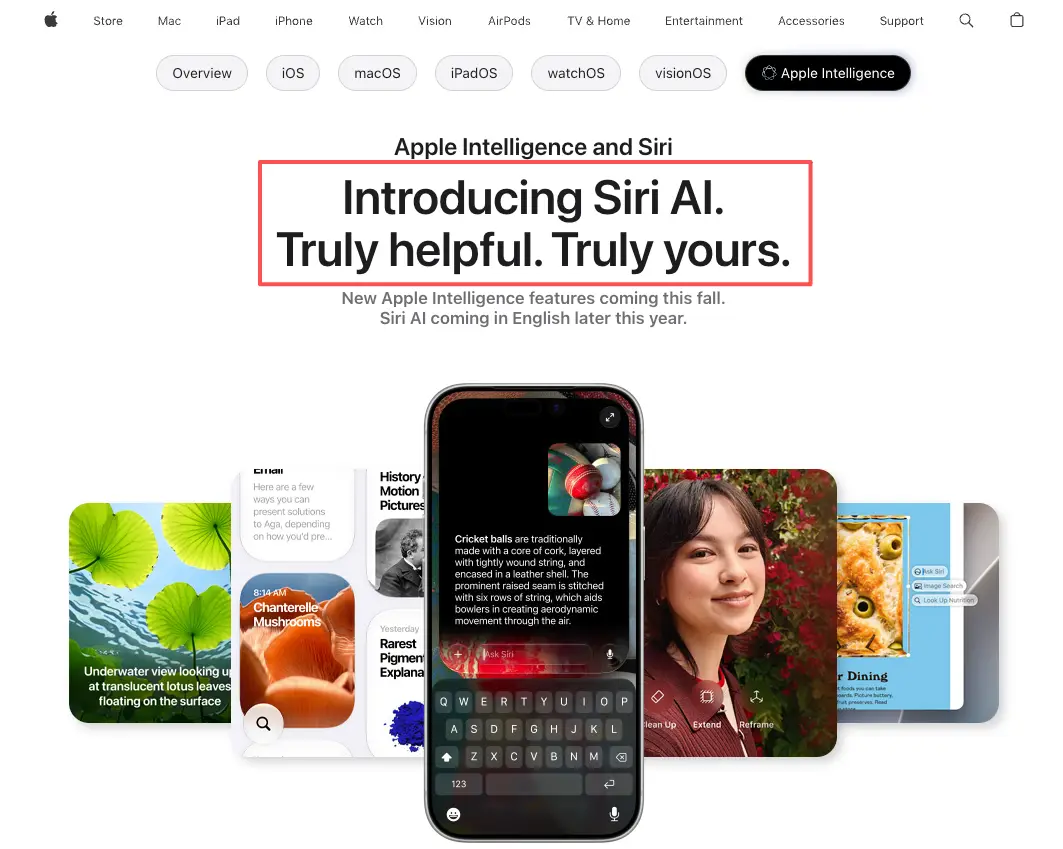
Apple introduced Siri AI at its 2026 developer conference, built on the next generation of Apple Intelligence. According to Apple's Apple Intelligence page, the new Siri AI is coming later this year, with feature and language availability that varies by region. Please defer to that official documentation for anything specific, because naming, timing, and supported regions can change.
Here's what that means for you. When a big platform stirs up AI curiosity, people start searching, sharing, and asking "what else can I try?" Your app doesn't have to be related to Siri to benefit. The attention is general. It spills over.
A waitlist is how you hold some of it. Not every visitor will install your app later, but a fraction will leave an email if you ask once, clearly. That's the job of an AI waitlist page during a hype moment: convert a passing share into a name you can reach when you ship.
What a Siri AI waitlist page should collect
Keep the form short. Every extra field is a reason to bounce. Collect only what helps you launch well, and tell people why you're asking.
User role or use case
One field that earns its place: who are they? A dropdown like "developer / creator / curious user / business" tells you who's actually interested. It shapes your beta invites later. It also keeps you honest about whether your real audience showed up, or whether you just caught a wave of tourists.
Email and consent
Email is the core of any lead capture page. Ask for it plainly, and add a checkbox that says what you'll send and how often. That tiny line matters. Commercial email comes with rules — recipients can opt out, and your messages have to be honest about who you are, as the FTC lays out in its guide to commercial email. Get consent up front and you avoid the awkward "why am I getting this?" later.
Demo or early access interest
Add one optional signal: do they want to test an early build? A simple toggle separates the merely curious from the people who'll actually click your TestFlight link. Treat your early access page like a promise you intend to keep. If the beta isn't ready, say "soon," not "now."
How builders share a Siri AI waitlist during launch interest
A page nobody sees collects nothing. The sharing is half the work, and it's the half most builders rush.
Product communities
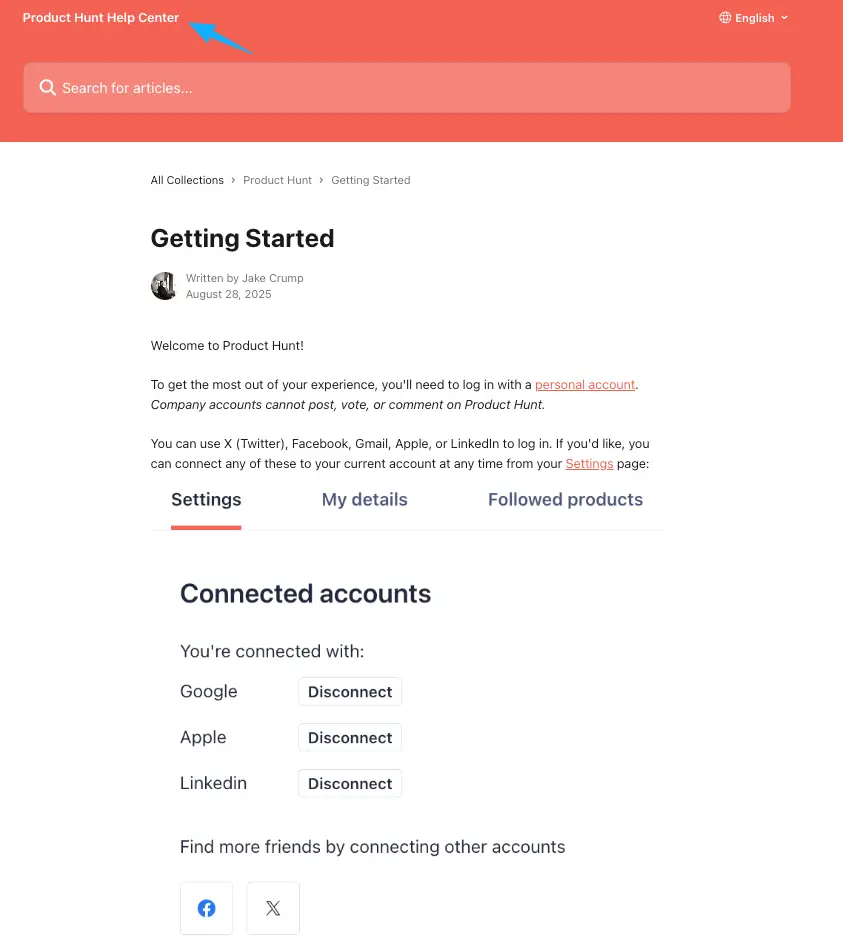
Maker communities reward people who show up before launch, not just on launch day. Product Hunt, for instance, lets you post an upcoming page and talk to early subscribers — just read their getting-started guidelines first so you share the right way. Be useful in other people's threads. Don't drop a link and vanish.
Demo links and launch posts
Short clips travel. A ten-second screen recording of your app doing one neat thing, with your AI app launch page linked right under it, beats a wall of text about your roadmap. Post the demo. Pin the link. Reply to every comment for the first hour, because that early window is when the algorithm and the humans are both paying attention.
Lead capture forms
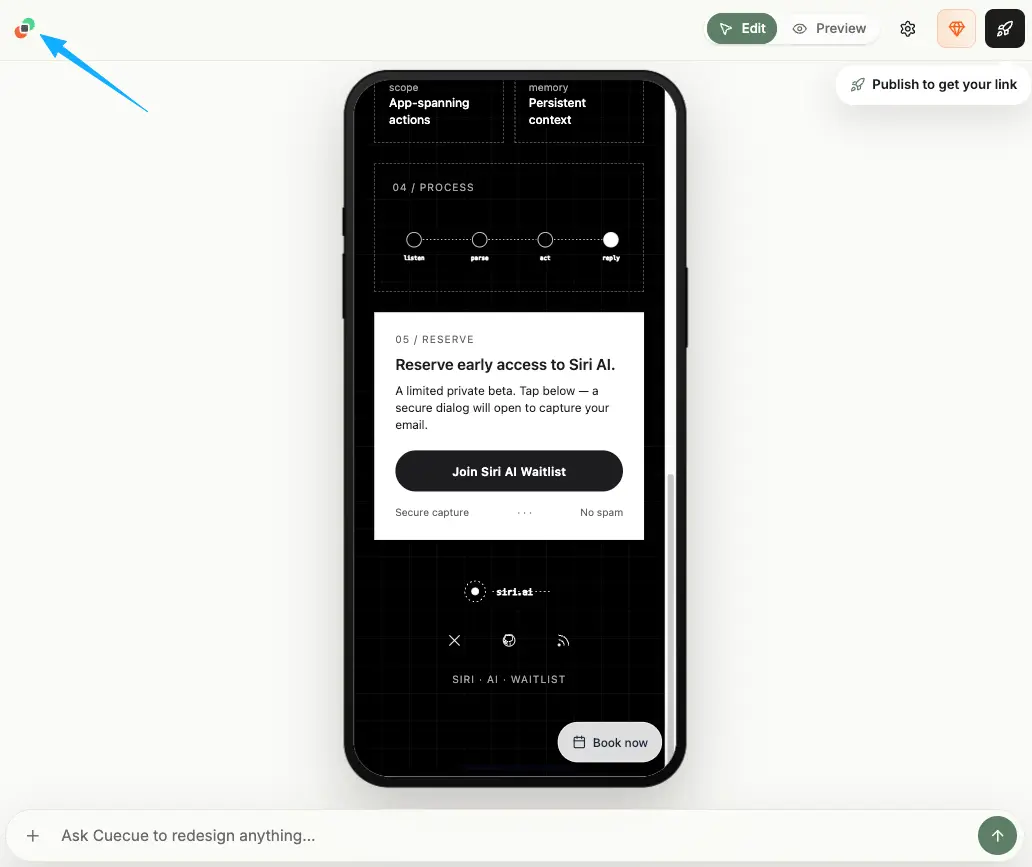
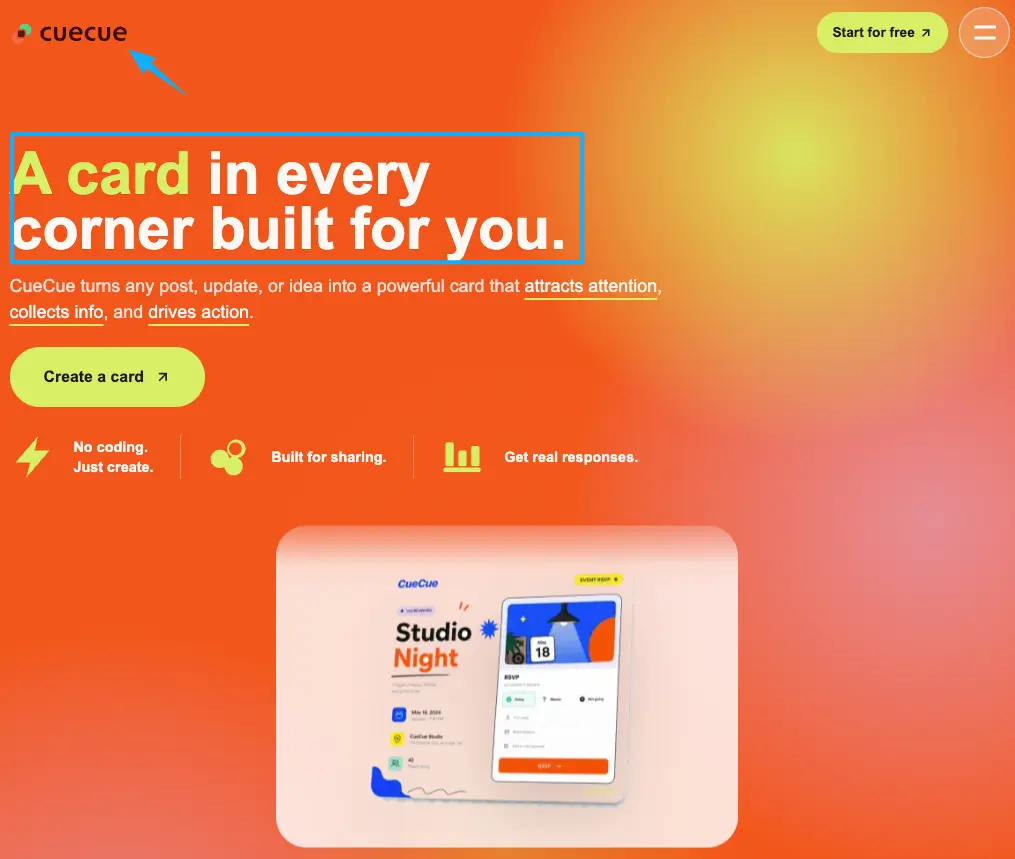
You need the form to live somewhere clean and mobile-first, since most of these clicks come from a phone. Here's an example you could build: a single CueCue card with a one-line pitch, a short demo clip, a role dropdown, and an email field with a consent box — labeled "early access, coming soon." It's an example, not a verdict on which tool to pick. The point is the shape: one page, one ask, easy to drop in a bio or a comment.
What not to promise before the product is ready
This is where excitement gets builders in trouble. You're riding AI interest, so it's tempting to write copy that sounds bigger than what you've built.
Don't. The FTC has been blunt in its work on deceptive AI claims: don't exaggerate what your AI can do, and don't claim it does something it can't. "Powered by AI" isn't a free pass. If your tool doesn't really use the thing you're hinting at, leave it out.
Same goes for borrowing Apple's shine. You can say your app works alongside the tools people use. You shouldn't imply Apple endorses you, or copy official names and marks onto your page. Keep your waitlist copy factual. Describe the problem you solve and the date range you're honestly aiming for. Vague-but-true beats specific-but-invented every time.
And skip the fake countdown. A "launching in 3 days" banner that's still there three weeks later teaches people not to trust you.
Your next move
You don't need a finished app, a launch video, or a polished brand to start collecting interest today. No full website needed — just one focused page that holds attention while Siri AI keeps people curious. Open a template, write a one-line pitch you can honestly stand behind, add an email field with a consent box, and share it under your next demo clip. You're already building the hard part. Don't let the curiosity leak out the bottom while you finish it.
FAQ
What should teams avoid saying in early access copy?
Avoid absolutes. No "guaranteed," no invented metrics, no implying a partnership you don't have. If a capability is still in progress, label it that way. Skip official brand assets you don't have rights to use, and route any platform-specific claim back to that platform's documentation rather than guessing.
How can builders keep waitlist leads warm without over-emailing?
Light touch wins. One welcome note, then an update only when something real happens — a demo, a beta slot, a launch date. People opted in to hear about the product, not your weekly thoughts. The commercial email rules linked above also expect a working opt-out, so make leaving easy and you'll keep the people who stay.
What Apple-related claims need verification before publishing?
Anything about Siri AI's features, supported regions, device requirements, naming, or release timing. These shift. Check Apple's official Apple Intelligence page before you publish a single specific, and write "please refer to the latest official documentation" where it fits, since these details get updated.
When should a waitlist ask for company or role details?
Only when it changes what you'll do next. If you plan to invite developers and businesses on different tracks, a one-tap role field helps. If everyone gets the same beta, drop it. Each question you can't act on is friction you don't need.
What should happen after someone joins the waitlist?
Confirm it immediately. A short "you're in, here's what's next" page or auto-reply sets expectations and reassures them the signup worked. Then go quiet until you've got something worth their time. The confirmation is the moment to under-promise and slightly over-deliver.
About this content
- Written by
- Mia Anderson, UGC Creator · Content Creator
- Reviewed by
- CueCue Team, Editorial review desk
- Last updated
- June 22, 2026
- Editorial standard
- CueCue articles are written for practical use, checked for clear sourcing, and updated when product or policy details change.