
"Just add me, I'm the same name on everything." I said that maybe fifty times at a creator meetup last year, right up until three people spelled it wrong, one of them added a total stranger, and the person I actually wanted to keep up with gave up and went to get a drink instead.
That's the quiet problem a gamer profile page solves. Let's be real—nobody actually uses the exact same username across every platform. You've probably got one tag on Steam, a totally different setup on Discord, and some old alias on RetroAchievements. Your viewers aren't going to spend their free time hunting down all your scattered accounts. They just won't. So instead of making them guess, here is how to set up one simple hub page that puts your links and gaming stats right where people can actually find them.
What a gamer profile page should help visitors understand
Most people land on your stuff with one question in their head: who is this, and what do I do next? A stack of usernames doesn't answer that. Neither does a bio that just lists five platforms with no hint about which one matters.
So before you pick tools or colors, decide what you want a visitor to do. Maybe it's join your Discord. Maybe it's follow you on the one platform you actually stream on. Maybe it's add you on a tracker so they can see what you're grinding. A gamer profile page works when one of those actions is obvious and the rest get out of its way.
Try this quick gut check. Pull up your current profile link on your phone. Pretend you’re just some random viewer who stumbled across your clip a minute ago. Is it instantly obvious where you want them to click? If not, your page is failing its main job. Start by fixing that.
Build a shareable profile around gaming identity
Your identity online is scattered on purpose by the platforms, not by you. Each one wants you inside its own walls. Pulling the pieces into one place is what makes you feel findable instead of fragmented.
Games, achievements, platforms, social links, and contact paths
Here's what actually earns a spot on the page, roughly in order of how much it tells a visitor:
- What you play. The two or three games you're known for. This is the fastest "is this person my kind of gamer" signal there is. If you log everything, you can point people to your full library — I keep mine on Backloggd, where the games you've played, rated, and want to play live on one public profile.
- Proof you actually play. Achievements and stats turn "trust me" into "look." A linked Steam custom URL lets people see your real profile instead of guessing your handle, and it's easy to set once and reuse forever.
- Where to follow you. Twitch, YouTube, Discord, but ranked, not dumped. Lead with the one you want growth on.
- A way to reach you. If you take collabs, team tryouts, or sponsor messages, give them a path that isn't "slide into DMs and hope."
You don't need all of it. You need the few that match the action you picked above.
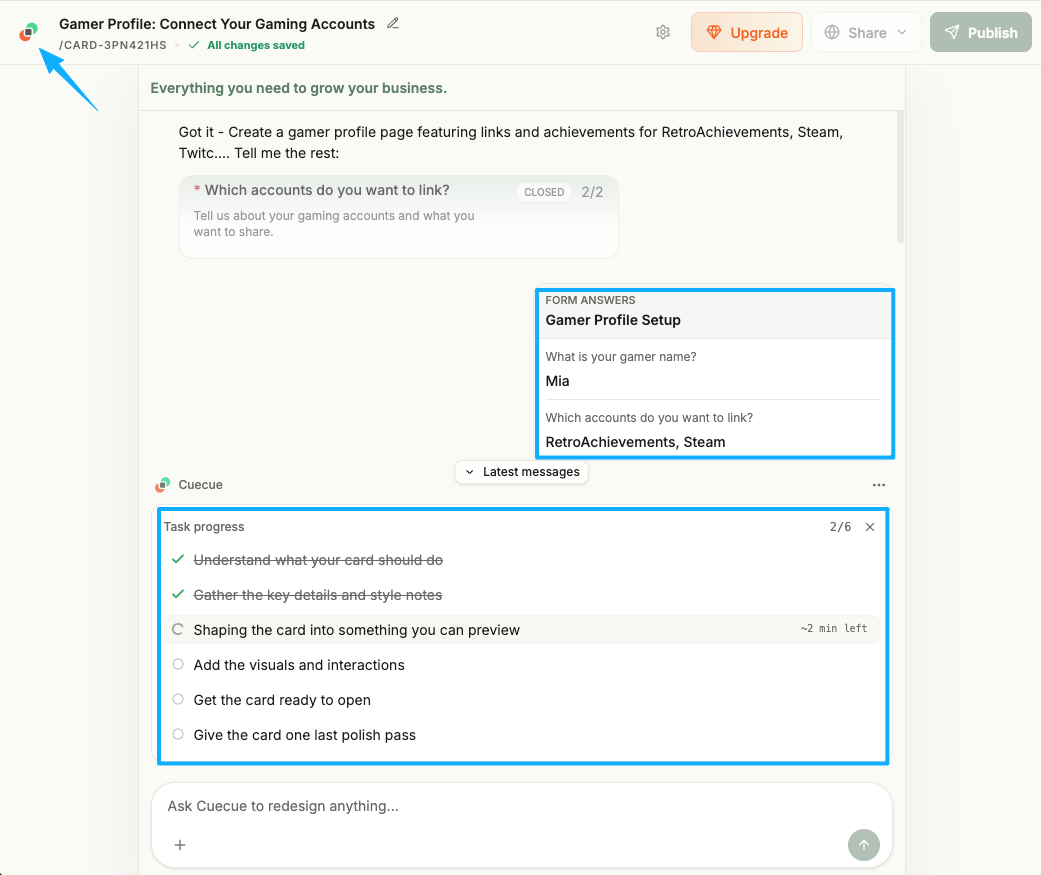
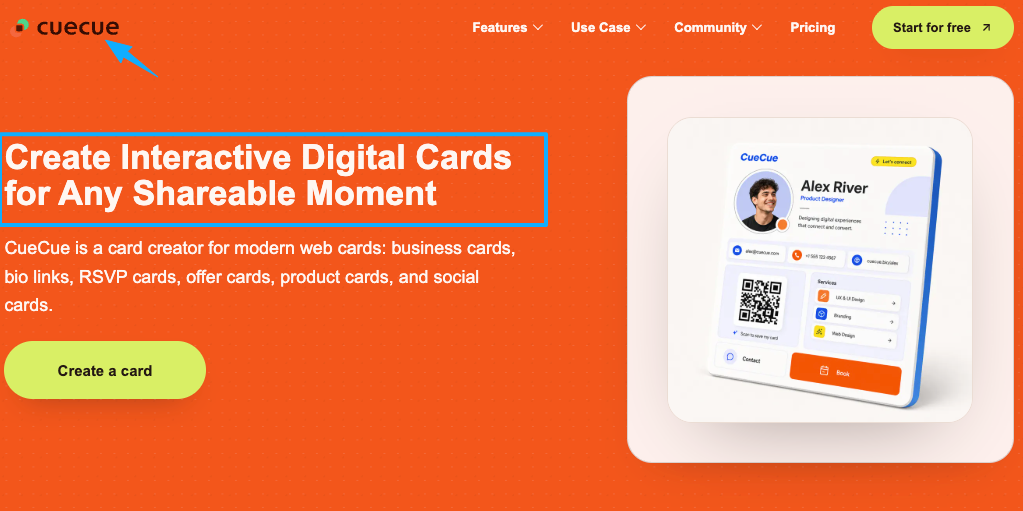
This is also where a single shareable card does a lot of work. As an example you could build: one CueCue card with your handle up top, your main games, two or three platform links, and a single button like "Join the Discord." Not a website. A front door.
Link multiple gaming profiles without creating a full site
People hear "make a page" and picture building a website. You don't need that, and honestly it would be overkill for what's basically a router. What you need is a hub that points at the profiles you already have.
RetroAchievements, Steam, Twitch, YouTube, Discord, and Backloggd
Think of each platform as a room you already furnished. Your hub is the hallway.
- Steam holds your library, playtime, and friend requests. The custom URL makes it linkable in plain English instead of a wall of numbers.
- Twitch and YouTube are where your content lives. These are usually the "follow" or "subscribe" action.
- Discord is your community. For a lot of streamers and retro players, growing the server is the real goal, so this often deserves the top button.
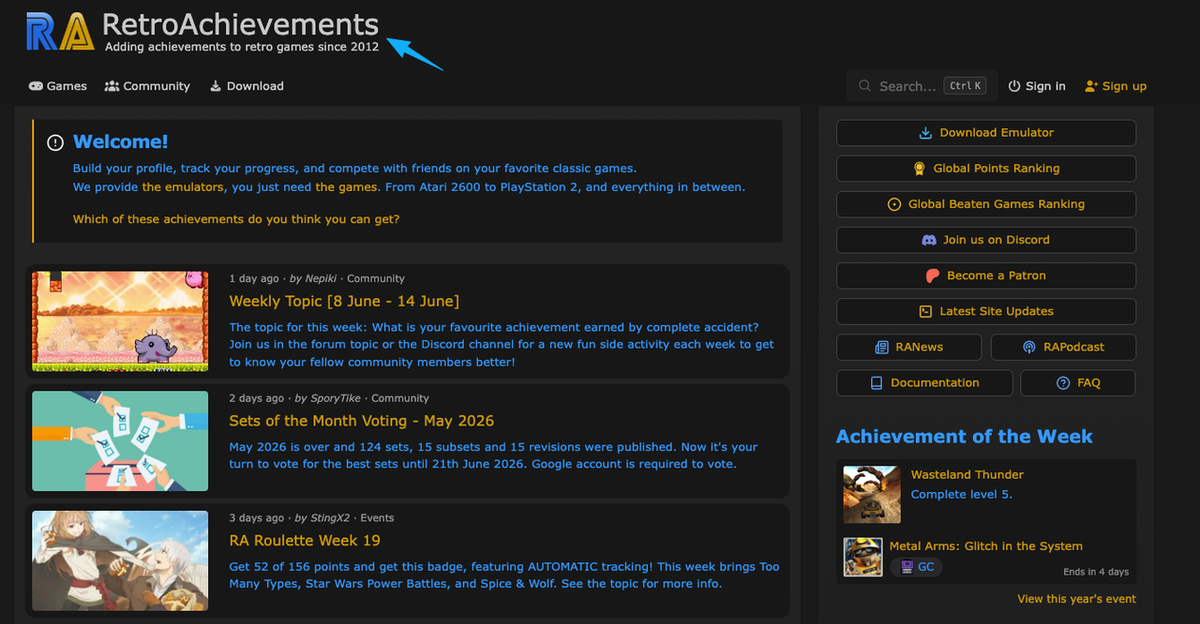
- RetroAchievements is the receipts. If you grind classic games, your RetroAchievements profile shows what you've earned, and it even exposes an API for the data-curious.
- Backloggd is your taste — what you've finished, what you rate highly, what's in the backlog.
A link in bio for gamers is just this hallway made shareable: one address that sends people to the right room. Some players go further and use a dedicated aggregator like YourGamerProfile, which pulls several gaming accounts into a single unified profile. Pick whatever holds your handles in one tap. The format matters less than the fact that there's one door, not seven.
Profile page mistakes gamers should avoid
I learned most of these by getting them wrong first, so let me save you the round trip.
Listing everything with no ranking is the big one. Fifteen equal links read as "I don't know what I want either." Trim to what serves your one action.
Dead links are the silent killer. Nothing kills momentum faster than a dead link. Leaving an expired Discord invite or a dusty YouTube channel up makes your entire profile look abandoned. Seriously, tap every single link on your mobile device before publishing.
Making people guess your real handle is the meetup problem all over again. If your page says "find me on Steam" without an actual link, you've just handed someone homework. Link it.
And the one I see most from streamers: a beautiful gaming profile with no invitation. Gorgeous banner, perfect avatar, and not a single line telling someone to join, follow, or add. Looking good isn't the same as getting people to act. Give them the verb.
FAQ
What is a gamer profile page?
It’s essentially your digital business card. Instead of rattling off five different usernames, you share one simple link that houses your stats, library, and socials.
How can gamers share achievements and gaming links in one place?
Don't manually type out your wins. Just use a hub page to link directly to your existing profiles—like Steam for playtime, RetroAchievements for your grind, or Backloggd for reviews. One tap, all the receipts.
What should streamers include on a gaming profile card?
Keep it to what drives the one action you care about. Usually that's your stream platform, your Discord, a couple of recent highlights or your main games, and a contact path for collabs or sponsors. Lead with the button you most want pressed and let the rest support it, not compete with it.
Do I need a simple link hub or an actual website?
Honestly, a full website is usually overkill. Unless you plan on dropping long articles or running a merch store, just stick to a basic link page. It's the best way to funnel people straight to your streams or Discord server without overcomplicating things, plus it takes barely any effort to keep updated.
Your next move
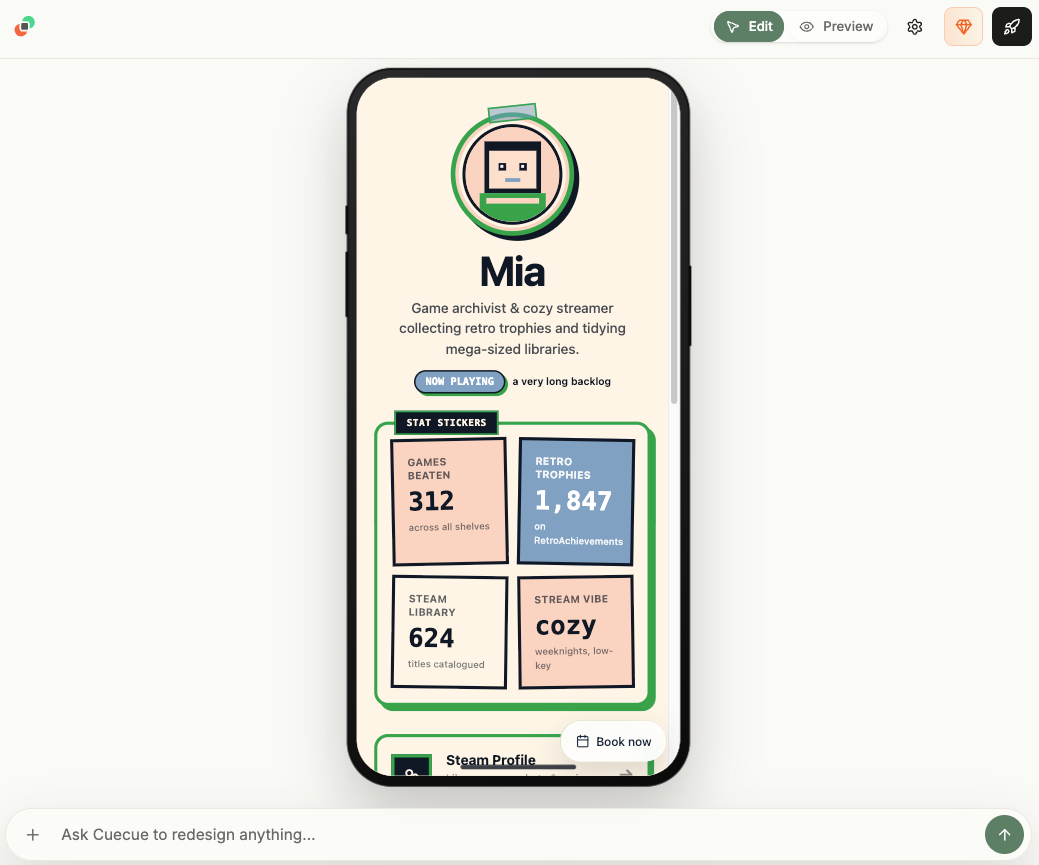
Let’s keep this actionable. Don't waste tonight obsessing over the "perfect" setup. Pick your biggest goal right now—whether that’s pumping up your Discord numbers or showing off your latest platinum trophy. Build a basic hub that points directly to that goal. Toss in your main handle, a couple of active links, and one strong button. Next time you're at a meetup, just share that one link. You'll be amazed at how much time you save.No full website needed. Just the one door people can actually walk through.
About this content
- Written by
- Mia Anderson, UGC Creator · Content Creator
- Reviewed by
- CueCue Team, Editorial review desk
- Last updated
- June 10, 2026
- Editorial standard
- CueCue articles are written for practical use, checked for clear sourcing, and updated when product or policy details change.