
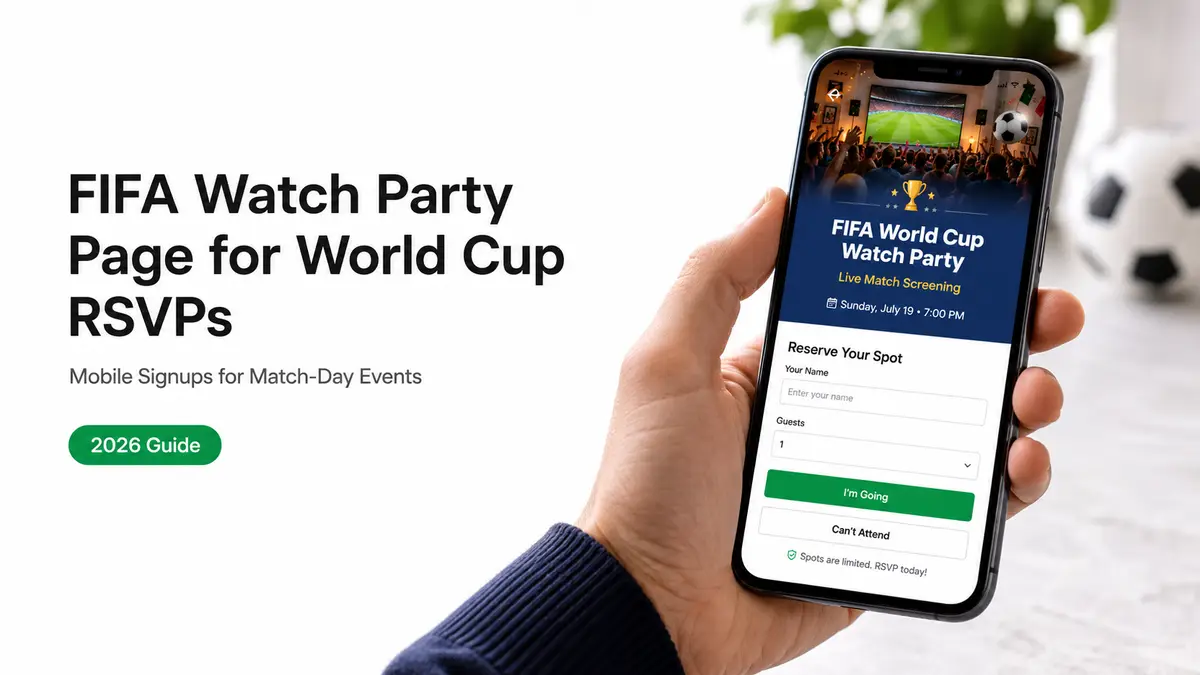
My last group hangout, the chat turned into the same three questions on a loop. What time's the early game? Which match are we even watching? Your place or the bar? Hi, I am Mia. I answered each one about twenty times before I gave up and put everything on one link. By the end of this you'll have a fifa watch party page that answers all of that in a single tap, and quietly tells you who's actually coming.
Since the 2026 World Cup spans three countries and multiple time zones between June 11 and July 19, figuring out the actual kickoff time is a massive headache. But a single landing page fixes this by locking down the match, the venue, and your RSVP all in one spot. That's the whole job.

What a fifa watch party page is for
A watch party page is not a flyer. A flyer looks nice and tells people nothing they can act on. This page does one job: it turns "we should watch the game" into a list of names you can count.
Think about what actually trips up a watch party. It's rarely the food. It's the logistics. Forty-eight teams, sixteen host cities, and matches landing at odd hours depending on where everyone is sitting that afternoon. People want to come. They just need to know when and where without scrolling back through forty messages to find it.
So the page exists to pin the basics and collect a yes. Decide the one thing first: which match is this party built around? Everything else hangs off that answer.
Core blocks every host should include
Keep it to what gets people in the door and tells you who's in. A page that tries to be a website loses people before they ever RSVP. Fewer blocks, more yeses.
Match details and location
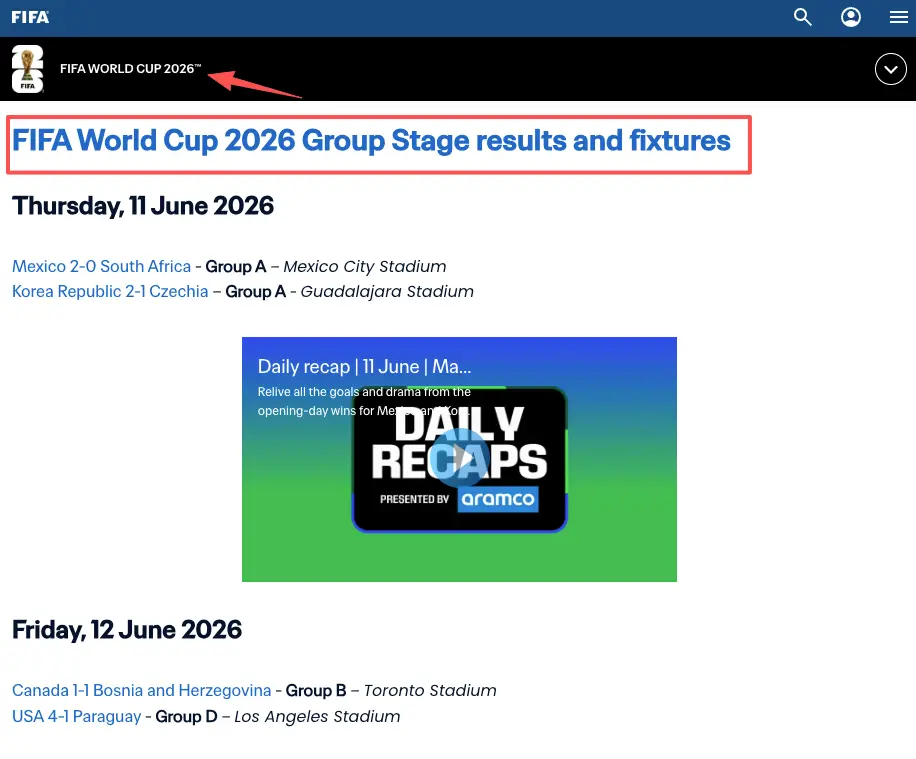
Lead with the match and the kickoff time, and say the time zone out loud. If kickoff is 3 PM Eastern, your buddy in Denver needs to know that. Messing up time zones ruins plans faster than anything. Just grab the exact time straight from the official FIFA schedule to avoid guessing. Then, drop in the address, when doors open, and what folks should bring. Hosting at a local bar? This exact info doubles as your virtual front door for walk-ins.
RSVP action and guest expectations
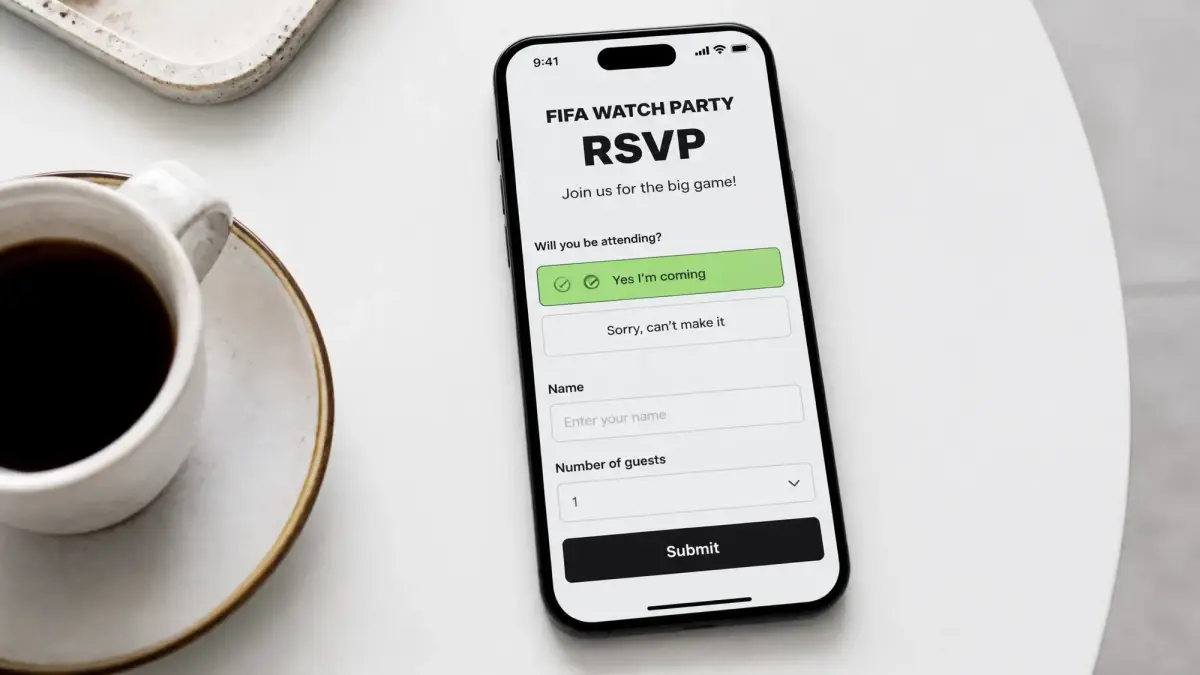
This is the part that earns its keep. A good RSVP page asks for a name, a head count, and maybe one extra field. That's genuinely it. "Bringing a +1?" or "claiming a snack slot?" is plenty.
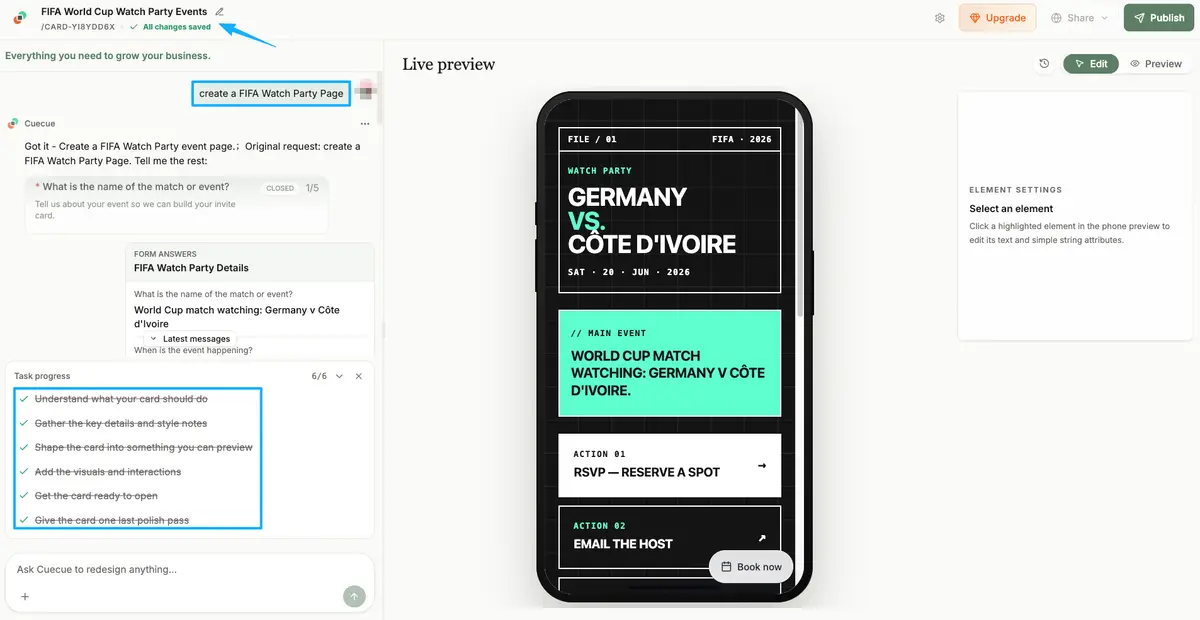
Here's an example you could build: a single action page (a tool like CueCue is one way to make one) that holds the match details and the RSVP in the same place, so nobody has to tap through to a separate form. Resist the urge to ask for phone numbers and dietary essays. Every extra field is one more reason for a guest to bail before they finish.
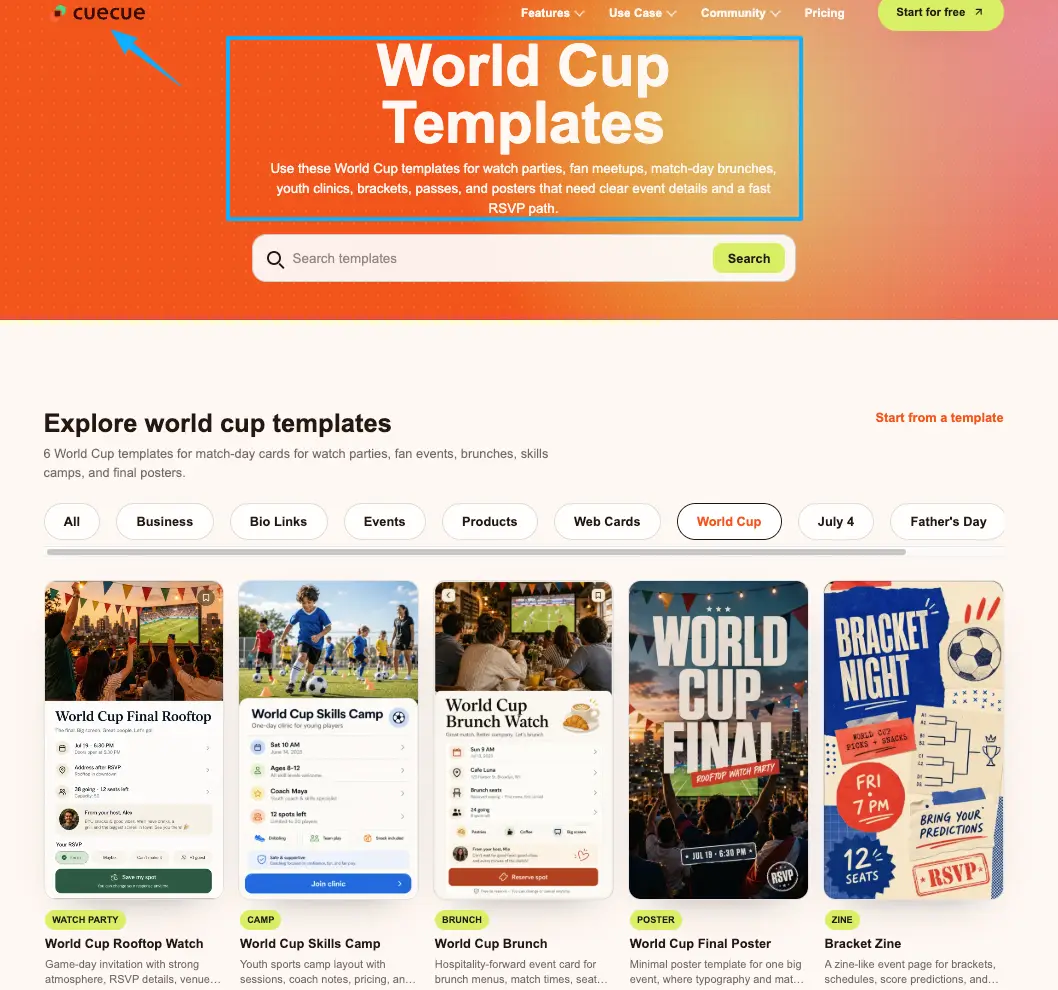
Make sure you set clear expectations right off the bat. Whether it’s a potluck, strictly BYOB, or just a casual hangout where they don't need to bring a thing—say it clearly. One quick sentence saves guests the awkwardness of showing up empty-handed.
Menu, offer, or contact card
Optional. Add it only if it actually helps someone decide to come. A potluck signup works. A drink special works if you run the venue. A "text me if you're lost" contact line works. One small block, not a wall of options. If it won't help a guest say yes or find the room, it doesn't belong on the page.
How hosts share the page before match night
One link. Drop it everywhere your people already are. The page is only worth as much as the number of guests who see it before kickoff, so sharing is not the afterthought here. It's half the work.
Social bio links
Put the link in your bio for the run-up week, and use the Instagram Stories link sticker on the days before the match. Stories are where the "who's in tonight?" energy actually lives. A tappable sticker beats writing "link in bio" and hoping people dig for it.
Printed QR codes
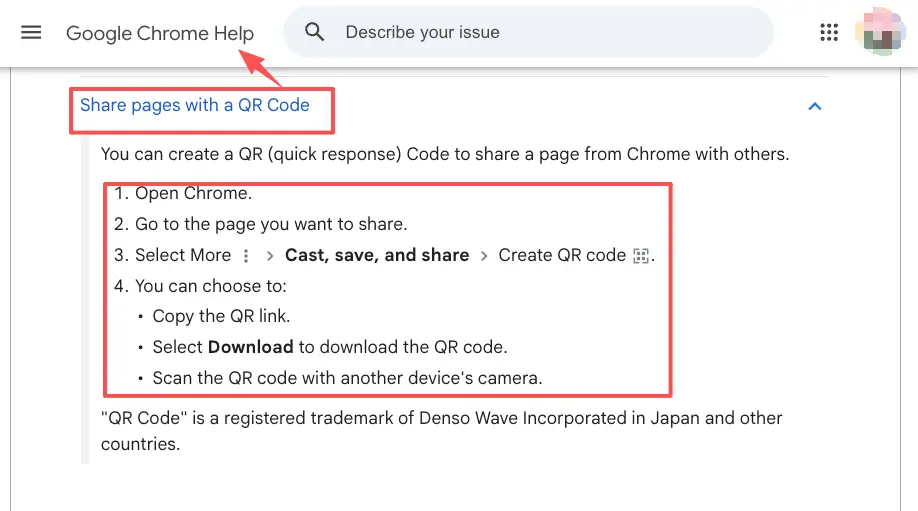
If you're dealing with a physical venue, QR codes are unbeatable. You can whip one up directly in Chrome from your RSVP page, then slap it on flyers or table tents. Guests just point their phone cameras, hit the link, and confirm their spot in seconds. Nobody has to thumb a long URL with nacho-cheese fingers.
Group chats and community posts
This is where most of your RSVPs will actually come from. Paste the one link into the group chat, your Discord, the building thread, wherever the crew gathers. One link replaces the twenty questions. When someone new asks "what's the plan?", you send the page instead of retyping the whole paragraph again.
What to keep off a lightweight fifa watch party page
More blocks mean fewer RSVPs. That's the trade you're making with every field you add, so ask whether each one helps a guest say yes or find the room.
Leave off the long host bio. Leave off ticketing if it's a free hangout among friends. And go careful with branding. It’s totally fine to tell people you're screening the games. Just don't paste official tournament logos, mascots, or crests all over your site. Doing that makes it look like an official partnership, and trust me, FIFA’s legal team doesn't joke around with their trademarks. Skim FIFA's brand protection guidelines and lean on plain words rather than official artwork. Treat the official documentation as the source of truth here, since these rules get updated.
Keep the page boring in the best possible way. Match, place, RSVP. The fewer decisions you put in front of a guest, the more of them turn up on the couch.
The page was never really the point for me. What matters is the moment a share becomes a name on a list and a friend on your couch yelling at the screen. Build the one page that does that for your next match, drop the link in your stories tonight, and let it collect the yeses while you sort out snacks. Turn every share into an action, then go enjoy the game.
FAQ
How do hosts handle last-minute watch party changes?
Update the page, not the group chat. If the kickoff slides or you swap venues, change it in one place and the link stays the same for everyone who already saved it. Then post a quick Story pointing back to the page. The people who RSVP'd are refreshing the exact page you just fixed, which is the whole reason a live link beats a screenshot.
What happens when one RSVP page covers several matches?
It can, but it muddies fast. A single page works for a short watch series if you list each match as its own RSVP block with its own date and head count. Past three or four games, most hosts split it up: one page per match night, or a simple page per weekend. Cleaner counts, and far fewer "wait, which game is this for?" replies in your inbox.
How should hosts follow up with no-show guests?
Gently, and only if you collected a way to reach them in the first place. Dropping a quick "Hey, missed you! We're watching the next one on Saturday" is perfect. It keeps things light without any guilt trips. Plus, if they gave you an email when they RSVP'd the first time, you've already built your guest list for the weekend. No contact collected means no follow-up, which is the quiet argument for asking for one small detail at RSVP time.
When does a watch party page need reservation software?
Almost never for a living-room party. Reservation tools start earning their fee when you're seating a real venue, taking deposits, or juggling tables and time slots. For a free hangout, a lightweight page beats heavy software because guests can say yes in one tap instead of creating an account. The moment money or assigned seating enters the picture, that's your cue to look at an actual booking system.
What should hosts check before using official tournament assets?
Always double-check things with the official sources. FIFA aggressively protects its tournament names, logos, mascots, and even the host city branding. Plus, their rules for public screenings change from event to event. If you plan on printing their artwork or charging a cover fee, read their latest guidelines closely—and get real advice if money is changing hands. Whenever you're in doubt, just play it safe: keep your page text-heavy and totally unbranded. Those official policies get updated constantly, so it's never worth the risk.
About this content
- Written by
- Mia Anderson, UGC Creator · Content Creator
- Reviewed by
- CueCue Team, Editorial review desk
- Last updated
- June 17, 2026
- Editorial standard
- CueCue articles are written for practical use, checked for clear sourcing, and updated when product or policy details change.